
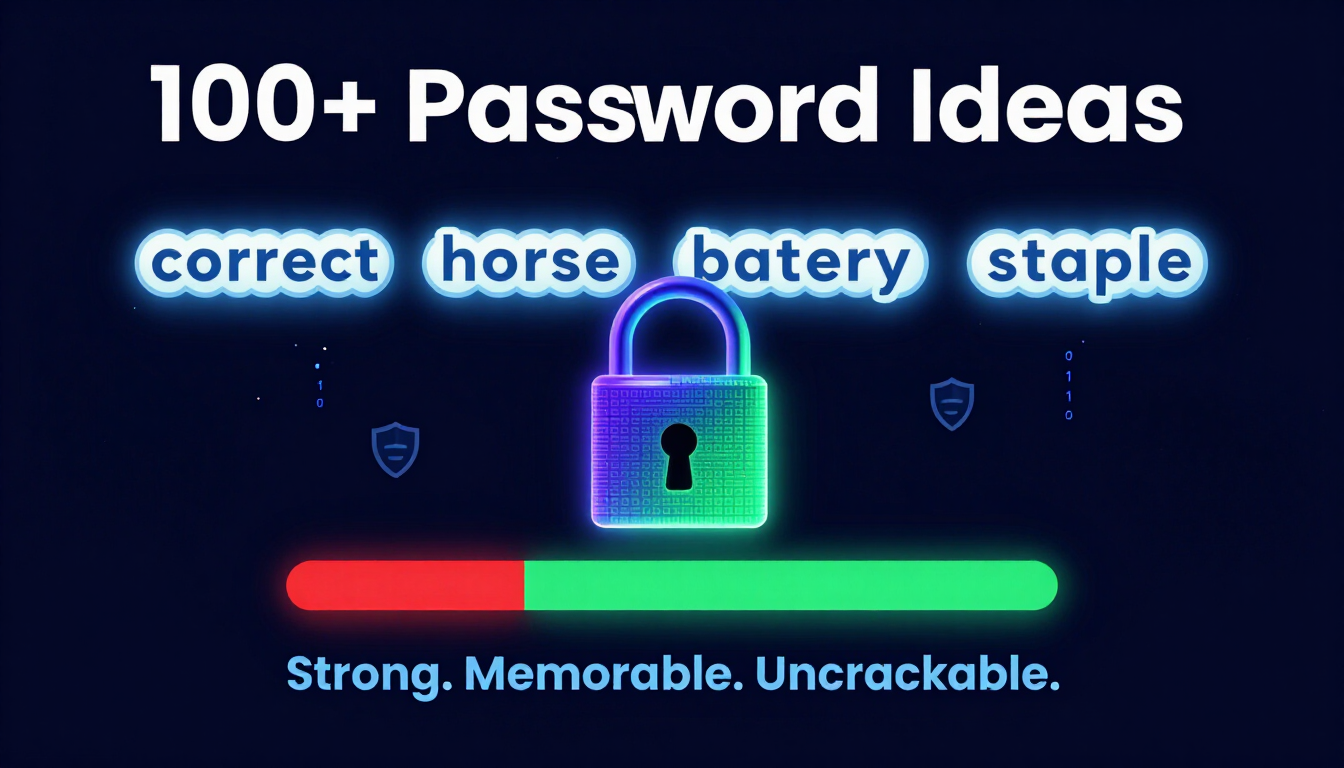
Direct Summary — Key Takeaway
A good password idea is not a short, complex string with random symbols (like P@ssw0rd!1). The most effective password ideas are multi-word passphrases consisting of four or more random, unrelated words (e.g., velvet-taco-galaxy-printer). Passphrases leverage mathematical length over artificial complexity, making them easy for humans to memorize while remaining practically impossible for high-speed automated GPU clusters to crack.
How to use these ideas safely
Do not use the exact examples shown. Generate your own password.
Try our Password Generator
Generate a Strong PasswordWhat Makes a Password Idea "Good"? (The Science of Passphrases)
For decades, traditional security advice urged users to create short passwords packed with special characters, numbers, and alternating cases. This approach resulted in strings that were difficult for humans to remember but easy for computers to crack using rule-based dictionary attacks.
Modern cybersecurity standards — such as those published by the National Institute of Standards and Technology (NIST) in Special Publication 800-63B — emphasize password length and computational entropy over arbitrary complexity rules.
Complexity vs. Length: Crack Time Comparison
| Password Structure | Example | Estimated Time to Crack* |
|---|---|---|
| Short + Complex (8 chars) | P@ssw0rd! | Under 5 minutes |
| Medium Complex (12 chars) | K#9v$L2m!Qz1 | ~3 weeks |
| Long Passphrase (4 words) | coffee-galaxy-running | ~3,000+ years |
*Based on modern offline GPU cracking speeds performing 100 billion guesses/second.
When you combine multiple unrelated words into a passphrase, you exponentially expand the "search space" — the total number of possible combinations a hacker's software must test.
Key Elements of a High-Entropy Passphrase
- Length: Contains at least 16 characters or 4 distinct words.
- Randomness: Words are selected without logical connection (e.g.,
dancing-submarine-tacoinstead ofi-love-my-dog). - Uniqueness: Never reused across multiple websites or services.
- Client-Side Generation: Generated locally in your browser memory so plain-text passwords never travel across the internet.
100+ Good Password Ideas by Category
Below are 100 categorized passphrase ideas designed to inspire secure, memorable credentials. Use these examples as structural templates or generate randomized variations using our secure Client-Side Passphrase Generator.
1. Funny Password Ideas (Humor + Security)
Humor creates vivid mental imagery, making passphrases much easier to recall without needing to write them down.
dancing-banana-quantum-tacoscreaming-donut-space-pirateangry-muffin-laser-catchunky-penguin-disco-feverflying-waffle-ninja-turtlesleepy-potato-rocket-boostsnorkeling-cactus-velvet-hippofunky-chicken-galaxy-braingiggly-zombie-marshmallow-suitbubblegum-dinosaur-jetpack-failsassy-avocado-cosmic-driftwhistling-pickle-time-machinegrumpy-hamster-turbo-enginedramatic-llama-disco-ballfunky-gorilla-pancake-stacksneaky-squirrel-laser-beamconfused-octopus-roller-skatesilly-walrus-moonlight-danceclumsy-dragon-cupcake-herojumping-jellyfish-taco-tuesday
2. Password Ideas for Work (Enterprise Security Compliant)
Workplace password policies often require at least 14–16 characters. These workplace-themed passphrases meet corporate compliance criteria while maintaining high security.
coffee-printer-friday-auditlaptop-headset-budget-reviewstrikethrough-margin-pivot-tabledeadline-calendar-sticky-notewhiteboard-marker-coffee-breakkeyboard-monitor-standup-meetingspreadsheet-formula-quarterly-goalproject-roadmap-client-syncdesktop-fountain-pen-staplerwireless-router-dual-monitorbrainstorm-agenda-action-itemconference-call-mute-buttonout-of-office-summer-draftquarterly-report-growth-metricworkflow-automation-cloud-syncsecurity-token-passcode-keynetwork-cable-server-rackdocument-folder-archive-labeltask-manager-kanban-boardpresentation-slide-deck-deck
3. Cute & Aesthetic Password Ideas
Aesthetic combinations pair pleasant imagery with strong structural entropy.
matcha-latte-sunset-breezecozy-sweater-reading-nookvelvet-sky-starlight-meadowlavender-tea-honey-combgolden-hour-coastal-wavecinnamon-roll-morning-dewblossom-petal-soft-whisperpeach-cobbler-cloudy-dayvintage-vinyl-coffee-cupdrizzle-rain-autumn-leafjasmine-bloom-silent-nightvanilla-bean-cozy-blanketsunflower-field-warm-breezemarshmallow-cocoa-fire-placehazelnut-roast-journal-pagebutterscotch-candy-sweet-dreamdaisy-chain-summer-glowrose-water-crystal-glasscherry-blossom-spring-timemint-tea-garden-path
4. Creative Wi-Fi Password Ideas for Home & Guest Networks
Guest Wi-Fi networks need passwords that are easy for visitors to type into mobile devices without sacrificing network security.
welcome-to-our-home-wificonnect-and-enjoy-the-internethappy-guest-coffee-networkliving-room-couch-surferfast-fiber-optic-home-linkpress-button-for-free-wifipassword-is-on-the-fridgeno-buffering-in-this-housesecure-home-guest-accessenjoy-your-stay-onlinecoffee-first-wifi-secondkitchen-table-work-spacebackyard-patio-signal-boostguest-room-wireless-routersunset-cottage-guest-nethigh-speed-family-hubsafe-and-sound-wirelessstreaming-movie-night-linkunlimited-bandwidth-for-allwelcome-friend-stay-connected
5. Tech & Developer-Themed Password Ideas
For programmers, system administrators, and technology enthusiasts, tech-themed passphrases combine familiar terminology with robust entropy.
python-script-compiler-loopdocker-container-cloud-deploygit-commit-push-main-branchterminal-prompt-bash-aliasbinary-code-hex-editorfirewall-rule-packet-filterjavascript-async-await-fndatabase-query-select-starcyber-security-zero-trustencryption-algorithm-key-pairvector-array-linked-listlinux-kernel-root-accessobject-oriented-class-methodapi-endpoint-json-payloadcache-invalidation-hard-problemstack-overflow-code-snippetpull-request-code-reviewkubernetes-pod-cluster-nodemarkdown-editor-syntax-glowzero-knowledge-proof-vault
Aesthetic Password Ideas: Beautiful & Secure Credentials
Aesthetic passwords combine visual appeal with cryptographic strength—blending memorable patterns with genuine security. These credentials use consistent character themes, poetic structures, or thematic elements while maintaining high entropy.
Aesthetic Password Examples:
VioletMoon#2024!(Color + celestial theme)SilverWave$Ocean7(Nature-inspired with symbols)CrimsonSky@Night9(Poetic structure with numbers)EmeraldGarden#Bloom(Thematic consistency)MidnightStar$Echo5(Atmospheric theme)GoldenSunrise@Dawn(Time-of-day theme)SapphireNight#Dream3(Gemstone + emotion)IvorySnow$Winter8(Seasonal aesthetic)AmberGlow#Sunset2(Color progression theme)PearlWhisper$Breeze6(Delicate aesthetic)
Why Aesthetic Passwords Work:
Aesthetic credentials succeed because they combine memorable thematic elements with randomized numbers and symbols. The visual consistency makes them easier to recall than purely random strings, while the entropy from mixed character types and length ensures cryptographic strength. Users report higher confidence in remembering aesthetic passwords compared to random character sequences, reducing the temptation to reuse or simplify credentials.
Best Practices for Aesthetic Generation:
Choose a consistent theme (colors, nature, emotions, or time periods), incorporate uppercase and lowercase letters, add numbers and symbols strategically, and maintain 16+ character length. Use our free password generator with custom character sets to create aesthetic credentials that match your preferred visual style while maintaining military-grade security.
The Golden Rules of Password Security
Generating a strong password idea is only half the battle. To keep your digital identity protected against credential stuffing, phishing, and data breaches, follow these four rules:
Rule 1: Prioritize Length Over Artificial Complexity
A 20-character passphrase made up of simple lowercase words is mathematically harder to break than an 8-character password jammed with symbols. Focus on reaching 16 or more total characters.
Rule 2: Eliminate Password Reuse Entirely
If an attacker compromises your login credentials on a low-security forum, they will immediately run those same credentials against banking, email, and social media portals — a technique called Credential Stuffing. Every online service must have a distinct password.
Rule 3: Use Zero-Knowledge Local Generation Tools
When using online password generators, ensure the tool generates passwords locally inside your browser via JavaScript rather than sending requests to a backend server.
At createpassword.in, all password and passphrase generation happens on your device using the browser's native window.crypto API. Your generated credentials are never sent over the network or saved to a database.
Rule 4: Enable Multi-Factor Authentication (MFA/2FA)
Combine strong passwords with two-factor authentication (such as TOTP authenticator apps or hardware security keys). MFA adds a secondary barrier that prevents unauthorized access even if your password is stolen in a third-party data breach.
How to Convert Personal Memories into Uncrackable Passphrases
If you want to create a custom passphrase without relying on pre-made lists, use the Memory Anchor Technique:
- Pick a memorable event or place: My first car was a blue Honda in 2018.
- Select 4 key elements from that memory: blue, honda, summer, drive.
- Add an unrelated abstract word: galaxy.
- Combine with simple separators:
blue-honda-summer-drive-galaxy
This yields a 30-character passphrase that is easy to recall because it links to a vivid personal memory, yet mathematically secure against automated guessing.
Generate Secure, Zero-Knowledge Passwords Instantly
Ready to upgrade your account security? Use our free, browser-based tool to generate high-entropy passwords and passphrases in real time:
- Instant Generation: Create random passwords, passphrases, and secure keys with a single click.
- 100% Client-Side Privacy: Built using local browser cryptography so your passwords never touch an external server.
- Customizable Settings: Adjust character length, symbols, numbers, and word counts to meet any security requirement.
Try our Password Generator
Generate a Strong PasswordSources: NIST SP 800-63B Digital Identity Guidelines; OWASP Authentication Cheat Sheet.


Leave a comment
Comments are moderated before appearing. Please keep it respectful and on-topic. Your email is required for verification but is never displayed publicly or shared.