
Quick Answer
The main difference between a passphrase and a password is length and composition. A password is a short string of mixed characters (e.g., P@ssw0rd1!), while a passphrase is a sequence of multiple random words (e.g., correct horse battery staple). Passphrases offer higher cryptographic entropy against GPU brute-force attacks while remaining far easier for humans to remember.
| Feature | Password | Passphrase |
|---|---|---|
| Structure | Short string with symbols/numbers | 4+ random dictionary words |
| Memorability | Hard for humans to recall | High human recall |
| Brute-Force Resistance | Vulnerable if under 14 characters | Extremely high entropy (75+ bits) |
Defining the Terms: A Technical Perspective
Before diving into the comparison, let's establish precise definitions from a security engineering standpoint.
Password (Technical Definition)
A password is a secret authentication credential, typically a relatively short string (8–16 characters) drawn from a character set that may include:
- Lowercase letters (26 characters)
- Uppercase letters (26 characters)
- Digits (10 characters)
- Special symbols (~32 characters)
This gives a maximum character pool of roughly 94 possible characters per position. Traditional password policies rely on character diversity to maximize the per-character search space.
Passphrase (Technical Definition)
A passphrase is a longer authentication credential composed of a sequence of words, typically selected from a dictionary or wordlist. Rather than maximizing per-character complexity, passphrases maximize length and rely on the number of possible word combinations to achieve high entropy. A common method is Diceware, where words are selected randomly from a list of ~7,776 words using dice rolls, producing memorable yet cryptographically strong phrases.
The Core Metric: Understanding Entropy
The single most important concept in the passphrase vs password debate is entropy — the mathematical measure of unpredictability, expressed in bits.
How Entropy Is Calculated
Entropy is calculated as: Entropy (bits) = log₂(N^L)
Where:
- N = the size of the character (or word) pool
- L = the length of the credential
Each additional bit of entropy doubles the number of possible combinations an attacker must test.
Password Entropy Example
Consider an 8-character password using the full 94-character pool:
- N = 94, L = 8
- Entropy = log₂(94⁸) ≈ 52 bits
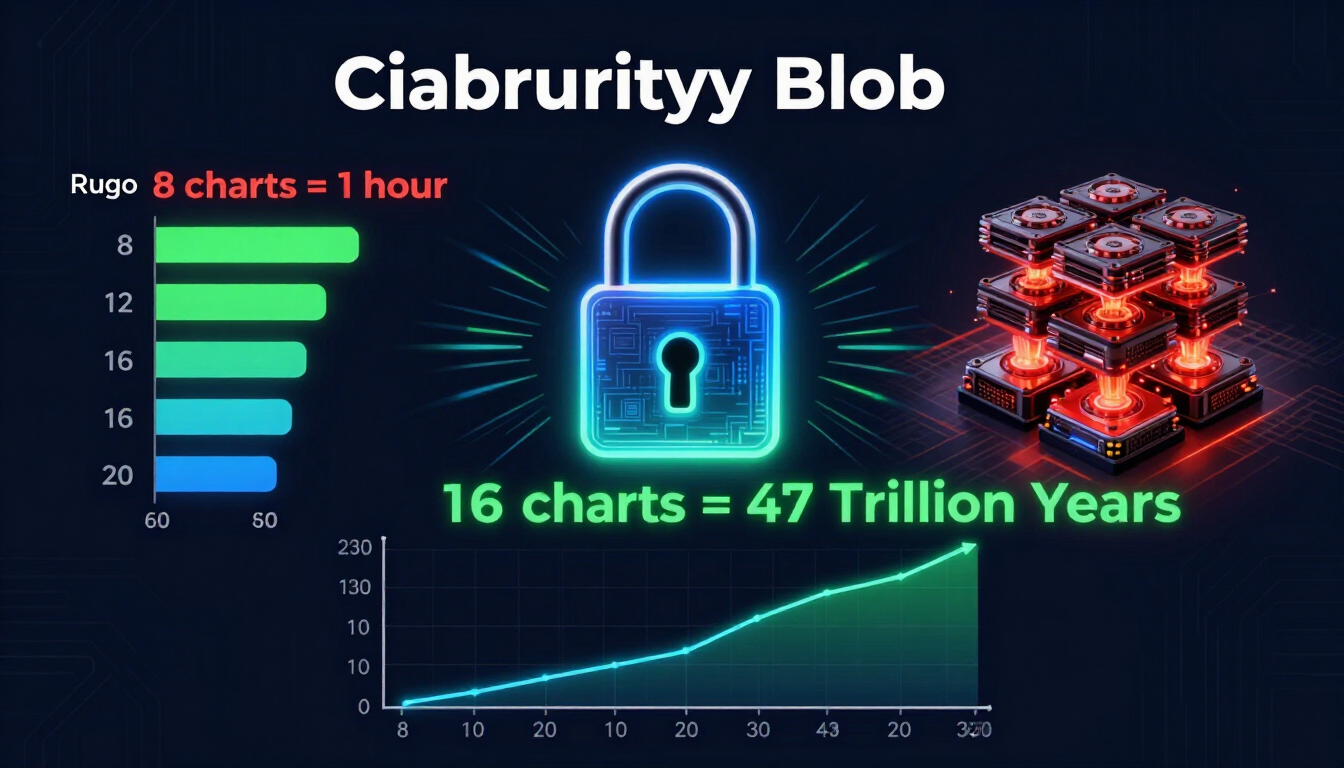
While 52 bits sounds substantial, modern GPU-based cracking rigs can test billions of hashes per second, making a 52-bit password vulnerable within days — or hours for certain hash algorithms.
Passphrase Entropy Example
Now consider a 5-word Diceware passphrase from a 7,776-word list:
- N = 7,776, L = 5
- Entropy = log₂(7,776⁵) ≈ 64.6 bits
Add a sixth word and you reach ~77 bits — pushing the credential into territory that is computationally infeasible to brute-force with current or foreseeable technology.
The Key Takeaway
| Credential Type | Length | Entropy | Brute-Force Resistance |
|---|---|---|---|
| 8-char complex password | 8 | ~52 bits | Weak (hours–days) |
| 12-char complex password | 12 | ~78 bits | Strong |
| 4-word passphrase | ~24 chars | ~52 bits | Moderate |
| 6-word passphrase | ~36 chars | ~77 bits | Very Strong |
The insight for security teams: length scales entropy far more efficiently than complexity, and passphrases achieve length naturally while remaining memorable.
Attack Vector Analysis
A meaningful passphrase vs password comparison must account for how attackers actually operate. Different credential types resist different attack methods.
1. Brute-Force Attacks
How it works: The attacker systematically tries every possible combination.
- Passwords: Short passwords are highly vulnerable, especially against GPU/ASIC clusters.
- Passphrases: Their length makes exhaustive brute-force computationally infeasible.
Winner: Passphrases
2. Dictionary Attacks
How it works: The attacker tries common words, phrases, and known-password lists.
- Passwords: Predictable substitutions (e.g., P@ssw0rd) are easily cracked by rule-based dictionary attacks.
- Passphrases: Randomly generated passphrases resist this, but human-chosen phrases (e.g., famous quotes) are vulnerable.
Winner: Passphrases — but only when words are randomly selected.
3. Credential Stuffing
How it works: Attackers use username/password pairs leaked from one breach to access other accounts.
- Both passwords and passphrases are equally vulnerable if reused. This is a policy problem, not a credential-type problem.
Winner: Tie — mitigated only by unique credentials per account.
4. Phishing & Social Engineering
How it works: The attacker tricks the user into revealing their credential directly.
- Neither passwords nor passphrases offer inherent protection. Only multi-factor authentication (MFA) meaningfully mitigates this.
Winner: Tie — MFA is the real defense.
5. Keylogging
How it works: Malware records keystrokes.
- Longer passphrases require more typing, marginally increasing exposure, but the difference is negligible against a compromised endpoint.
Winner: Tie — endpoint security is the answer.
Passphrase vs Password: The Comparison Table
| Factor | Password | Passphrase |
|---|---|---|
| Entropy efficiency | Low (per character) | High (via length) |
| Memorability | Poor | Strong |
| Brute-force resistance | Moderate | Very High |
| Dictionary attack resistance | Low (predictable) | High (if random) |
| User compliance | Low (leads to reuse) | Higher |
| Typing overhead | Low | Moderate |
| Best enterprise use | Legacy systems | High-value assets |
Compliance and Regulatory Considerations
For businesses, authentication choices intersect directly with compliance frameworks.
NIST SP 800-63B
The NIST Digital Identity Guidelines fundamentally reshaped enterprise password policy. Key directives for IT teams:
- Prioritize length — allow credentials up to at least 64 characters.
- Permit all printable characters, including spaces (essential for passphrases).
- Eliminate mandatory periodic resets unless there's evidence of compromise.
- Screen credentials against known breached-password databases.
- Do not enforce arbitrary composition rules (like requiring specific symbols).
These guidelines strongly favor a passphrase-friendly policy.
Other Frameworks
- PCI DSS (payment card industry) — increasingly aligns with length-based requirements.
- ISO/IEC 27001 — emphasizes risk-based access controls, compatible with passphrase adoption.
- SOC 2 — auditors increasingly accept passphrase + MFA as a strong control.
Enterprise Best Practices for 2026
Based on entropy analysis, attack vectors, and compliance requirements, here's how forward-looking organizations should approach authentication.
1. Adopt a Length-First Password Policy
Set a minimum length of at least 14–16 characters and actively encourage passphrases. Longer minimums naturally push users toward memorable multi-word credentials rather than weak, complex ones.
2. Deploy an Enterprise Password Manager
A password manager is non-negotiable for modern organizations. It allows every account to have a unique, randomly generated, high-entropy credential while users only remember one master passphrase. For smaller teams and individuals, Google Password Manager offers a free, robust starting point. It can:
- Automatically generate high-entropy random passwords
- Sync securely across devices with end-to-end encryption
- Perform Password Checkup to flag breached, weak, or reused credentials
- Integrate seamlessly with Chrome and Android environments
Larger enterprises may layer on dedicated business password managers with centralized admin controls, but the core principle remains: let machines generate and store random passwords, and reserve memorable passphrases for master credentials.
3. Enforce Multi-Factor Authentication (MFA)
As our attack vector analysis showed, neither passwords nor passphrases defend against phishing on their own. MFA is the single most impactful control you can deploy. Prioritize phishing-resistant methods like FIDO2/WebAuthn security keys or passkeys.
4. Implement Breached-Credential Screening
Integrate breach-detection APIs (such as those aligned with NIST guidance) to reject credentials that appear in known compromise databases at the point of creation.
5. Educate Users on Random Selection
The security of a passphrase collapses if users choose predictable words. Train staff to use randomly generated passphrases. You can create cryptographically strong passwords and passphrases instantly with our free password generator.
The Verdict: Passphrase vs Password for Organizations
From a purely technical standpoint, passphrases deliver superior entropy-per-effort and stronger resistance to the most common attack vectors — provided the words are randomly selected. For business environments, they also drive higher user compliance by reducing the temptation to reuse or write down credentials. However, the most defensible enterprise strategy in 2026 is layered:
- Passphrases for master credentials and human-memorized secrets
- Randomly generated passwords (via a password manager) for all individual accounts
- Multi-factor authentication — ideally phishing-resistant — on everything
- Breached-credential screening at creation and rotation
This combination aligns with NIST guidance, satisfies major compliance frameworks, and provides defense-in-depth against modern, AI-accelerated threats. Ready to strengthen your organization's credentials? Generate secure passwords and passphrases now with our free password generator tool, or learn how to create a strong password.
Explore Real-World Password Examples
If you're new to password security, starting with our good password ideas list is an excellent way to learn by example. This resource showcases unique password ideas across multiple categories—from work environments to personal accounts—with clear explanations of why each example provides strong protection.


Leave a comment
Comments are moderated before appearing. Please keep it respectful and on-topic. Your email is required for verification but is never displayed publicly or shared.