
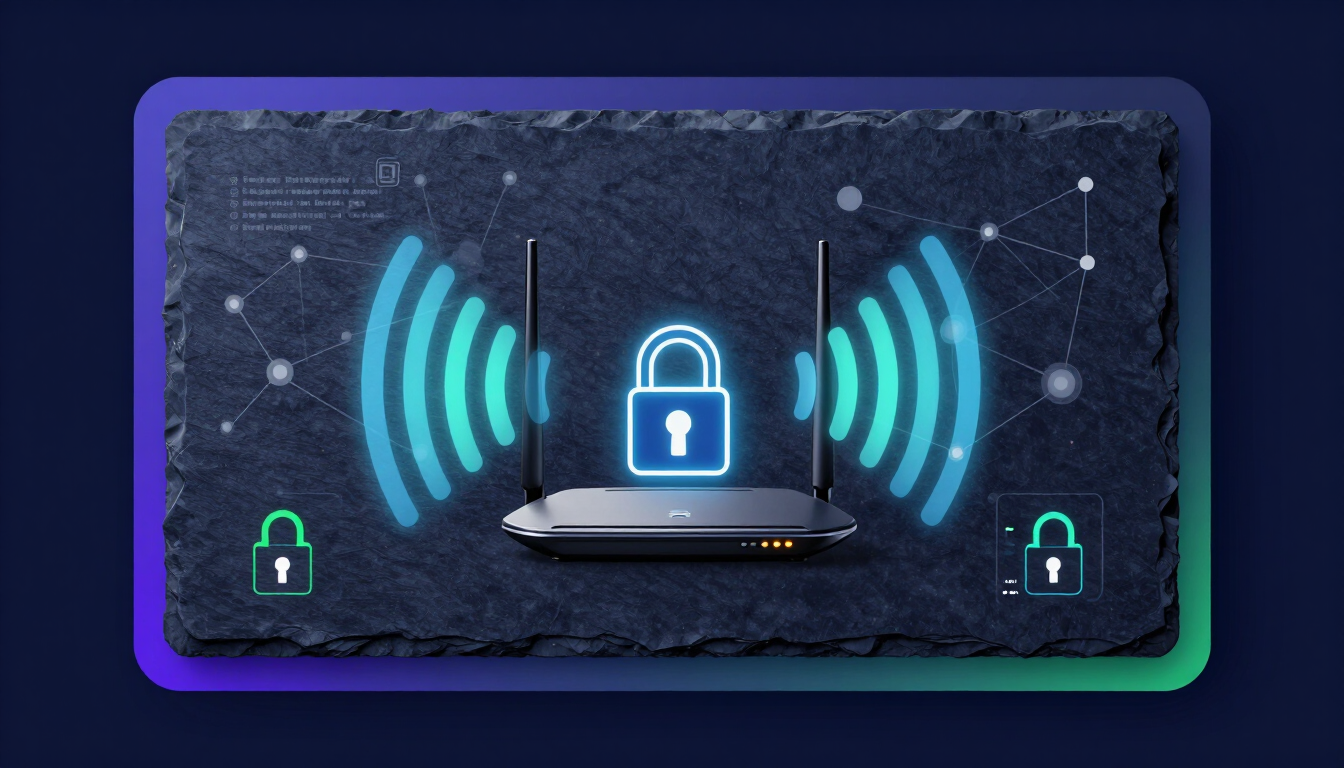
300+ Best WiFi Passwords for Your Home and Hotspot
The best WiFi passwords combine strong security with memorable themes. Top categories include funny phrases (TellMyWiFiLoveHer), aesthetic words (VelvetSkies24), and cute combinations (PuppyPaws99). A secure WiFi password must be at least 12 characters long, mixing uppercase letters, numbers, and symbols to stop hackers.
Secure your network right now. A weak WiFi password invites data theft, slows down your internet speed, and leaves your smart home devices vulnerable. You need a password that your friends can easily type but hackers cannot guess.
Before we look at the massive list of password ideas, try our interactive password generator below. You can build a completely random, highly secure password in seconds.
Here is the ultimate breakdown of the best WiFi passwords. We organized them by category so you can find the perfect match for your home, apartment, or business.
How to use these ideas safely
Do not use the exact examples shown. Generate your own password.
Try our Password Generator
Generate a Strong PasswordFunny WiFi Passwords
Humor makes connecting to your network a great experience for guests. Funny passwords work best when they use a short phrase or a clever pun.
Make sure you add a few numbers or symbols to these phrases to keep your network secure.
- TellMyWiFiLoveHer!
- LookMaNoWires99
- GetYourOwnNet
- DropItLikeItsHotspot
- HideYoKidsHideYoWiFi
- AbrahamLinksys1865
- SilenceOfTheLANs
- KeepItOnTheDownload
- WuTangLANForever
- MomUseThisOne
- NoMoreFreeWiFi4U
- VirusDownloadingNow
- PasswordIsPassword (Use symbols: P@ssw0rdIsP@ssw0rd)
- ItHurtsWhenIP
- BuyAnotherCupOfCoffee (Great for cafes)
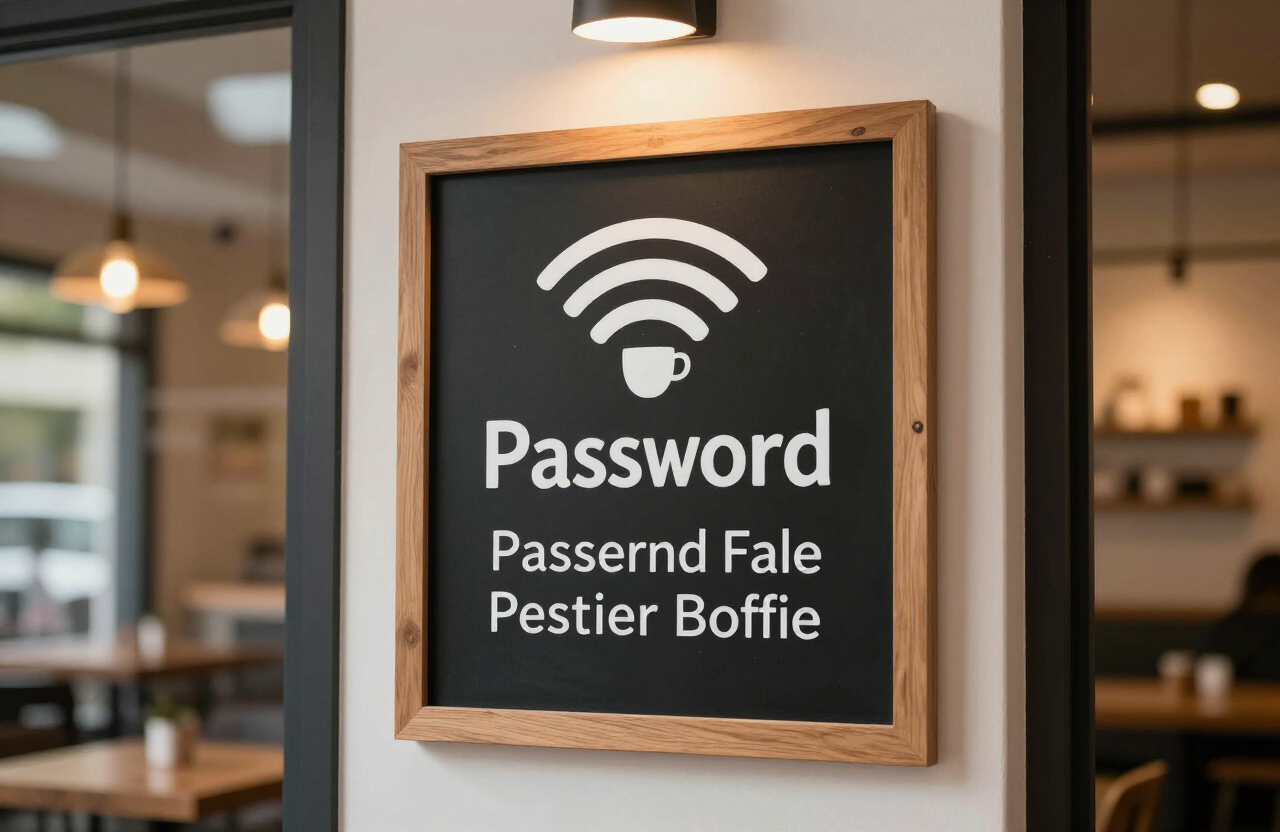
Humorous and clear cafe WiFi signs make sharing your network a delight for visitors.
Cute WiFi Passwords
Cute passwords use soft sounding words, pets, and lovely themes. These are perfect for cozy apartments or shared family networks.
Capitalize the first letter of each word to make them easier to read.
- FluffyBunnies2024
- CoffeeAndCuddles!
- LittlePawsBigHearts
- SnuggleBugNet
- SweetCherryPie99
- CozyBlanketFort
- KittenWhiskers#
- SugarPlumFairy
- HappyLittleTrees
- SunshineAndSmiles
- HoneyBeeBuzz12
- PandaHugsForever
- SleepyPuppyEyes
- MarshmallowClouds
- CupcakeSprinkles!
Aesthetic WiFi Passwords
Aesthetic passwords focus on beauty, nature, and modern vibes. They feel clean, poetic, and slightly mysterious.
These words sound great and are easy for your guests to type into their phones.
| Password Idea | Vibe |
|---|---|
| VelvetSkies2024! | Evening, soft |
| MidnightOceanWaves | Calm, deep |
| GoldenHourLight | Warm, photography |
| MatchaLatteMornings | Clean, cozy |
| CherryBlossomPetals | Spring, fresh |
| LunarEclipse# | Night, mystery |
| VanillaBeanDream | Soft, warm |
| PastelSunsets | Colorful, bright |
| RainyDayCoffee | Comforting, acoustic |
| LavenderHaze22 | Floral, pop-culture |
For even more inspiration, check out our guide on 101+ unique password ideas for aesthetic, funny, and cute passphrase examples.
Clever & Smart WiFi Passwords
Clever passwords make your guests think. They often use tech puns or play on the concept of internet connectivity itself.
- ConnectionRefused
- 404NetworkNotFound
- UseTheForceLAN
- SearchingForSignal
- AccessDeniedTryAgain
- ConnectAtYourOwnRisk
- NotTheDroidsYouSeek
- PingMeIfYouCan
- UnsecuredNetwork(JK)
- HackMeIfYouCan!
Pop Culture & Movie Passwords
Use famous quotes from your favorite movies or TV shows. Passphrases are highly secure because they are long, but they remain very easy to remember.
- WinterIsComing2024!
- MayTheForceBeWithYou
- YerAWizardHarry99
- ToInfinityAndBeyond!
- I Am Iron Man 3000
- WakandaForever#
- BazingaNetwork
- TheCakeIsALie123
- HoustonWeHaveWiFi
- GottaCatchEmAll!
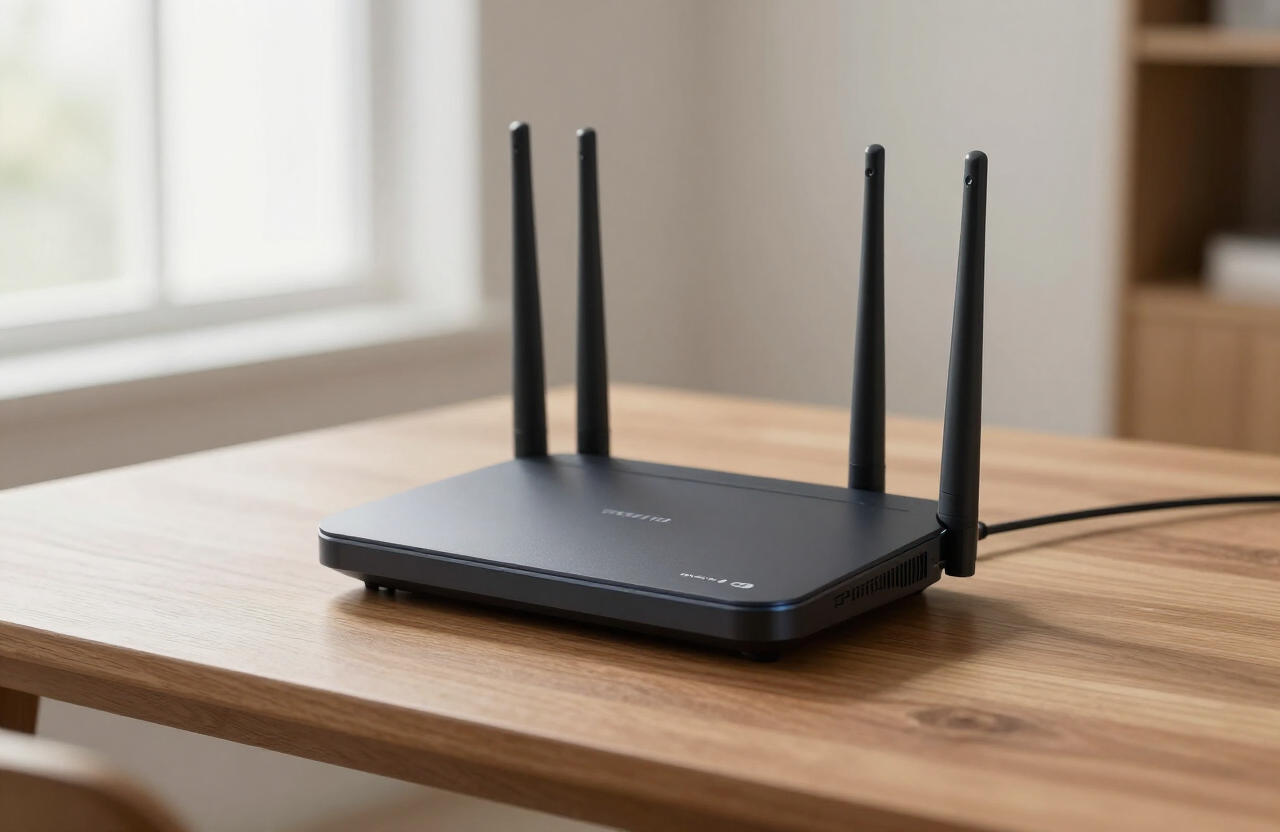
A secure, modern WiFi router is the foundation of a protected home network.
How to Create a Secure WiFi Password (2024 NIST Guidelines)
You want your password to be fun, but it must protect your data. The National Institute of Standards and Technology (NIST) updated its password guidelines in 2024. Follow these rules to keep your router safe:
- Prioritize Length Over Complexity: Make your password at least 12 to 15 characters long. A long phrase (like "MyDogLovesEatingSocks!") is much harder for a computer to hack than a short, complex jumble (like "Xy7!bQ").
- Use Passphrases: String three or four unrelated words together. This method satisfies length requirements and remains easy to remember.
- Do Not Use Personal Info: Never use your phone number, home address, or birthday. Hackers can find this information online in seconds.
- Avoid Common Patterns: Never use "12345678", "password", or "qwerty". Automated hacking software will guess these instantly.
- Don't Force Expirations: You do not need to change your WiFi password every 90 days unless you know someone compromised your network.
Build a strong, random credential instantly with our password generator or free password tool, and learn the theory in our complete guide to creating strong passwords.
Frequently Asked Questions
Q1: What makes a WiFi password strong?
A strong WiFi password is long, unique, and unpredictable. It should be at least 12 characters long and avoid common dictionary words. Using a passphrase—a sentence or series of words—is the best way to achieve both length and memorability.
Q2: Should I use spaces in my WiFi password?
Yes, you can use spaces if your router allows them. Spaces act as special characters and make passphrases much harder for hackers to crack. However, some older devices might struggle to connect if the password contains spaces.
Q3: How often should I change my home WiFi password?
You only need to change your WiFi password if you suspect someone stole it, or if you recently gave it out to a service worker or neighbor you no longer want on your network. NIST no longer recommends changing passwords on a strict timeline (like every 90 days).
Q4: Is it safe to share my WiFi password with guests?
Yes, it is generally safe to share it with trusted friends and family. However, the best practice is to set up a "Guest Network" on your router. A guest network gives visitors internet access but prevents them from seeing your personal computers and smart home devices.
Q5: Can someone hack my WiFi if my password is too simple?
Yes. Hackers use automated "brute force" programs that guess thousands of passwords per second. If your password is a single dictionary word, "12345678," or your home address, they will break into your network almost instantly.
Q6: What is a WPA3 security protocol?
WPA3 is the latest and most secure Wi-Fi security standard. It encrypts your data much better than the older WPA2 standard. Always choose WPA3 in your router settings if your devices support it.
Q7: Why does my phone say "Weak Security" on my home WiFi?
Your phone shows a "Weak Security" warning when your router uses outdated encryption, such as WEP or WPA (TKIP). You need to log into your router's admin panel and change the security protocol to WPA2 (AES) or WPA3 to fix this.
Q8: Should I hide my WiFi network name (SSID)?
Hiding your network name provides very little real security. Hackers have tools that can easily scan and find hidden networks. Instead of hiding the name, focus on creating a very long, strong passphrase.
Q9: Can I use emojis in my WiFi password?
Most modern routers do not support emojis in passwords. Even if your router accepts it, many older phones, smart TVs, and gaming consoles will not be able to type or process the emoji, locking them out of the internet. Stick to letters, numbers, and standard keyboard symbols.
Try our Password Generator
Generate a Strong PasswordSources: NIST SP 800-63B Digital Identity Guidelines; OWASP Authentication Cheat Sheet.
Related Resources
Home Page
- Password Generator — createpassword.in


Leave a comment
Comments are moderated before appearing. Please keep it respectful and on-topic. Your email is required for verification but is never displayed publicly or shared.