
Opening Hook
In an era where digital data breaches make headline news almost every single day, relying on your pet's name or your birth year as a password is no longer just risky—it's practically an invitation for cybercriminals. If you want to lock down your digital life, security experts agree on one fundamental baseline: you need a password generator 12 characters long.
But why exactly 12 characters? And more importantly, with thousands of tools available on the web, how do you know which 12 characters password generator is actually safe to use?
In this comprehensive guide, we are going to break down the exact features you need to look for when choosing a password generator, why length and complexity matter more than ever, and how to safeguard your digital footprint like a pro. You can put these principles into practice immediately with our password generator or the free password generator tool.
Why 12 Characters is the New Security Baseline
For years, the standard advice was to use an 8-character password. However, as computing power has exponentially increased, an 8-character password can now be cracked by a determined hacker in a matter of hours, if not minutes.
When you use a 12 digit password generator that mixes uppercase letters, lowercase letters, numbers, and symbols, the math changes drastically in your favor.
The Math Behind Brute-Force Attacks
A brute-force attack is when a hacker uses automated software to guess every single possible combination of characters until they find the one that unlocks your account. Learn more about how these attacks work from Fortinet's brute force attack resources.
If you use only lowercase letters, an 8-character password has about 208 billion combinations. Modern graphics processing units (GPUs) can guess billions of passwords per second. However, a 12-character password that uses a mix of all character types (uppercase, lowercase, numbers, symbols) has approximately 475 quintillion combinations.
Even with a massive array of supercomputers, it would take centuries to brute-force a truly random 12-character password. This is why using a 12 letter password generator (that also includes numbers and symbols) is the sweet spot between ultimate security and manageable usability. For a deeper look at the underlying math, read our complete guide to creating strong passwords in 2026.
Top Features to Look for in a 12-Character Password Generator
To win the battle against cyber threats, not just any generator will do. If you are evaluating a tool, these are the absolute must-have features it should possess:
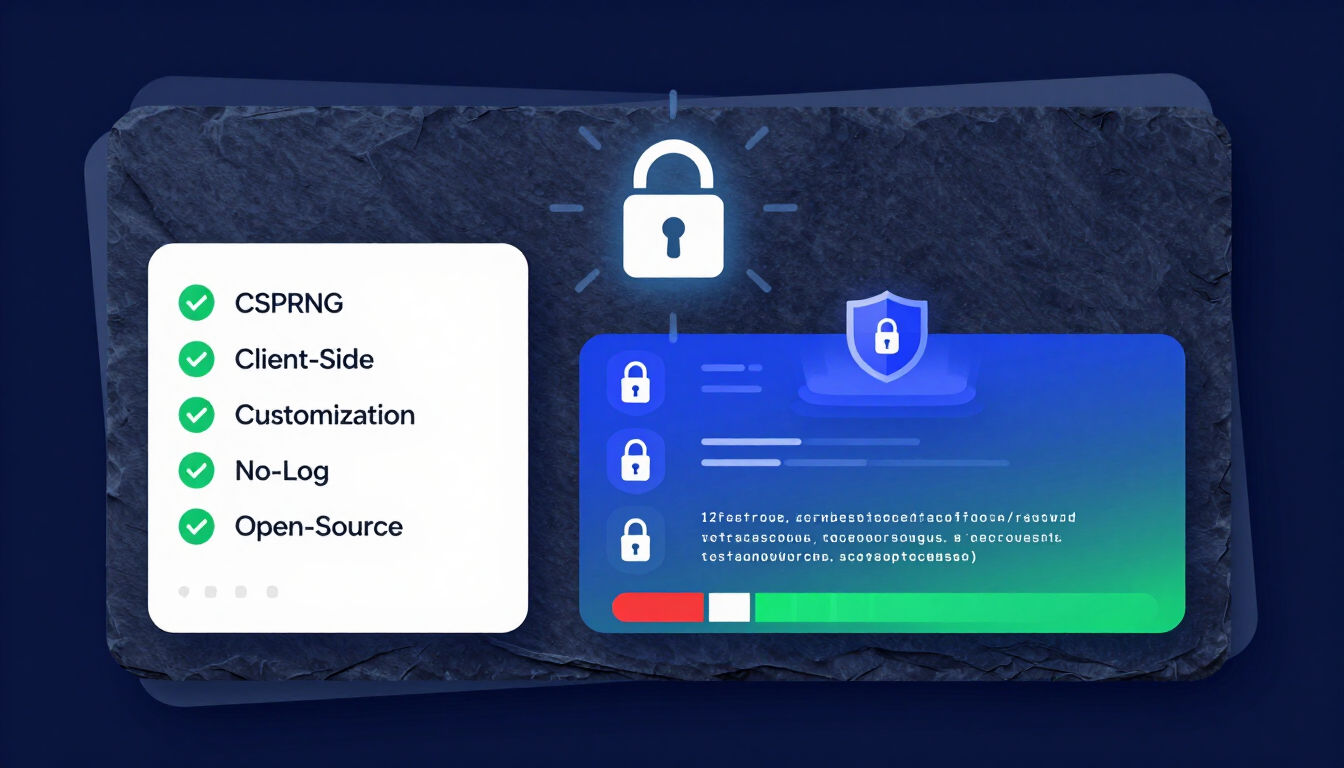
1. Cryptographically Secure Pseudorandom Number Generator (CSPRNG)
This is the engine of the generator. Standard computer randomization isn't truly random—it follows a predictable pattern based on the computer's clock. A top-tier password generator 12 characters tool will use a CSPRNG. This ensures that the generated passwords have high "entropy" (unpredictability), making it impossible for hackers to reverse-engineer the algorithm used to create your password.
2. Client-Side Generation (Offline Capability)
The most critical feature of any password tool is that it generates your password on your device, not on a remote server.
- Why it matters: If the password is generated on the website's server and sent to you over the internet, it could be intercepted.
- What to look for: Look for tools that use JavaScript to generate the password directly in your browser. This means you could theoretically load the page, disconnect your internet, hit "generate," and it would still work perfectly.
Our password generator and free password tool both run entirely client-side. See them in action in our Security Documentation & Tutorials.
3. Total Customization Options
While a 12 characters password generator is the baseline, you need the flexibility to adjust the parameters based on the specific website you are signing up for. The best tools offer checkboxes for:
- Uppercase Letters (A-Z)
- Lowercase Letters (a-z)
- Numbers (0-9)
- Special Symbols (!@#$%^&*)
- The ability to exclude similar-looking characters (like the letter 'O' and the number '0', or the lowercase 'l' and uppercase 'I').
4. No-Log and No-Tracking Policies
A legitimate password generator will explicitly state that it does not track, save, or log the passwords you generate. Your generated password should vanish from the tool's memory the moment you close the tab or generate a new one.
5. Seamless UI/UX and Copy-to-Clipboard Functionality
Security tools should be easy to use. A clean user interface with a simple one-click "Copy" button ensures that you don't accidentally leave out a character when transferring the password to your account.
6. Open-Source Code
Transparency is the bedrock of cybersecurity. If a 12 digit password generator is open-source, it means its underlying code is publicly available. Independent security researchers can audit the code to ensure there are no hidden backdoors or malicious tracking scripts secretly saving your passwords.
How to Safely Store Your 12-Character Passwords
Generating a highly secure password is only step one. Step two is storing it. Because a randomly generated string like tG8#mP2!qZ9@ is virtually impossible to memorize, you need a secure storage strategy.
The Role of Password Managers
Never write your 12-character passwords in a physical notebook that can be lost, and never save them in an unencrypted Word document or Excel spreadsheet on your desktop.
Instead, use a reputable, encrypted Password Manager. A password manager acts as a digital vault. You only need to remember one exceptionally strong "Master Password" to unlock the vault, and the software will automatically autofill your complex 12-character passwords across all your websites and apps. For trusted recommendations, see CISA's password manager guidance.
Enabling Two-Factor Authentication (2FA)
Even the strongest password in the world can be compromised if the website you are using suffers a data breach. To protect against this, always enable Two-Factor Authentication (2FA).
2FA requires a secondary piece of evidence to log in—usually a temporary code sent to your phone via an authenticator app. With 2FA enabled, even if a hacker steals your 12-character password, they still cannot access your account without physically possessing your phone.
Common Mistakes to Avoid When Generating Passwords
Even when using a 12 letter password generator, users often make critical operational mistakes. Avoid these common pitfalls:
- Reusing the Same Generated Password: Generating a perfect 12-character password and then using it for your bank, your email, and your social media completely defeats the purpose. If one site gets breached, all your accounts are compromised. Generate a unique password for every single account.
- Modifying the Generated Password: Sometimes users will take a generated password and add their birth year to the end to make it "easier to remember." This instantly weakens the password by introducing predictable, human-generated patterns.
- Ignoring Browser Warnings: If your web browser or password manager alerts you that a password has been found in a data leak, change it immediately using your generator.
Conclusion
Taking control of your digital security doesn't require a degree in computer science. By consistently utilizing a password generator 12 characters in length—equipped with true randomness, client-side generation, and customization features—you put a formidable barrier between your personal data and cybercriminals.
Remember, a lock is only as strong as its key. Make sure your digital keys are long, complex, completely random, and safely stored in an encrypted manager. Start now with our password generator or free password tool, and deepen your knowledge with our guide to using a password generator free of charge, our complete guide to creating strong passwords, and our 12 character password generator tool guide. For hands-on walkthroughs, explore our Security Documentation & Tutorials.
Frequently Asked Questions (FAQs)
1. Is a 12-character password completely unhackable?
Nothing in cybersecurity is technically "unhackable," but a randomly generated 12-character password containing letters, numbers, and symbols is mathematically impractical to crack with current brute-force technology. It would take modern computers centuries to guess.
2. What makes a 12 characters password generator different from an 8-character one?
The difference lies in the exponential increase in possible combinations. Adding just 4 extra characters increases the possible combinations from billions to quintillions, exponentially increasing the time it takes for hacker software to guess it.
3. Should I use a 12 digit password generator that only uses numbers?
No. A 12-digit PIN (numbers only) has 1 trillion combinations, which can be cracked relatively quickly by modern computers. A secure password must mix numbers, uppercase letters, lowercase letters, and symbols.
4. How do I remember a random 12 letter password generator output?
You aren't supposed to remember them! The safest method is to use a secure Password Manager. You only remember one strong Master Password, and the manager securely stores and autofills your 12-character passwords for you.
5. Are free online password generators safe to use?
Many are safe, provided they generate the password "client-side" (in your browser using JavaScript) and do not send the password back to their servers. Always look for tools that explicitly state they have a no-log policy and operate entirely locally.
6. Can a website's server being hacked expose my 12-character password?
If a website stores passwords in plain text (which is a terrible security practice), yes, a breach could expose it. However, most modern sites use "hashing." If they are breached, hackers only get the hash. A 12-character random password is incredibly resistant to having its hash reversed.
7. Is a 12-character password better than a passphrase?
It depends. A random 12-character password (e.g., Xb7!pQ2@mN9$) is highly secure but impossible to memorize. A passphrase (e.g., CorrectHorseBatteryStaple) is much longer (20+ characters), very secure, and easy for a human to remember. For accounts where you must manually type the password, passphrases are great. For everything else, random generator output stored in a manager is best.
8. Why do some websites reject passwords generated by a 12-character tool?
Some older or poorly coded websites have strict, outdated rules (e.g., "maximum of 10 characters" or "no special symbols"). If a site rejects your 12-character password, use the generator's customization toggles to fit the site's specific (though flawed) requirements.
9. How often should I change my 12-character passwords?
Modern cybersecurity guidelines (like those from NIST) recommend against forcing regular password changes (like every 90 days), as this causes users to create weaker passwords. You only need to change your 12-character password if you suspect it has been compromised or if a service announces a data breach.
Author Profile (E-E-A-T)
Venkateswara Rao
I built CreatePassword.in to offer free, browser-based password tools and practical security guides. Learn more on the tutorials hub.
External Security References
- Fortinet — Brute Force Attack Resources
- NIST SP 800-63B Digital Identity Guidelines
- CISA — Use a Password Manager
Related Resources:
- Password Generator — createpassword.in
- Security Documentation & Tutorials
- Password Generator Tool
- Password Generator
- Password & Security Tools
- Passphrase Generator
- The Ultimate Guide to Using a Password Generator Free
- Complete Guide to Creating Strong Passwords in 2026
- 12 Character Password Generator: Free, Secure & Instant Tool
- Passphrase vs Password


Leave a comment
Comments are moderated before appearing. Please keep it respectful and on-topic. Your email is required for verification but is never displayed publicly or shared.