
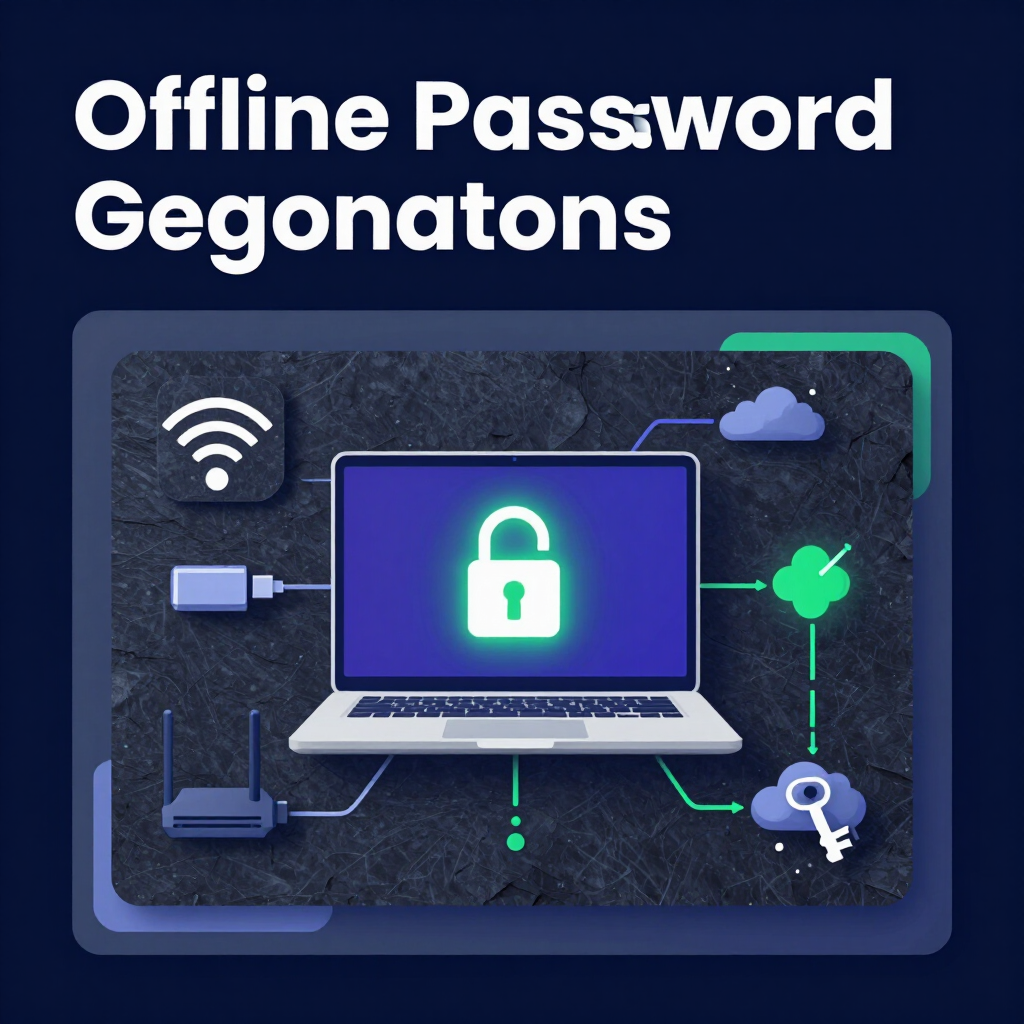
What Is an Offline Password Generator?
An offline password generator is a tool that creates secure credentials directly on your device without an internet connection. It relies entirely on your browser's local processing power.
To use one:
- Load a client-side password generator in your browser.
- Disconnect from Wi-Fi.
- Generate your password.
- Save it securely.
- Reconnect to the internet.
What Does It Mean to Be "Air-Gapped"?
An air-gapped computer has no physical or wireless connection to an unsecured network. It cannot connect to the internet, local area networks, or Bluetooth devices.
Security professionals use air-gapping to protect highly sensitive data. If a device cannot communicate with the outside world, hackers cannot extract information from it remotely.
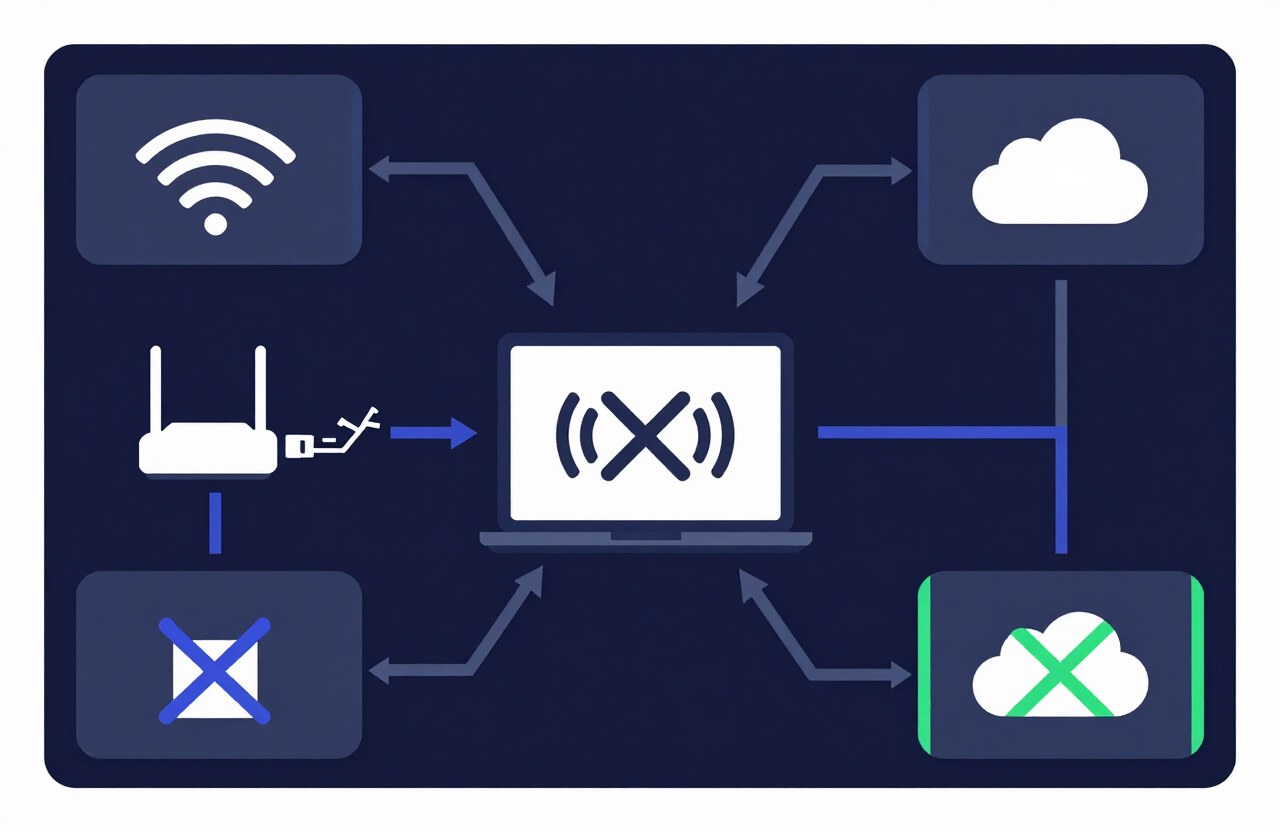
True air-gapping requires a dedicated, permanently offline machine. However, you can simulate a temporary air-gap on your daily computer to generate secure passwords. You do this by leveraging a client-side password generator built as a Progressive Web App (PWA).
Why You Shouldn't Transmit Raw Passwords Over the Internet
Creating a password on a live webpage poses severe security risks. When you click "generate," you must ensure the data stays on your machine.
If a website transmits your raw password to a server, you face three primary threats:
- Man-in-the-Middle (MITM) Attacks: Hackers can intercept data traveling between your browser and the website's server.
- Server Logs: Poorly configured servers often store user inputs in plain text. If a database breaches, your newly created password leaks.
- Third-Party Trackers: Many websites use analytics scripts. These scripts can accidentally capture your keystrokes and form inputs, sending your secure password to a marketing company.
A reliable secure password creator never sends data back to a server. It relies entirely on your browser's local processing power.
Step-by-Step: How to Generate Passwords Offline
Our tool operates as a Progressive Web App (PWA). Your browser downloads the necessary code once. After that, the tool runs entirely locally.
Follow these steps to generate credentials in a temporary air-gapped state.
1. Load the Secure Password Creator
Open your browser and navigate to the CreatePassword Homepage. Wait for the page to load completely. Your browser will cache the JavaScript required to generate passwords.
2. Disconnect Your Device from the Internet
Turn off your Wi-Fi. Unplug your Ethernet cable. Disable your cellular data if you use a mobile device. Verify that your device has absolutely no network connection.
3. Generate Your Credentials
Adjust the sliders to set your desired password length and complexity. Click the generate button. The application will instantly create a cryptographic string using your device's local memory.
4. Secure Your New Password
Copy the new password. Paste it directly into an offline password manager, a hardware-encrypted drive, or write it on physical paper. Never paste highly sensitive passwords into cloud-synced notes apps.
5. Clear Your Clipboard and Reconnect
Clear your device's clipboard. You can do this by copying a blank space. Once your clipboard is clear and your password is safely stored, turn your Wi-Fi back on.
The Cryptography Behind Client-Side Processing
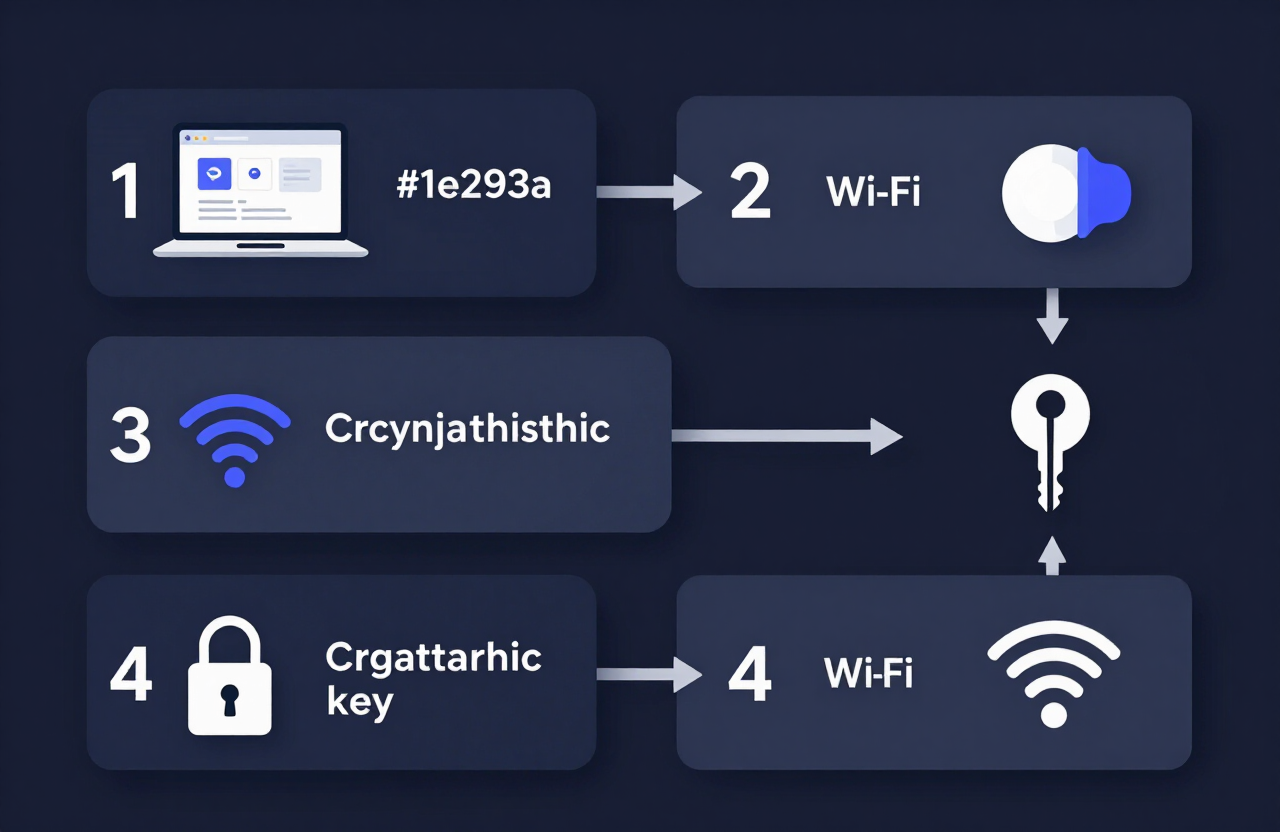
Standard web scripts use Math.random() to generate numbers. This method is predictable. Hackers can reverse-engineer passwords created with basic math functions.
A true secure password creator uses the WebCrypto API. Specifically, it calls the crypto.getRandomValues() function.
Why WebCrypto Matters
The WebCrypto API taps into your computer's operating system to harvest true entropy. Entropy measures randomness.
Your operating system generates entropy by measuring unpredictable physical events inside your computer, such as:
- Microsecond timing of your keystrokes.
- Tiny fluctuations in CPU temperature.
- Mouse movement coordinates.
When our client-side password generator requests a random number, the operating system uses this physical entropy to deliver a cryptographically secure string. This process requires zero internet connectivity.
If you also need to generate secure hashes locally, check out our Hash Generator. It uses the same client-side principles to keep your data safe.
High-Security Use Cases
Different users require different levels of security. You need an offline password generator if you fall into any of these categories:
Cryptocurrency Investors
Crypto wallets require seed phrases and encryption passwords. If a keylogger or network sniffer captures your crypto password, your funds disappear permanently. Generating wallet passwords offline prevents network-based theft.
DevOps and System Administrators
DevOps engineers manage root passwords for core servers and databases. Transmitting a root database password across the open web violates strict compliance frameworks like SOC 2 and ISO 27001.
Enterprise IT Deployments
IT teams frequently bulk-generate passwords for new employee hardware. Using an offline tool ensures that no cloud provider has a record of the company's initial login credentials.
Comparing Password Generation Methods
Review the exact differences between a standard online tool and our secure client-side method.
| Feature | Standard Online Generator | Client-Side Offline Generator |
|---|---|---|
| Data Processing | Remote Server | Local Browser (Your Device) |
| Network Required? | Yes | No (After initial load) |
| MITM Risk | High | Zero |
| Server Log Risk | High | Zero |
| Algorithm Quality | Often predictable | Cryptographically Secure (WebCrypto) |
Take Action: Bookmark Our Offline Generator
Security requires consistency. Never trust a server with your raw credentials.
Bookmark our offline password generator right now. The next time you set up a crypto wallet, secure a database, or create a master password, load the page, kill your Wi-Fi, and generate your keys in total privacy.
Frequently Asked Questions
Can I really use a website while disconnected from the internet?
Yes. Modern websites use a technology called Service Workers. Once you visit the site, your browser downloads the core files. You can refresh the page and use the generator even with your Wi-Fi completely turned off.
Does your tool send my password to a server?
No. The entire generation process happens in your browser using local JavaScript. We do not have servers that collect, log, or monitor the passwords you generate.
What is a client-side password generator?
A client-side generator processes all code on the user's machine (the client) rather than a remote server. This ensures your data never travels across a network.
How do I know the generated password is actually random?
Our tool uses the WebCrypto API (crypto.getRandomValues()). This is a cryptographic standard built into modern browsers. It relies on hardware-level entropy from your operating system, making the output mathematically unpredictable.
Is it safe to copy the password to my clipboard?
Copying to your clipboard is generally safe on a secure device. However, you should clear your clipboard immediately after pasting the password into your secure vault. Malicious apps can sometimes read clipboard history.
Should I save these passwords in my browser?
Avoid saving highly sensitive passwords in built-in browser managers. Use a dedicated, encrypted password manager. For extreme security, use an offline hardware vault or write the password on physical paper.
What makes a password cryptographically secure?
A cryptographically secure password uses true entropy rather than simple pseudo-random number generators. It is immune to brute-force reverse engineering because hackers cannot predict the mathematical sequence used to create it.
Can I generate passwords on my phone offline?
Yes. Load the website on your mobile browser, turn on Airplane Mode, and tap generate. The client-side script works exactly the same on iOS and Android devices.
Why is air-gapping important for crypto wallets?
Crypto transactions are irreversible. If a hacker intercepts your wallet password over a network, they can drain your funds instantly. Generating passwords offline removes the network attack vector entirely.
Resources & Tools
Home Page
- Password Generator — https://createpassword.in/
Tutorials
- Security Documentation — https://createpassword.in/tutorials
Password Tools
- Password Generator — https://createpassword.in/create-password
- Password Generator — https://createpassword.in/tools/password-generator
- Password & Security Tools — https://createpassword.in/tools
- Passphrase Generator — https://createpassword.in/tools/passphrase-generator
Articles That Will Help You to Understand to Make Strong Passwords to Secure for Your Online Accounts
- The Ultimate Guide to Using a Password Generator Free — https://createpassword.in/blog/password-generator-free
- Passphrase vs Password — https://createpassword.in/blog/passphrase-vs-password
- Complete Guide to Creating Strong Password — https://createpassword.in/blog/complete-guide-strong-passwords-2026
- Passphrase vs Password: Which Is Better for Security — https://createpassword.in/blog/passphrase-vs-password-security
- 12 Character Password Generator: Free, Secure & Instant Tool — https://createpassword.in/blog/secure-12-character-password-generator


Leave a comment
Comments are moderated before appearing. Please keep it respectful and on-topic. Your email is required for verification but is never displayed publicly or shared.