
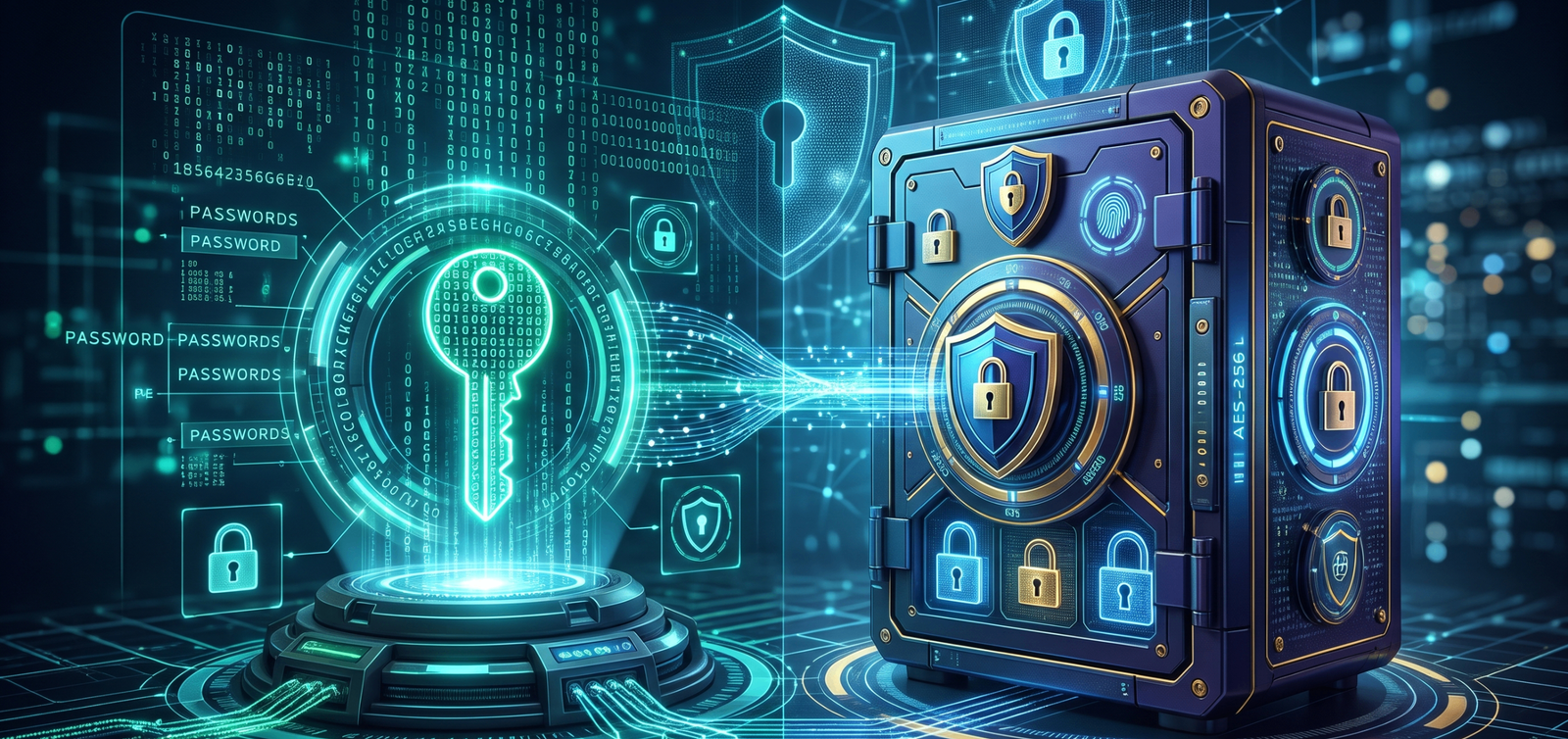
Direct answer. Yes. You need both. A password generator creates a strong, unique password so automated guessing has nothing human to latch onto. A password manager encrypts and stores that password. Together they stop reuse, which is what credential stuffing depends on. When you create password credentials for a new account, treat each one as a single-use key.
This page covers the two attacks that make that pairing necessary, three ways to shape a password, how to use a client-side generator, why the vault has to be encrypted, and where multi-factor authentication fits.
What attackers actually do
Guessing a password by hand is no longer the method. Automated software, models trained on leaked passwords, and databases of stolen logins do the work.
Credential stuffing
Attackers buy lists of stolen usernames and passwords from breaches and load them into bots. Those bots try the same pairs on banks, email, and streaming sites at once. If one password is used on two sites, both accounts fall together. That is credential stuffing prevention in one sentence: never reuse.
AI-assisted guessing
Models trained on billions of exposed passwords learn the habits people repeat: a capital first letter, a sports team, then "123" or an exclamation mark. An 8-character password built that way can be cracked in milliseconds. Credentials have to lack those patterns.
The rule: never reuse a password
Reuse is a chain. A forum you joined years ago gets breached. The password is extracted. If that same string opens your email or your bank, the attacker has those keys too.
- Unique to the platform. The Netflix password is not the Amazon password.
- Independent of your identity. Not a pet's name, a birth year, or a street address.
- Hard to guess. No recognizable dictionary word unless it is one piece of a long, random passphrase.
Check a candidate locally with the password strength checker before you save it.
Three ways to create password styles
A new password does not have to be a string of symbols you cannot type. Match the shape to how you will use the account.
Funny, memorable passphrases
For anything you type yourself — a laptop login, the master key of the vault — join 4 to 6 unrelated words.
- Example:
PurplePenguinEatsBurritos! - Why it holds: It is longer than 20 characters, so guessing the whole string is not a practical attack, and a person can still picture it and type it.
The passphrase generator picks the words at random so you are not choosing a sentence you already say.
Long letter-only strings
Some people want a clean string without dense symbols. Length can carry the strength if the letters alternate case and the words are not a phrase you invented from your own life.
- Example:
VelvetThunderOceanBreeze - Why it holds: A 24-character string of letters takes longer to guess than an 8-character password packed with symbols.
Random strings you never type
API keys, background apps, and billing logins should be pure machine output. There is no pattern for a model to learn.
- Example:
k8#mP9$zL2@qX5!vR - Why it holds: Maximum entropy. No human habit to exploit.
A random password creator builds these in the browser. That is the right tool for a strong password generator you do not have to memorize.
How to use a client-side password generator
A generator builds a random string on demand. Use one that is client-side: the math runs in your browser or on your device. The server that hosts the page never sees, receives, or records the password. That is the property that matters, not the brand name on the page.
- Open a trusted client-side generator.
- Set the length to at least 16 characters.
- Include uppercase, lowercase, numbers, and symbols.
- Optional, for a sensitive account: turn Wi-Fi off before you generate. A client-side tool still runs offline.
- Copy the result to the clipboard.
- Paste it into the account form and into the password manager, then clear the clipboard.
Password length and guessing time
Length changes the search space faster than adding one more symbol to a short string. These figures are estimates for AI-assisted brute force, not a promise about any one attacker.
| Length | Makeup | Estimated time | Use |
|---|---|---|---|
| 8 characters | Letters and numbers | About 5 minutes | Do not use |
| 10 characters | Letters, numbers, symbols | About 2 weeks | Floor for a low-risk site |
| 16 characters | Letters, numbers, symbols | About 34,000 years | Standard generator output |
| 24+ characters | Passphrase of words | Millions of years | Master password |
Why the manager has to be encrypted
The generator makes the lock. The manager holds the keys. You will not remember a 16-character random string for every site. A secure password manager is an encrypted vault for logins, card details, and notes.
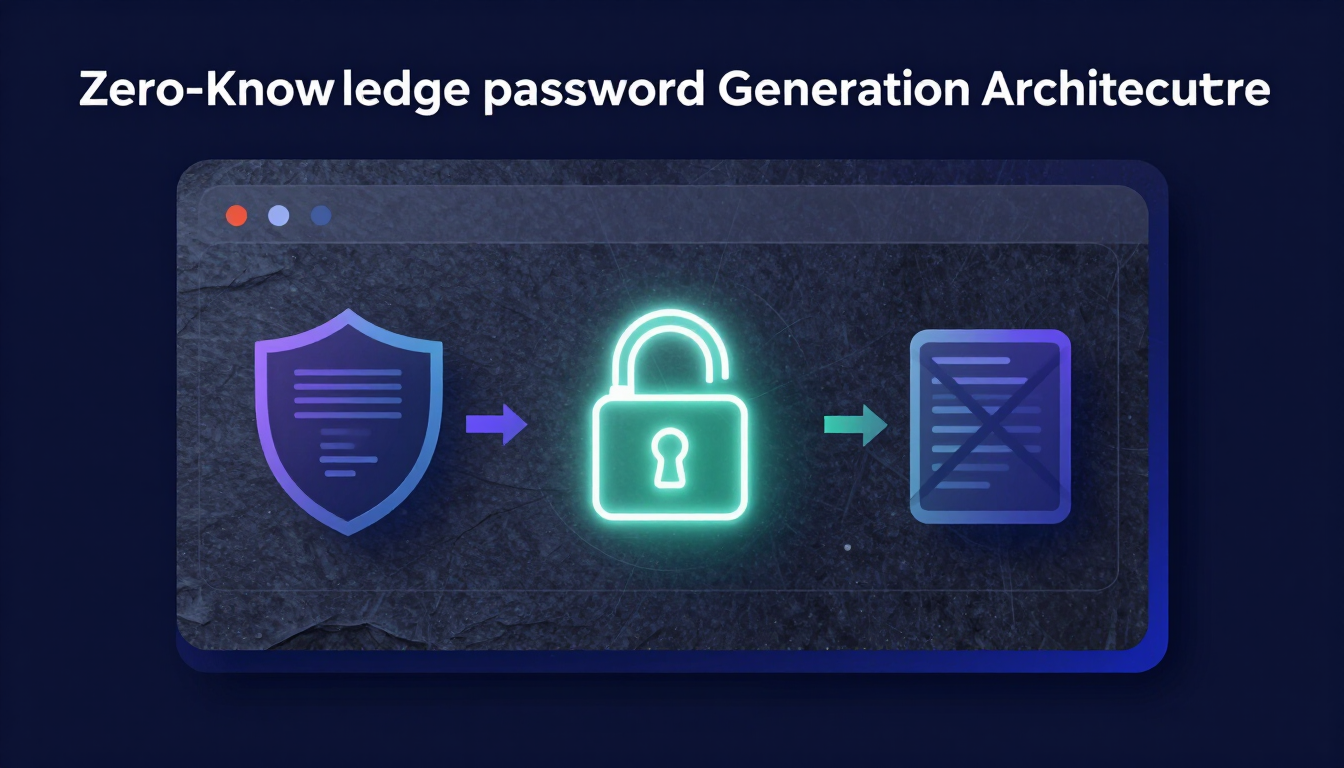
- Zero-knowledge encryption. A capable manager encrypts with AES-256 on your device before data leaves for the cloud. The company that hosts the vault cannot read it. That is client-side encryption of the vault, not of the website you are logging into.
- One master key. You memorize one password. It unlocks the vault locally.
- Auto-fill tied to the real URL. The manager fills the password only when the address matches. A lookalike phishing page does not get the fill.
Create the string in the password generator, paste it into the vault, and keep recovery codes in the same vault as a secure note. Generation and storage stay separate: the browser tool does not also hold the archive.
Choosing and using a vault is covered in the password management guide and in what zero-knowledge generation means.
MFA is the door behind the password
A password is the first check. Multi-factor authentication is the next one. If malware or a phishing page captures the password, MFA can still block the login. It asks for two different proofs:
- Something you know: the password.
- Something you have: a phone or a physical security key.
Authenticator apps, not SMS
Do not use SMS for the second factor. SIM swapping is a carrier social-engineering attack: the attacker moves your number to their SIM and then receives your text codes. An authenticator app — Google Authenticator, Authy, or the one built into the password manager — makes a new 6-digit token every 30 seconds on the device. It does not use the mobile network.
- Open the account's settings.
- Find Security or Sign-in options.
- Turn on two-factor authentication, or app authenticator.
- Scan the QR code with the app.
- Save the backup recovery codes in the password manager.
What to do this week
- Pick a master passphrase of 4 to 6 unrelated words. Write it once and lock the paper in a safe.
- Put every other login in an encrypted manager. Do not leave them in a browser you share with other people if a dedicated vault is available.
- Replace reused passwords, starting with email and banking. Generate at least 16 characters, client-side, and store the result immediately.
- Turn on an authenticator app for email, the vault, and any account that can reset the others.
- Change a password when that service is breached or the device looks compromised. Do not rotate on a calendar.
- Share a credential only through the manager. Not by email, chat, or text.
What to take from this
A generator without a manager leaves you with secrets you cannot remember, so you reuse them. A manager without a generator stores whatever weak string you typed. Use both: a client-side random password creator for each account, an encrypted vault with one master passphrase, and an authenticator app instead of SMS. That is credential stuffing prevention you can actually keep up.
Resources & Tools
- Password generator — random strings of 16 characters or more, created in the browser
- Passphrase generator — a master password you can type
- Password strength checker — entropy, calculated on your device
- Breach checker — whether a password already appears in a known leak
- Password management guide
- Passphrase vs password
- Zero-knowledge password generation

Leave a comment
Comments are moderated before appearing. Please keep it respectful and on-topic. Your email is required for verification but is never displayed publicly or shared.