
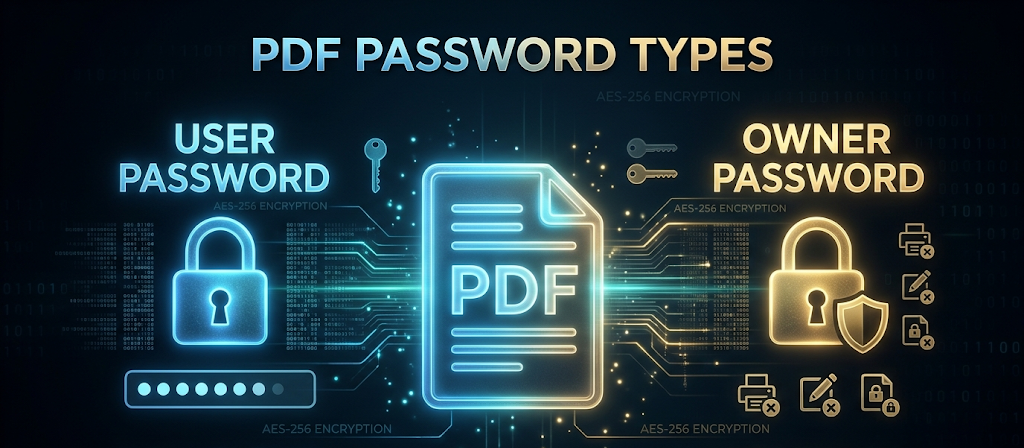
Direct answer. A PDF has two different passwords. The user password (document open password) stops anyone from opening the file without the exact string. The owner password (permissions password) lets people read the file but blocks printing, editing, and copying. Neither layer is stronger than the string you choose. To create password protection that holds up, use a unique string of at least 16 random characters, generated in the browser, and store it in an encrypted manager.
If you are about to send a contract, a tax file, or a health record, the choice between those two passwords decides whether the recipient can open the document at all, or only whether they can change it. This guide covers both PDF password types, why AES-256 still fails when the password is weak, how credential stuffing and AI-assisted guessing work, and a practical way to create a password you do not reuse.
What the two PDF password types mean
PDF software treats access and permissions as separate locks. Mixing them up is how sensitive files leave a company readable, or how a published file stays editable when it should not.
| Lock | Also called | What a reader can do without it | What it blocks |
|---|---|---|---|
| User password | Document open password | Nothing. The file stays scrambled. | Opening, reading, search indexing, and preview |
| Owner password | Permissions password | Open and read the document | Printing, copying text, extracting images, editing |
The user password (document open password)
This is the primary shield. When a user password is set, the viewer asks for it before showing any content. The file data stays scrambled. Without the correct string, the document cannot be read, indexed by search engines, or previewed.
Use a user password when:
- Sending tax documents to an accountant.
- Sharing confidential HR records.
- Storing personal health information on a cloud drive.
The owner password (permissions password)
This is a restriction layer, not a secrecy layer. A reader can open and read the PDF without typing a password. When they try to print, copy text, extract images, or edit the file, the software blocks the action and asks for the owner password.
Use an owner password when:
- Publishing a copyrighted ebook.
- Distributing draft designs that clients should not alter.
- Sharing internal memos that should stay read-only.
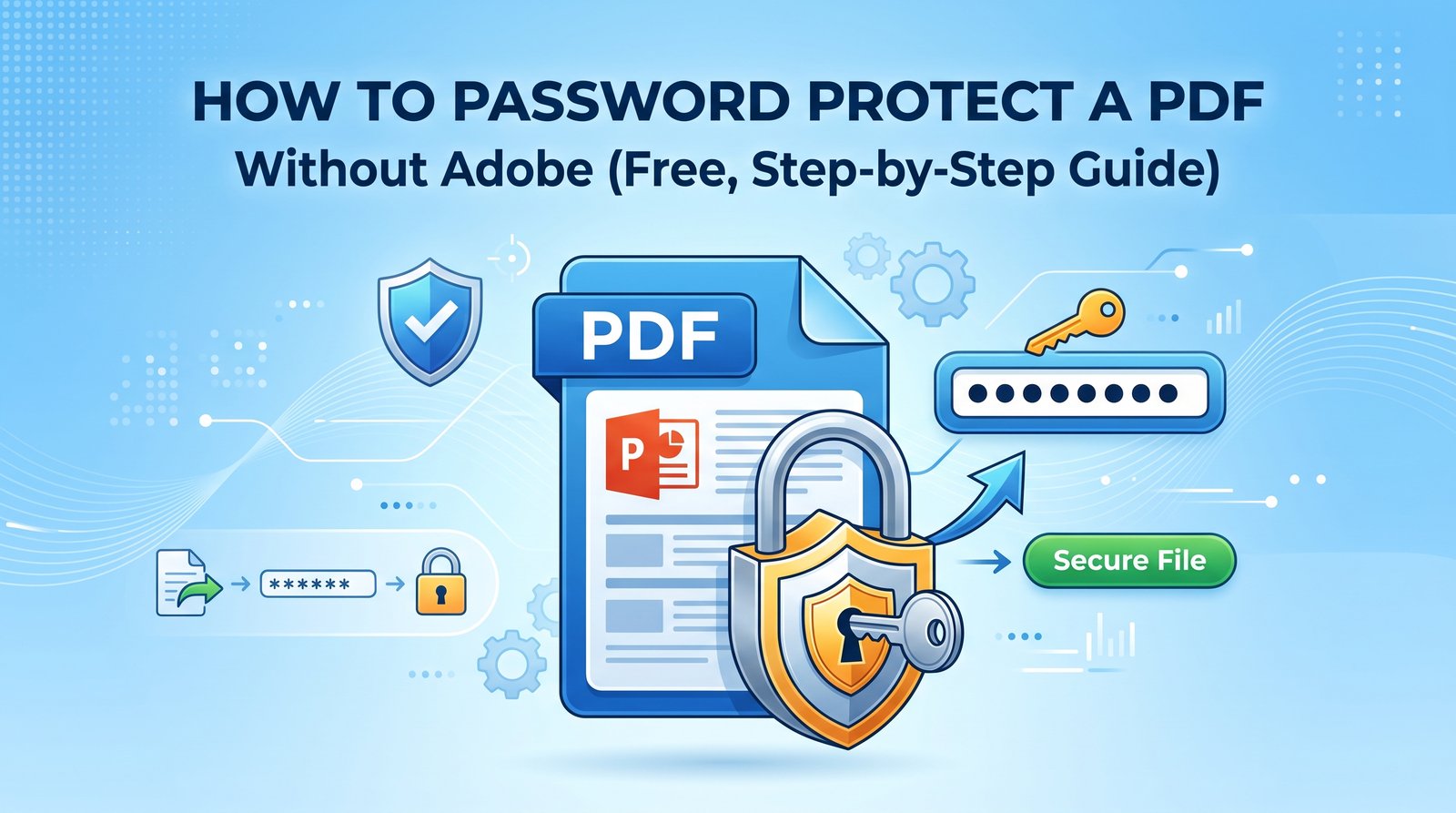
You can apply both at once. The recipient then needs the user password to open the file, and still cannot print or edit unless they also have the owner password. Apply either lock with the PDF password protector, which encrypts the file in the browser. For the click-path without Adobe Acrobat, see how to password-protect a PDF without Adobe.
Why a strong cipher still fails
PDFs use AES-256 encryption. The algorithm itself is not what gets broken by trying keys at random. The weak point is the password. If you create password strings that are short or predictable, an offline guessing attack tests candidates against the file's encryption hash until one matches. The software never needs to break AES-256. It only needs to guess the string you chose.
That is why pets, birth years, and sports teams are a poor foundation. Automated systems, stolen-credential lists, and models trained on how people invent passwords will try those patterns first.
Two threats that dominate password attacks
Manual guessing is no longer how most accounts and encrypted files are opened. Two methods account for most of the pressure on a reused or human-invented password.
Credential stuffing
Attackers buy databases of usernames and passwords from earlier corporate breaches. They load those pairs into bots that try the same email and password across banking, retail, and enterprise sites at the same time. The attack succeeds when you reused that password. A leak at a low-security forum then opens Gmail, a bank, PayPal, or Microsoft 365, because the secret is the same.
If you want to know whether a password you already use has shown up in a known leak, the breach checker queries only a short hash prefix, not the password itself.
AI-assisted brute force
Models trained on password trends and human habits can build targeted variations from a name, a city, and a workplace. Modern GPUs can test billions of those candidates per second against an offline hash, including a PDF encryption hash. Length and randomness are what push that search out of reach. A short or patterned string does not.
| Threat | Mechanism | What it exploits | Defense |
|---|---|---|---|
| Credential stuffing | Automated reuse of breached username and password pairs | The same password on more than one site | A unique credential for every login |
| AI brute-forcing | Rapid guessing of contextual and trendy strings | Short or predictable patterns | Random strings of 16 characters or more |
| Dictionary attacks | Testing words and common suffixes | Dictionary words plus a number at the end | A client-side password generator |
| Phishing | A fake login page that collects what you type | Deception, not weak math | Hardware security keys (FIDO2), plus a manager that will not fill the wrong domain |
The rule that matters more than symbols
Reusing a password ties the security of every site that shares it into one failure. NIST guidance puts length and uniqueness ahead of composition rules such as "one uppercase letter and one symbol." A unique 16-character string beats a clever 8-character pattern you also use for a streaming account.
There is no exception for low-value accounts. The low-value site is often the one that gets breached, and the reused password is what travels.
People do not invent 20-character random strings reliably. Use a secure password generator that runs in the browser, then check an existing secret with the password strength checker before you keep relying on it.
How to use a client-side password generator
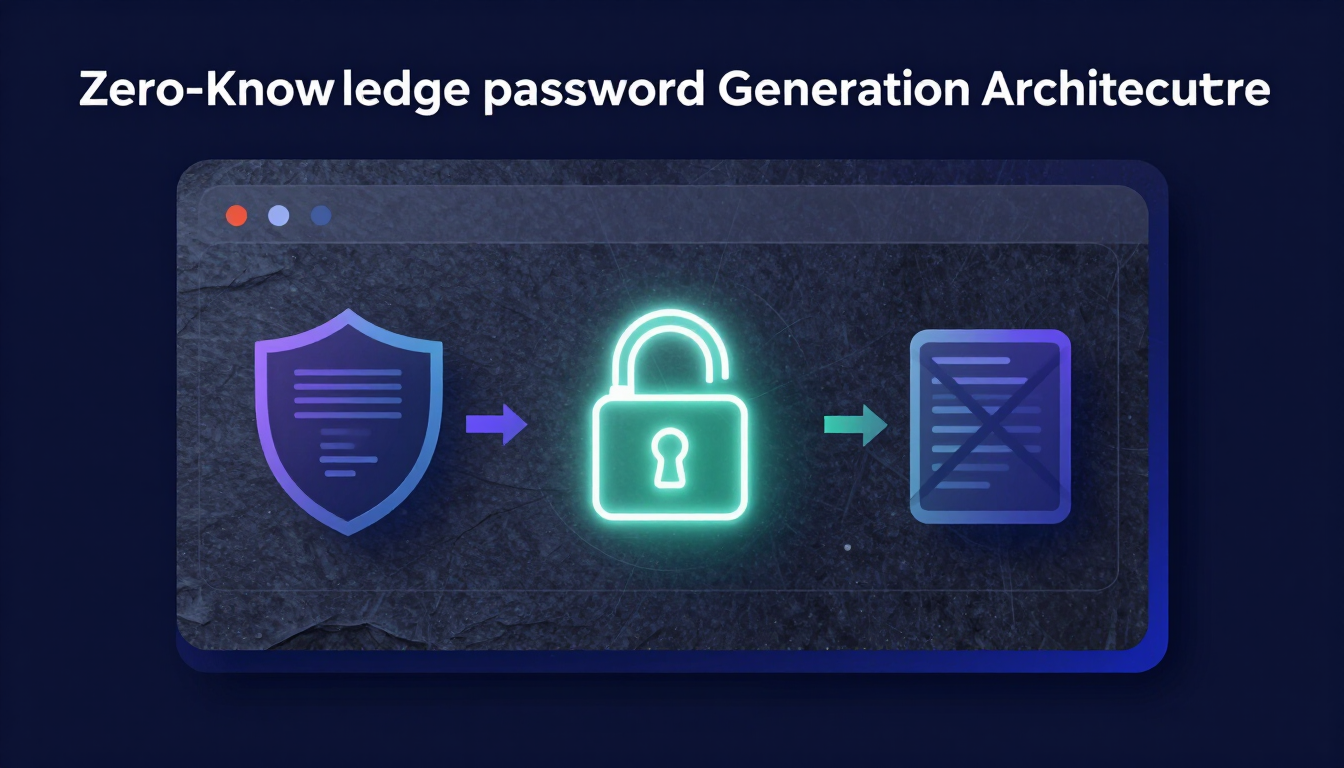
A client-side password generator builds the string in your browser with JavaScript. The password is not sent to a server as part of generation. That is the property that makes an online generator acceptable. A generator that transmits the new password, or writes it to a log, is not.
- Open a trusted client-side tool. The password generator on this site uses the browser's cryptographic random source and does not upload the result.
- Disconnect first, if you want a stricter check. Because generation is local, you can turn off Wi-Fi before clicking generate. The tool does not need a network to produce the string.
- Set the length to 16 or more. Sixteen characters is the minimum cited against modern GPU guessing. Twenty is a reasonable default for a PDF user or owner password.
- Include every character class. Uppercase, lowercase, numbers, and symbols. Length still does most of the work. The full set removes an easy filter an attacker would otherwise apply.
- Copy it into an encrypted vault before you close the tab. Do not leave the only copy in a chat window or a sticky note.
For a PDF owner password in particular, save the string immediately as a secure note. If you lose the owner password, the encryption cannot be reversed and you lose the ability to edit or change permissions on that file permanently. The same applies to the user password if you still need to open the file yourself.
Why the vault has to be encrypted
Unique 20-character passwords add up. You will not memorize hundreds of them, and a sticky note is not storage. An encrypted password manager keeps those strings behind one master password you can actually remember. A long passphrase is the right shape for that master secret. The passphrase generator builds one from random words.
Zero-knowledge, in plain terms
A zero-knowledge manager encrypts the vault on your device before anything is synced. The company that hosts the vault does not hold the decryption key. If those servers are breached, the stolen data is ciphertext, not a list of your passwords. That property is about the vault, not about the PDF. The PDF still depends on you keeping its own password in that vault.
How to choose and use a manager is covered in the password management guide and in password best practices for 2026.
MFA is the layer passwords cannot provide
A password fails when you type it into a fake site. Multi-factor authentication asks for a second proof of identity. A stolen password alone is then not enough to sign in. MFA does not apply inside a PDF viewer. It applies to the accounts and the vault that hold the PDF passwords.
| MFA type | Level | How it works | Remaining weakness |
|---|---|---|---|
| SMS text codes | Low | A 6-digit code by text message | SIM swapping and interception |
| Authenticator apps (TOTP) | High | A new 6-digit code every 30 seconds, generated offline | Device theft, and sophisticated proxy phishing |
| Hardware keys (FIDO2) | Highest | A physical USB or NFC key, such as a YubiKey, bound to the real site | Losing the key |
| Push notifications | Medium | An approve button on your phone | MFA fatigue: repeated prompts until someone taps yes |
Prefer an authenticator app, such as Google Authenticator or Authy, or a FIDO2 hardware key. Turn off SMS codes where the service allows it. Mobile networks are a common target for social engineering, including SIM swaps that move your number to someone else's device.
A short checklist before you send the file
- Decide which lock you need. User password if the contents must stay hidden. Owner password if the file may be read but not printed, copied, or edited. Both, if you need both outcomes.
- Create a new random string of at least 16 characters. Do not reuse a login you already use elsewhere.
- Generate it in the browser, not in a cloud chat or a tool that sends the password to a server.
- Save the user password and the owner password in the vault before you close the tab. Label the note with the file name.
- Send the password on a different channel from the file. Do not put it in the same email as the attachment.
- Protect the vault and the email account with an authenticator app or a hardware key, not SMS, if you can.
- Change the password only if you believe it was exposed. Do not rotate it every 90 days for its own sake. Small edits such as Password123! to Password124! are exactly what guessing tools expect.
What to take from this
User and owner passwords answer different questions: can this PDF be opened, and can it be changed or printed. AES-256 does not rescue a short or reused string, because guessing attacks target the password, not the cipher. Create each password once, at random, at 16 characters or longer, keep it only in an encrypted manager, and put a second factor on the accounts that guard that manager.
Resources & Tools
- PDF password protector — apply a user or owner password in the browser
- Password generator — random strings of 16 characters or more, created locally
- Password strength checker — entropy of a credential, calculated on your device
- Passphrase generator — a memorable master password for the vault
- Breach checker — whether a password already appears in a known leak
- Password-protect a PDF without Adobe
- Password management guide
- NIST SP 800-63B — length, uniqueness, and when to change a password
Leave a comment
Comments are moderated before appearing. Please keep it respectful and on-topic. Your email is required for verification but is never displayed publicly or shared.