
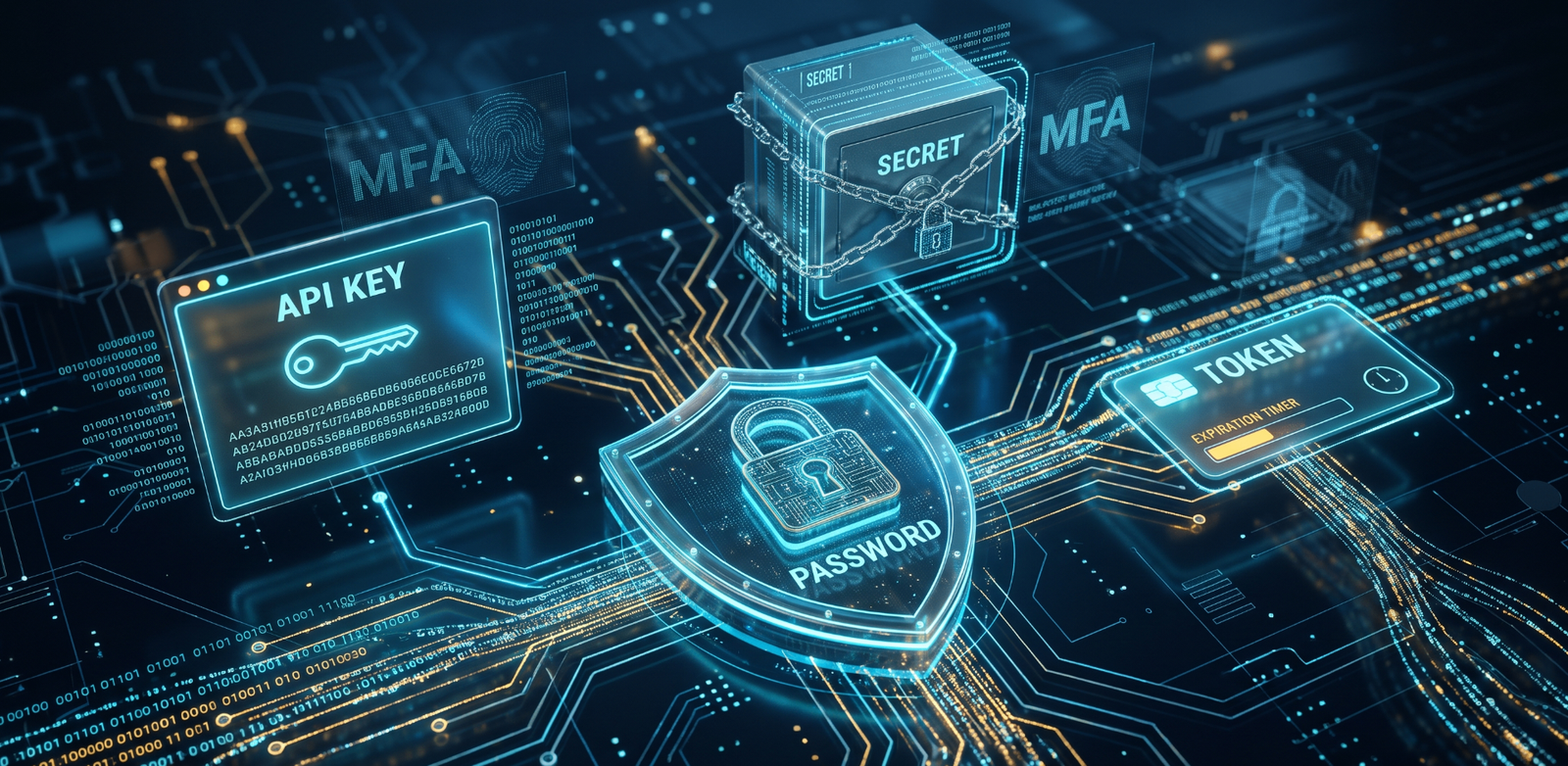
A reused or short password is already a liability. Attackers are not guessing by hand. They run automated software against leaked lists, and they use artificial intelligence to test combinations in seconds.
That covers human accounts. Applications need a different set of credentials: API keys, secrets, and tokens. This guide explains both — how to create password values safely, how to tell those machine credentials apart, and how to lock the vault with MFA.
The State of Cybersecurity in 2026
If the credential is weak, the account is already exposed. Two automated methods account for most of that exposure.
AI brute-forcing
Modern graphics cards and AI algorithms can process billions of password combinations per second. A standard 8-character password made only of lowercase letters takes an AI-driven brute-force tool less than a fraction of a second to crack.
AI also studies how people invent passwords. It can guess logical substitutions, such as replacing a with @, and it can guess dictionary words. A short or predictable string is guessable. A completely random character string is not a pattern those models can anticipate.
Credential stuffing
Credential stuffing is an automated attack. Criminals buy lists of stolen emails and passwords, load those exact pairs into bots, and test them across thousands of websites at once — including banking portals and email services.
If the same password protects your email and your bank, a breach on a random forum is enough to reach your financial data. Check whether a password already appears in a known leak before you keep using it.
The Golden Rule: Never Reuse a Password
Account isolation is the practical defense against data breaches. Every website, app, and service needs its own password.
- The domino effect. Reuse links your identities. One compromised account acts as a master key for the rest.
- The containment strategy. Unique passwords mean a low-security site breach gives the attacker nothing else. Email, banking, and primary work accounts stay untouched.
Generate unique passwords in the browser, one per account, and let a manager remember them.
Categories of Secure Passwords You Can Create
Different situations need different credentials. Split the strategy into three categories.
1. The complex alphanumeric string
This is the standard for high-security accounts: a random mix of uppercase, lowercase, numbers, and special characters. You cannot remember these, and you should not try. Store them in a password manager. The password generator builds that string locally.
2. The human-readable passphrase
Use a passphrase for the master password that unlocks the manager, or for a computer login. A passphrase strings together four to six random words.
- Battery-Horse-Staple-Correct-99!
Why it works: Length supplies the entropy, which makes brute-force impractical, while a human can still memorize the sequence. Build your own with the passphrase generator rather than copying a published example. You can check the strength of the result on your own device.
3. Machine credentials (API keys)
Applications use distinct credentials to talk to each other without a person typing anything. You do not create a password for a machine. You generate a cryptographic key. The API key generator is the local tool for that job.
How to Use a Client-Side Password Generator Safely
You need a tool to create passwords. You should not trust a website that generates them on a remote server and could store the result.
Always use a client-side password generator.
What does "client-side" mean?
Client-side means the calculation happens entirely in your web browser. When you click generate, your device's processor runs the math. The resulting password never travels across the internet, and it is not stored on an external web server.
Verify your tools
- Disconnect test. Load the generator page. Turn off Wi-Fi or unplug the Ethernet cable. Click generate. If it still works, it is a true client-side tool.
- Open-source math. Prefer tools that use the standard
window.crypto.getRandomValues()in JavaScript, not a weak pseudo-random number generator.
CreatePassword's generators run in the browser with that Web Crypto API, so the disconnect test is a fair check. The same local approach applies when you generate a hash or an API key — the value is produced on your machine.
API Key vs Secret vs Token: Differences and Best Practices
Developers and system administrators have to secure machine-to-machine communication. People create passwords. Applications use API keys, secrets, and tokens. Mixing them up is how credentials leak into places they were never meant to be.
| Credential type | Primary function | Visibility | Expiration |
|---|---|---|---|
| API key | Identifies the project or application calling the API. | Public / client-side safe (often passed in URLs). | Rarely expires automatically; manually revoked. |
| API secret | Authenticates the application. Acts as the password. | Strictly private / server-side only. | Rotated periodically to limit the window of compromise. |
| Access token | Grants specific permissions for a limited time (OAuth). | Private / sent in HTTP headers. | Short-lived (expires in minutes or hours). |
API key best practices
An API key identifies who is calling the API. It is not secure enough to act as a password on its own.
- Restrict by IP or domain. Lock keys so they only work when called from your web domain or server IP address.
- Never hardcode. Do not paste API keys directly into source code.
API secret best practices
The secret proves the application has the right to use the API key.
- Store in vaults. Keep secrets in dedicated infrastructure such as AWS Secrets Manager or HashiCorp Vault.
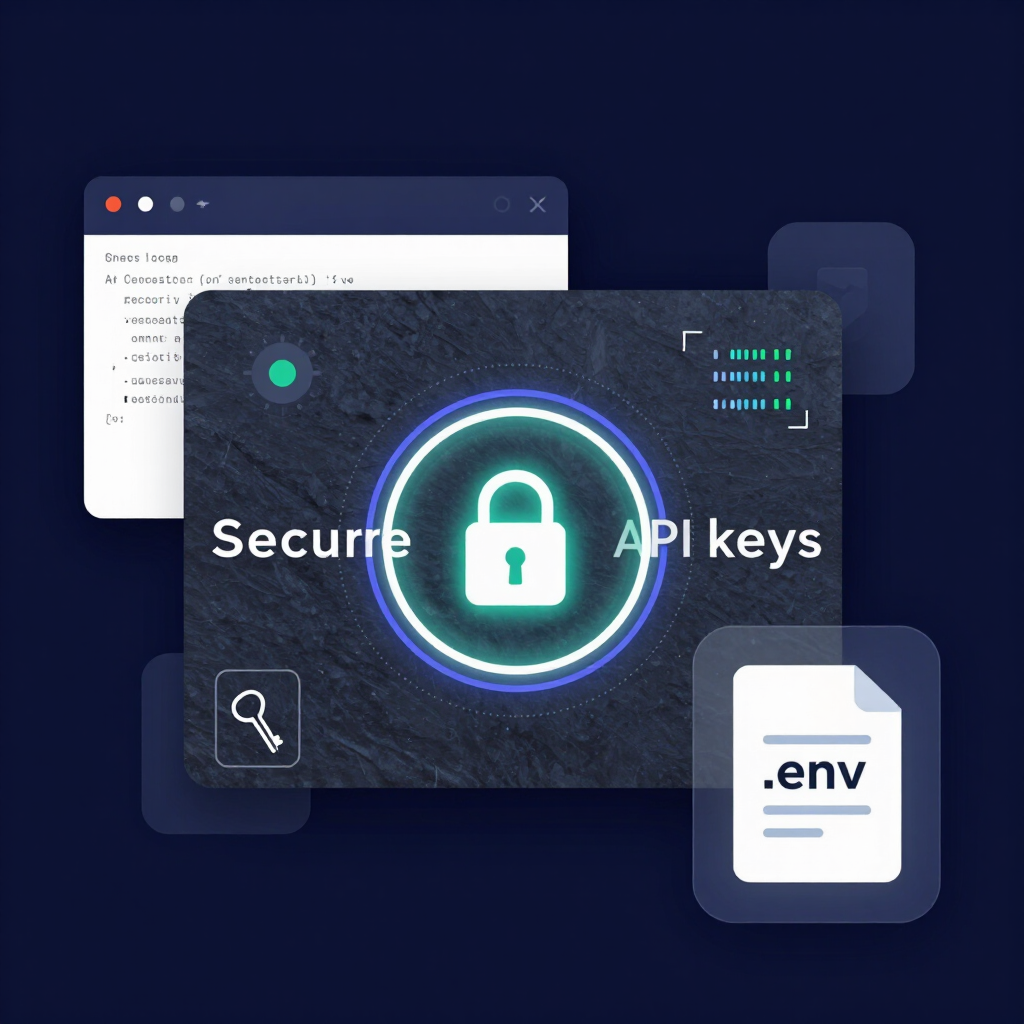
- Use environment variables. Inject secrets into the app via
.envfiles at runtime, not by committing them.
Token best practices
Tokens, including JWTs, carry explicit permissions.
- Keep lifespans short. Set access tokens to expire quickly — 15 minutes is a common choice.
- Use refresh tokens. Require the client to present a longer-lived, securely stored refresh token when it needs a new access token.
An API secret is a permanent private key stored on a server to authenticate an application. A token, such as an OAuth access token, is temporary: it grants specific, limited permissions for a brief period. For local generation of the identifier itself, use the API key generator, then store the secret side in a vault — not in the repository. The guide to generating secure API keys covers the generation step in more detail.
Why You Need an Encrypted Password Manager
A person cannot memorize 100 unique, 20-character passwords. Trying leads to reuse, or to passwords written on sticky notes. An encrypted password manager is the practical fix.
How password managers work
A password manager is a digital vault. It encrypts credentials with AES-256. You lock the vault with one strong master passphrase.
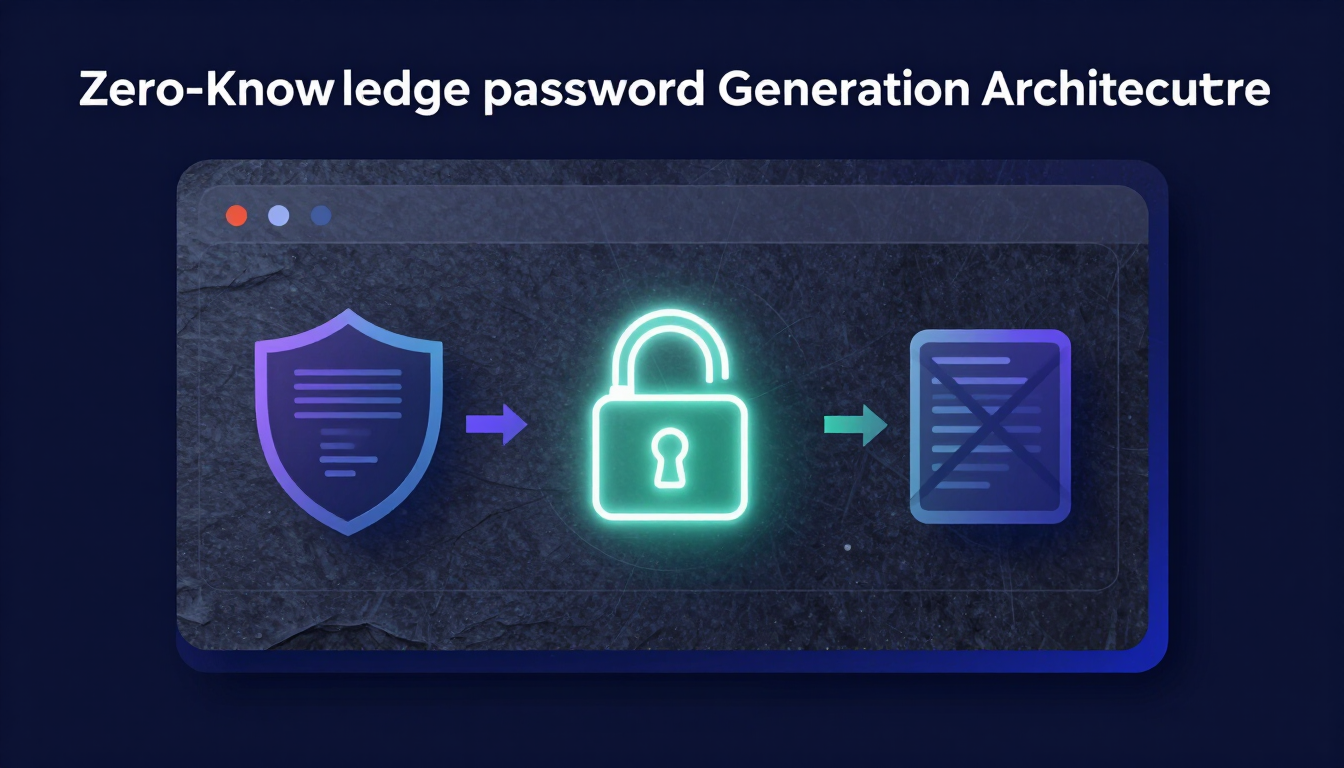
- Zero-knowledge architecture. The stronger managers cannot read your data. They encrypt passwords locally on your device before syncing them. If the provider is breached, the attacker gets ciphertext, not readable passwords.
- Integration. Managers connect to the browser. When you create a password on this site, the manager can offer to save it immediately.
- Auto-fill. They fill credentials on legitimate sites. On a phishing site, a manager that checks the URL will refuse to fill, because the address does not match.
Dedicated managers shipped as browser extensions, such as Bitwarden or 1Password, are built for this. The built-in save feature in a default browser such as Chrome or Edge is weaker: malware can more easily extract credentials from local browser files.
The Final Layer: Setting Up Multi-Factor Authentication
A password is the first line of defense, not the whole defense. Phishing email, keystroke-logging malware, or a corporate breach can still expose a strong password — including a 20-character one. MFA requires a second piece of evidence. Without the phone or the security key, the stolen password does not complete the login.
MFA methods ranked by security
- Hardware security keys (best). A physical USB key, such as a YubiKey, has to be tapped while it is plugged into the device. This method is immune to phishing.
- Authenticator apps (good). Google Authenticator or Authy generates a new 6-digit code every 30 seconds. The codes are created on the phone, so they are not exposed to SIM-swapping.
- SMS text messages (weakest). A text code is better than nothing. Attackers can still intercept texts with SIM swapping. Use SMS only when a stronger option is not available.
Practical Checklist
- Length: at least 16 random characters for stored passwords; four to six random words for a master passphrase.
- Uniqueness: one password per site. No reuse between email, bank, and forums.
- Generation: client-side only. Confirm with the disconnect test, and prefer
window.crypto.getRandomValues(). - Storage: an encrypted manager with a memorized master passphrase — not browser built-in storage, not a note.
- Machine credentials: API key to identify, secret to authenticate (server-side, vault or
.env), short-lived token for permissions. - Restrictions: lock API keys to a domain or IP, and do not hardcode them.
- MFA: hardware key where you can, authenticator app otherwise, SMS last.
- Rotation: change a password when you suspect a breach, the service forces a reset, or you shared it. Do not rotate on a calendar. NIST SP 800-63B advises against mandatory rotations because they push people toward weaker passwords.
Final Takeaway
Create the human password locally, keep it unique, and put it in a manager. Treat the API key as an identifier, the secret as the password, and the token as a short-lived permission. Then turn on a second factor so a leaked password is not a completed login. Audit the accounts you already have, generate the missing credentials, and enable MFA on the ones that matter.
Resources & Tools
- Password generator — unique random passwords, created in the browser
- Passphrase generator — four to six random words for a master password
- Password strength checker — entropy of a credential, calculated locally
- API key generator — local cryptographic identifiers for applications
- Breach checker — whether a password already appears in a known leak
- How to generate secure API keys
- Password best practices for 2026
- NIST SP 800-63B — digital identity guidelines on password rotation
Leave a comment
Comments are moderated before appearing. Please keep it respectful and on-topic. Your email is required for verification but is never displayed publicly or shared.