
What Is a Secure API Key?
To generate secure API tokens, you need a token built for machines, not humans. A secure API key is a cryptographically random, high-entropy string used for machine-to-machine authentication.
- Use a CSPRNG — Cryptographically Secure Pseudo-Random Number Generators — rather than standard math functions.
- Store tokens in local
.envfiles and never commit them to Git repositories. - Optimize for entropy, not memorability, because machines do not need to recall the string.
The Difference Between a Password and an API Key
Humans and machines authenticate differently. Understanding this distinction prevents massive security breaches.
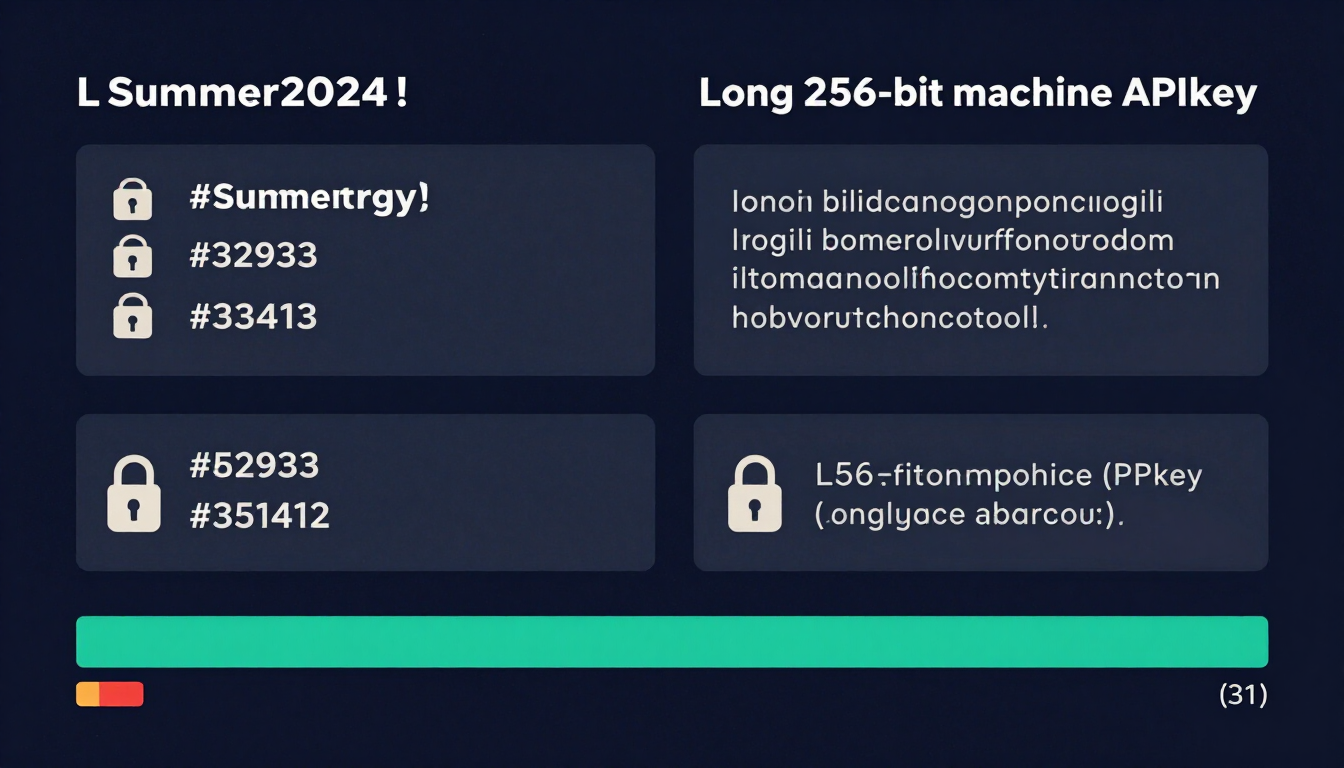
Humans need memorability. We create passwords based on words, numbers, and symbols that our brains can recall. This requirement naturally limits the complexity of human passwords.
Machines do not need memorability. Machines require raw, mathematical unpredictability. We call this unpredictability entropy.
When you create an API key, you are creating a token for a machine. You do not need to read it, remember it, or type it manually. Therefore, you must optimize entirely for high entropy.
Entropy: The Core Metric of Security
Entropy measures the number of possible combinations in a string. Higher entropy means a brute-force attack takes exponentially longer.
- A standard 8-character human password has about 40 to 50 bits of entropy.
- A secure API key should have at least 128 bits, ideally 256 bits, of entropy.
To achieve 128 bits of entropy, an attacker would need to guess from 3.4 × 1038 possible combinations. Standard computing power cannot break this in our lifetime.
Why You Should Never Write Your Own Random String Generator
Many developers attempt to write their own token generators using standard programming functions. This is a fatal security error.
Functions like Math.random() in JavaScript or random.choice() in Python use Pseudo-Random Number Generators (PRNGs). PRNGs are deterministic. If an attacker knows the seed (often the system time), they can predict the exact sequence of numbers your server will generate next.
The Math of True Randomness
To generate secure API tokens, you must use a Cryptographically Secure Pseudo-Random Number Generator (CSPRNG).
CSPRNGs pull randomness from the operating system's environmental noise. This includes hardware interrupts, keystroke timings, and mouse movements. This "true" randomness cannot be reverse-engineered.
Prefer well-known, widely reviewed cryptographic libraries:
- Node.js:
crypto.randomBytes() - Python:
secretsmodule - PHP:
random_bytes() - Java:
SecureRandom
For instant, browser-based generation, use our free API key generator, which runs entirely on your machine using the Web Crypto API.
Formats: UUIDs vs. Hexadecimal vs. Base64 Strings
When you generate API key offline or online, you must output the raw binary data into a readable string format. Developers primarily use three formats.
1. UUIDs (Universally Unique Identifiers)
UUIDs (specifically Version 4) are 128-bit numbers formatted as 36-character strings.
- Example:
f47ac10b-58cc-4372-a567-0e02b2c3d479 - Pros: Standardized format, easy to store in databases, natively supported by Postgres.
- Cons: Fixed at 128 bits of entropy. You cannot make them stronger.
2. Hexadecimal Strings
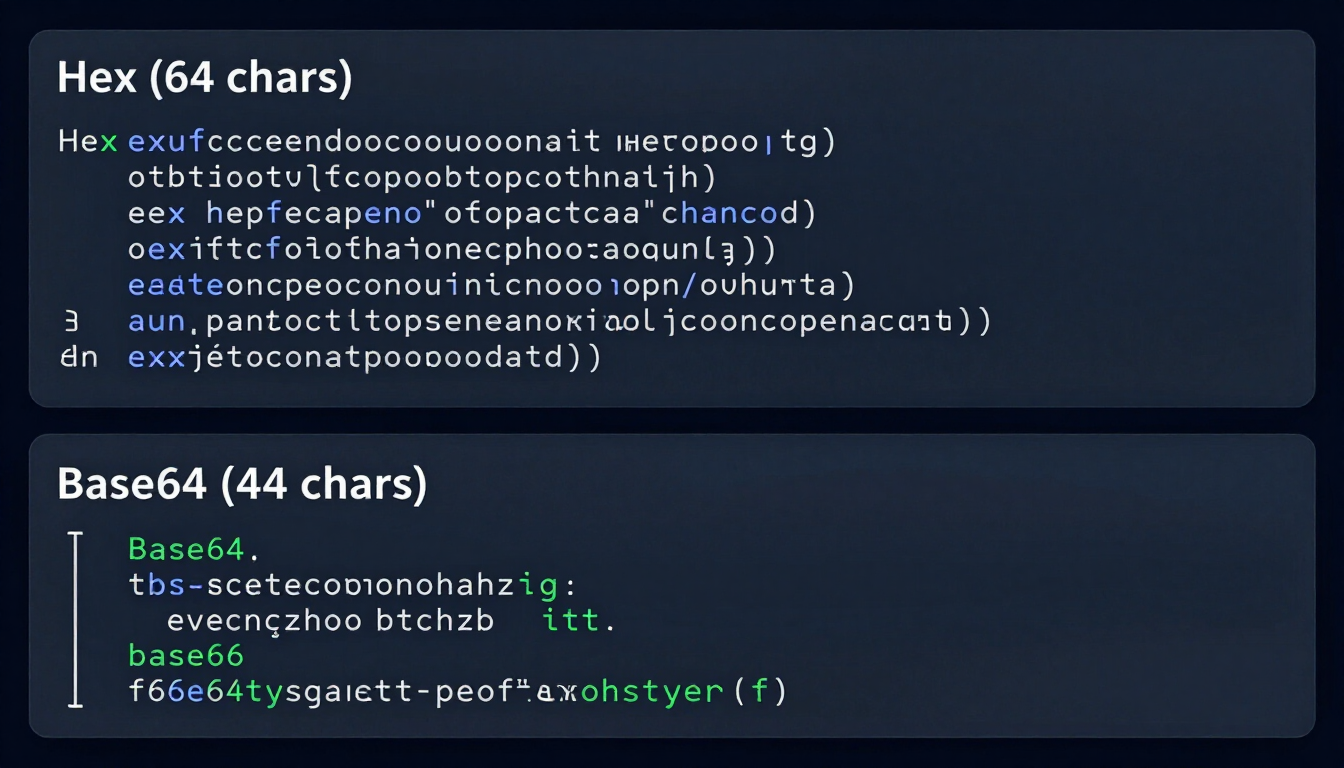
Hexadecimal uses base-16 encoding (0-9 and a-f) to represent binary data.
- Example:
a1b2c3d4e5f67890abcdef1234567890 - Pros: URL-safe, easy to read, flexible length.
- Cons: Not space-efficient. It takes 64 characters to represent 256 bits of entropy.
3. Base64 Strings
Base64 uses 64 characters (A-Z, a-z, 0-9, +, /) to encode binary data.
- Example:
cT3xR5vB8nL1mP4qZ7wX0yN2cM9bV6k= - Pros: Highly space-efficient. Packs maximum entropy into the shortest string.
- Cons: Base64 includes
+and/, which are not URL-safe. Developers must use Base64-URL encoding for query parameters.
Quick Comparison Table
| Format | Character Set | Space Efficiency | URL Safe? | Best Use Case |
|---|---|---|---|---|
| UUID v4 | 0-9, a-f, hyphens | Low | Yes | Database primary keys |
| Hexadecimal | 0-9, a-f | Medium | Yes | Simple API tokens |
| Base64 (URL) | A-Z, a-z, 0-9, -, _ | High | Yes | High-security, compact API keys |
Storing API Keys Safely in .env Files
Generating a secure key is only half the battle. Storing it incorrectly immediately compromises your system.
The industry standard for managing application secrets is the .env file. This file stores environment variables locally on your server or developer machine.
Never Commit Secrets to Git
If you commit an .env file to a public GitHub repository, malicious bots will scrape your API key within seconds. Attackers use automated scripts that constantly scan new commits for strings resembling API keys.
Once compromised, attackers can use your credentials to spin up crypto-mining servers, access customer data, or rack up massive billing charges on AWS or Stripe.
Safe Storage Rules
Follow these strict rules for API key management:
- Add
.envto.gitignoreimmediately: Before writing any code, ensure Git ignores your environment file. - Use
.env.example: Commit a template file with dummy values so other developers know what variables the app requires. - Rotate keys regularly: Assume keys will eventually leak. Build mechanisms to revoke and regenerate keys without causing application downtime.
- Hash keys in the database: Never store plain-text API keys in your database. Treat them like passwords. Hash them using SHA-256 before saving. Only show the plain-text key to the user once during generation.
Generate API Keys Offline via Command Line
Security-conscious developers often prefer to generate API key offline. You can do this securely right from your terminal using OpenSSL.
Generate a 32-byte (256-bit) Hexadecimal Key:
openssl rand -hex 32
Generate a 32-byte (256-bit) Base64 Key:
openssl rand -base64 32
These commands pull from your operating system's CSPRNG, ensuring cryptographically secure API tokens without relying on external websites or third-party tools.
Generate a Cryptographically Secure API Key Instantly
Stop risking your application's security with weak, predictable strings. You need high-entropy, cryptographically secure tokens.
Use our free API key generator right now. We run entirely in your browser using the Web Crypto API. Your keys are generated locally on your machine and never touch our servers.
Protect your infrastructure today.
Frequently Asked Questions (FAQs)
What makes an API key secure?
An API key is secure when it possesses high entropy, meaning it is long and completely random. It must be generated using a Cryptographically Secure Pseudo-Random Number Generator (CSPRNG) so attackers cannot predict or brute-force the string.
Can I use Math.random() to create an API key?
No. Standard math randomizers use deterministic algorithms. Attackers can figure out the seed value and predict every "random" number your application generates, easily compromising your system.
What is the ideal length for a secure API token?
A secure API token should have at least 128 bits of entropy. When encoded in hexadecimal, this equals a 32-character string. For critical infrastructure, aim for 256 bits (a 64-character hex string).
How do I generate API key offline safely?
You can use command-line tools like OpenSSL built into most operating systems. Running openssl rand -hex 32 in your terminal generates a cryptographically secure 256-bit token without requiring an internet connection.
Should I store API keys in my database?
You should never store active API keys in plain text within your database. You must hash them using a strong algorithm like SHA-256. When a user authenticates, hash the key they provide and compare it to the hash in your database.
What happens if I accidentally commit my API key to GitHub?
Malicious bots scan GitHub continuously. They will likely scrape your key within seconds. You must immediately log into your API provider's dashboard, revoke the compromised key, and generate a new one.
Why use Base64 instead of Hexadecimal for API keys?
Base64 utilizes a larger character set (64 characters) compared to Hexadecimal (16 characters). This allows Base64 to store the exact same amount of cryptographic entropy in a much shorter, more compact string.
Is a UUID version 4 secure enough for API authentication?
Yes, UUIDv4 is generally secure enough for standard API authentication as it contains 122 bits of randomness. However, for highly sensitive financial or medical data, a custom 256-bit token is preferred.
Where is the safest place to put my API keys locally?
Always store local API keys in a .env file at the root of your project directory. Ensure that you have added .env to your .gitignore file so it never gets pushed to a remote repository.
Resources & Tools
Home Page
- Password Generator — https://createpassword.in/
Tutorials
- Security Documentation — https://createpassword.in/tutorials
Password Tools
- Password Generator — https://createpassword.in/create-password
- Password Generator — https://createpassword.in/tools/password-generator
- Password & Security Tools — https://createpassword.in/tools
- Passphrase Generator — https://createpassword.in/tools/passphrase-generator
Articles That Will Help You to Understand to Make Strong Passwords to Secure for Your Online Accounts
- The Ultimate Guide to Using a Password Generator Free — https://createpassword.in/blog/password-generator-free
- Passphrase vs Password — https://createpassword.in/blog/passphrase-vs-password
- Complete Guide to Creating Strong Password — https://createpassword.in/blog/complete-guide-strong-passwords-2026
- Passphrase vs Password: Which Is Better for Security — https://createpassword.in/blog/passphrase-vs-password-security
- 12 Character Password Generator: Free, Secure & Instant Tool — https://createpassword.in/blog/secure-12-character-password-generator

Leave a comment
Comments are moderated before appearing. Please keep it respectful and on-topic. Your email is required for verification but is never displayed publicly or shared.