
By Venkateswara Rao | Published 2026-08-05 | 8 min read
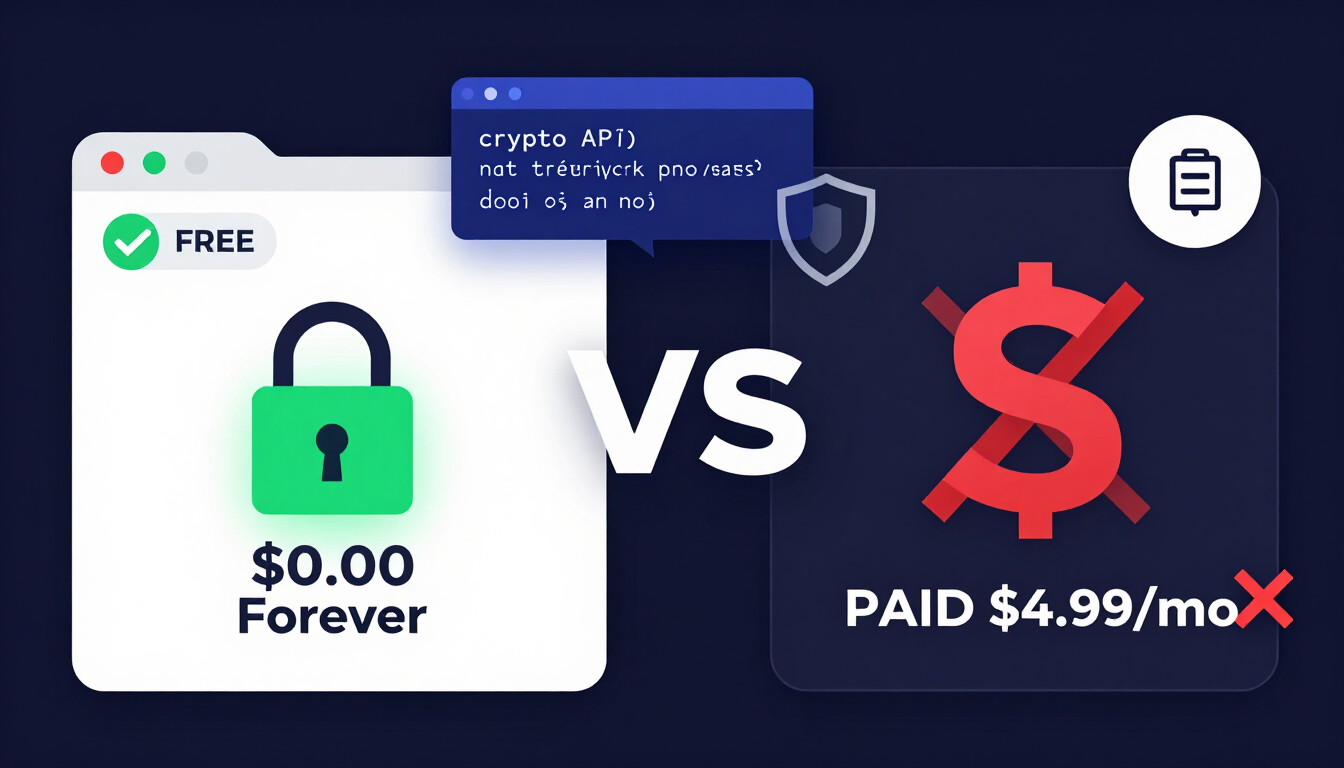
The Great Subscription Scam: Paywalling Standard Mathematics
Imagine a company charging a monthly fee every time you use a basic online calculator to add two numbers together. You would immediately recognize it as a cash grab.
Yet, millions of users unknowingly pay monthly subscriptions for utility apps that do something almost identical: picking random values from an array of characters.
The Paywalled Math Illusion
- Paid App Pitch: "$4.99/mo for Pro Military-Grade Password Engine!"
- Technical Truth: Executes simple
window.crypto.getRandomValues()in local browser RAM (Cost: $0.0000)
The Power of Native Browser Cryptography
Every modern web browser — whether Google Chrome, Apple Safari, Mozilla Firefox, or Microsoft Edge — comes pre-packaged with built-in cryptographic security APIs.
When you use an authentic password generator free tool, the application leverages your device's native hardware engine to calculate randomness locally. There are no cloud servers to maintain, no database queries to execute, and no compute overhead that justifies a recurring bill.
Free vs Paid Password Generator Comparison Breakdown
To evaluate the free vs paid password generator landscape objectively, compare how both models handle performance, privacy, cost, and architecture.
Feature & Architectural Matrix
| Evaluation Criteria | Client-Side Free Password Generator | Paid Utility App / Subscription |
|---|---|---|
| Upfront & Monthly Cost | $0.00 Forever ✓ | $2.99 – $9.99 / month ✗ |
| Data Transmission | Zero Network Requests (100% Local) ✓ | Frequently connects to cloud analytics ⚠ |
| Account Registration | None Required ✓ | Requires email & account setup ✗ |
| Cryptographic Engine | Native window.crypto (CSPRNG) ✓ | Proprietary or standard wrapper ⚠ |
| Cross-Platform Access | Any web browser on any OS ✓ | Dependent on app downloads/licenses ✗ |
| Security Auditability | Transparent JavaScript code ✓ | Closed-source / proprietary binaries ✗ |
Free vs Paid Privacy Flow
- Free Client-Side: [ Browser RAM ] → [ Secret Generated ] (Stays Local)
- Paid App Model: [ Local Input ] → [ Account Sync ] → [ Cloud ]
How to Audit a Free Password Generator for Privacy (The Zero-Network Check)
Naturally, users ask: "If a tool is 100% free, how can I be sure it isn't secretly sending my generated passwords to a hacker's database?"
You don't have to rely on blind trust. You can verify any web utility in under 30 seconds using your browser's Developer Tools.
-
STEP 1: Open the Generator Page
Navigate to https://createpassword.in/create-password -
STEP 2: Open Browser Inspect Panel
Press F12 (or Right-Click → Inspect) and select the 'Network' tab. -
STEP 3: Click 'Generate Password' Repeatedly
Observe the Network log console. -
STEP 4: Verify Zero Activity
Confirm that ZERO HTTP GET/POST network requests are recorded.
| Status | Method | Domain | Transmitted Data |
|---|---|---|---|
| (Idle) | NONE | createpassword.in | 0 Bytes (Local Generation) |
When a tool passes the Zero-Network check, it proves mathematically that your generated credentials exist exclusively in your computer's temporary memory.
For a deeper dive into technical browser security specs, visit our Security Documentation & Tutorials.
Password Generators vs. Password Managers: Know What You Are Paying For
A major point of confusion among web users is conflating password generators with password managers. Understanding this distinction prevents you from overpaying for redundant software.
Utility vs Storage Function
- PASSWORD GENERATOR: Creates new, uncrackable secrets on demand.
(Should ALWAYS be 100% Free) - PASSWORD MANAGER: Encrypted vault for storing generated secrets.
(Free and paid options exist)
The Ideal Cost-Free Security Combo
You never need to pay for password creation. Combine an open-access passphrase generator with a free open-source manager (like Bitwarden or Keepass) or built-in browser vaults (Apple Keychain, Google Password Manager) to build a zero-cost defense setup.
To learn more about structuring strong secrets, read our guide on Passphrase vs Password.
The Security Hazards of Bloated Paid Generation Apps
Paying money for utility software does not guarantee better security. In fact, closed-source paid apps often introduce additional attack vectors.
1. Expanded Attack Surface
Paid standalone desktop or mobile apps require frequent updates, background helper services, and complex codebases. Every additional line of background code introduces potential software vulnerabilities that attackers can exploit.
2. Third-Party Analytics & Telemetry
Paid subscription apps frequently integrate marketing SDKs, user tracking tools, and crash-reporting services (like Firebase or Mixpanel) to track retention. If misconfigured, telemetry services can accidentally log sensitive input fields or clipboard data to remote analytics servers.
The Dangers of Software Bloat
- Lean Free Web Tool: [ HTML5 + Clean JS ] → 0 External Dependencies
- Bloated Paid App: [ Electron + Analytics + Vault Sync + Auto-Update ] (Higher risk of zero-day exploits)
Why Open-Source Client-Side Tools Are Inherently Superior
When evaluating a free vs paid password generator, lightweight client-side web tools win on every security metric:
- Instant Accessibility: Generate credentials on Linux, Windows, macOS, iOS, or Android without installing third-party binaries.
- Transparent Security: Anyone can right-click, select "View Page Source", and verify the exact JavaScript executing the algorithm.
- Zero Maintenance Risk: Web tools run inside the browser's sandbox environment, isolated from your core operating system files.
Client-Side Sandbox Isolation
Browser Sandbox Environment
│
[ createpassword.in Utility ]
│
▼
[ window.crypto API ] ──▶ Local Secret Output

✗ NO Access to OS Filesystem
✗ NO Background Daemons
✗ NO Cloud Network Logs
Explore our complete suite of zero-cost privacy utilities on our Password & Security Tools Hub.
A 3-Step Framework to Secure Your Digital Life for $0
You can achieve enterprise-grade account protection without spending a single dollar. Implement this straightforward 3-step security workflow:
The $0 Zero-Knowledge Security Pipeline
- [STEP 1] Generate High-Entropy Secrets
Use createpassword.in to instantly compute 16+ character strings. - [STEP 2] Store Secrets in Zero-Knowledge Vaults
Save credentials in free browser keychains or open-source vaults. - [STEP 3] Authenticate via Hardware or MFA Apps
Enable free 2FA (Authenticator apps or passkeys) on all logins.
For detailed setup instructions across all your online services, read our Complete Guide to Creating Strong Passwords in 2026.
Key Takeaways
- Paid generators are unnecessary: Paying a subscription for basic password creation is paying for math your browser already does for free via
window.crypto. - Auditability brings safety: Client-side web generators can be audited in seconds using browser inspect tools to verify zero network requests.
- Separation of concerns: Always keep generation tools separate from storage tools to reduce security bloat and avoid vendor lock-in.
- Zero-cost security is available now: Combining a free web generator with open-source storage delivers military-grade protection for $0.
Conclusion
You never need to pay a subscription fee to protect your digital presence. By leveraging free, browser-native cryptographic tools, you maintain complete ownership over your credentials with zero financial cost and zero privacy tradeoffs.
With these facts clear, you are ready to stop wasting money on utility subscriptions and embrace true, free cryptographic security.
Need to generate uncrackable, 100% free credentials right now? Try our zero-knowledge Free Password Generator Tool — no registration, software downloads, or fees required.
Author Profile (E-E-A-T)
Venkateswara Rao
I built CreatePassword.in to offer free, browser-based password tools and practical security guides. Learn more on the tutorials hub.


Leave a comment
Comments are moderated before appearing. Please keep it respectful and on-topic. Your email is required for verification but is never displayed publicly or shared.