
You want a password that looks good on the screen — symmetric, lowercase, framed by cool symbols — but you also need it to survive a brute-force attack. That is the entire appeal of aesthetic password ideas: credentials that feel personal and visually pleasing without being trivially weak.
The catch is the zero-click problem. Most people can picture a pretty password, but they cannot picture how to make it secure. This guide closes that gap. You will learn what makes a password aesthetic, why short aesthetic strings fail, and how to extend any aesthetic style into a passphrase of 15+ characters that is genuinely secure.
What Makes a Password Aesthetic?
An aesthetic password is defined by its visual structure, not by the words it contains. The goal is a credential that reads cleanly and looks balanced in a password field. The core traits are:
- Visual symmetry — characters arranged so the string looks mirrored or balanced, often framed by matching symbols on both ends.
- Lowercase letters — an all-lowercase style reads softer and more uniform than mixed case.
- Specific spacing symbols — tildes (
~), pipes (|), and asterisks (*) used as decorative separators and frames. - Thematic word choice — words drawn from a single mood or subculture (nature, space, dark academia) so the phrase feels cohesive.
- Readable rhythm — short, evenly spaced tokens instead of dense random character soup.
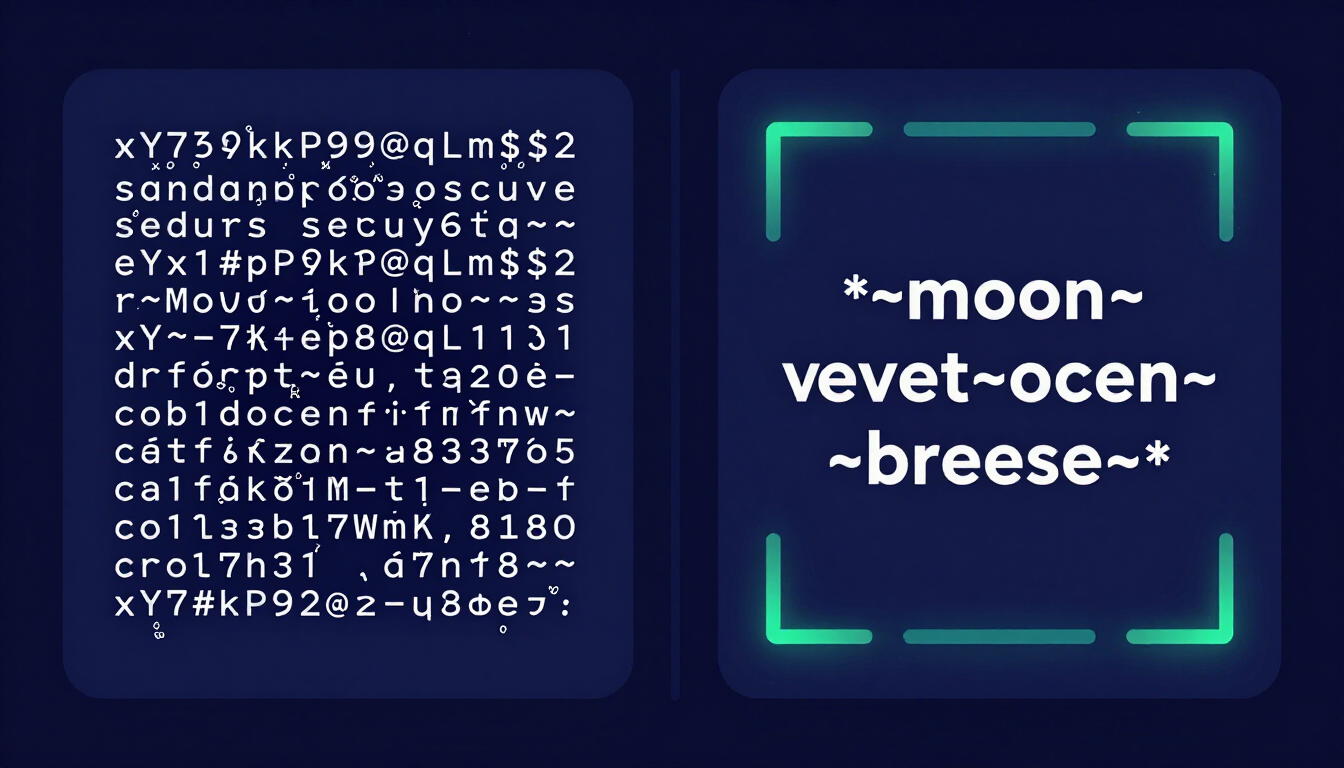
A typical aesthetic pattern looks like *~moon~velvet~ocean~breeze~* — symmetric, lowercase, and framed by asterisks and tildes. Compare that with a chaotic standard password like xY7#kP9@qLm$2, which is strong but visually noisy and impossible to memorize.
Why Aesthetic Alone Is Not Secure
Looking good does not equal being strong. A short aesthetic string is still a short string, and length is the single biggest factor in password strength. Automated cracking tools measure difficulty in combinations, not in style.
A pretty but tiny password like *~moon~* is only 8 characters. Modern GPU clusters can brute-force the full 94-character ASCII space at 8 characters in minutes. The aesthetic framing adds zero entropy because the symbols are predictable and the word is a common dictionary term.
The National Institute of Standards and Technology (NIST) reflects this in SP 800-63B, which prioritizes length over forced complexity. The standard explicitly moves away from arbitrary symbol requirements and toward long, memorable secrets — exactly the opening aesthetic passwords need.
The Fix: Extend Aesthetics Into Passphrases
The solution is not to abandon the aesthetic. It is to stretch the same style to 15+ characters by chaining multiple thematic words together. Length is what makes a passphrase mathematically expensive to crack, and the aesthetic framing keeps it memorable.
Take the weak *~moon~* and extend it into a real passphrase:
*~velvet-midnight-ocean-breeze~*— 31 characters, symmetric, lowercase, framed.|moon|velvet|midnight|ocean|— pipe-separated, balanced rhythm.*~neon-grid-pulse-2099~*— themed, with a number for systems that require digits.
Each of these keeps the visual identity intact while pushing length well past the 15-character threshold where brute-force time explodes. You can generate compliant multi-word strings automatically with our Passphrase Generator.
Aesthetic Password Ideas by Internet Subculture
The strongest aesthetic passwords borrow a coherent visual world from an internet subculture, then extend it into a long passphrase. Below are three of the most popular themes, each with example passphrases that stay secure through length.
1. Dark Academia
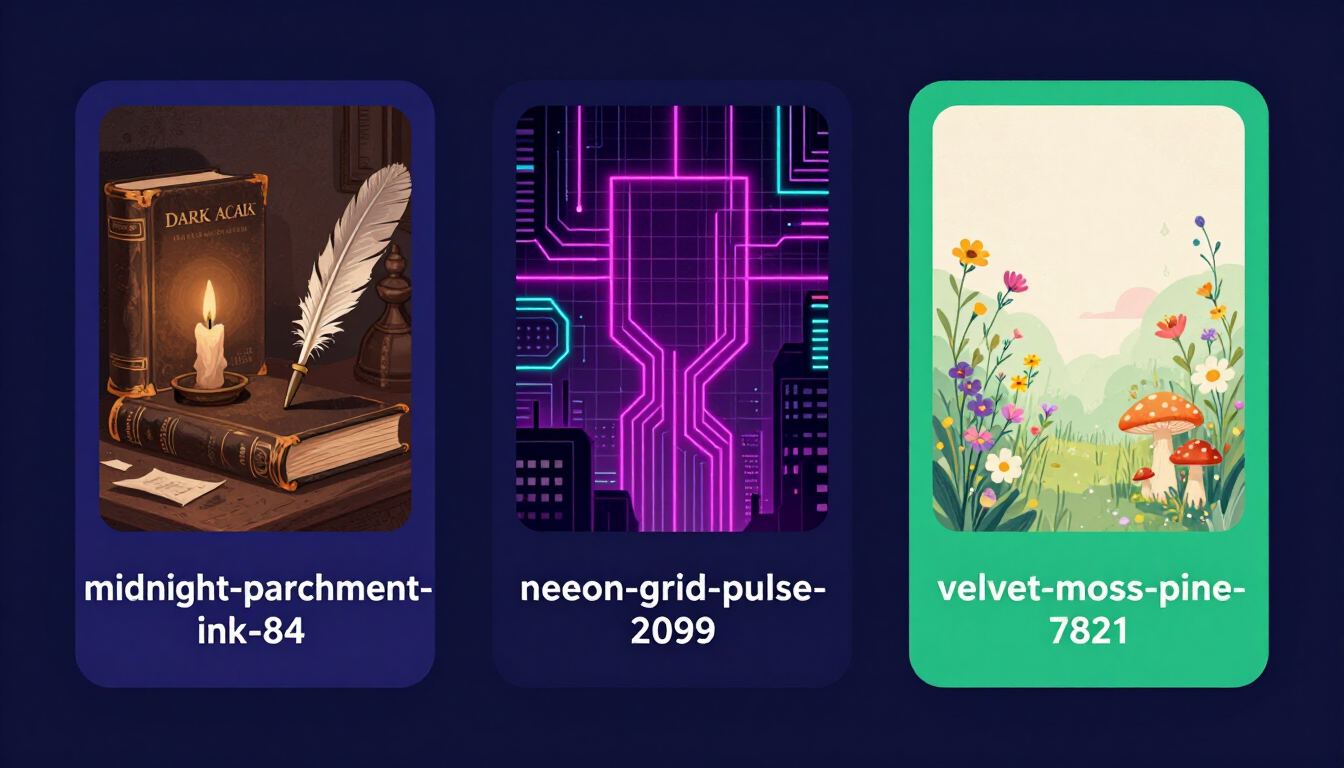
Dark academia leans on old libraries, ink, candlelight, and classical study. The vocabulary is atmospheric and easy to visualize, which makes passphrases stick in memory.
*~midnight-parchment-ink-84~*|quill|velvet|library|55|*~espresso-monograph-type-11~*|antique|symphony|marble|93|
2. Cyberpunk
Cyberpunk draws on neon grids, circuits, and dystopian cityscapes. It pairs naturally with numbers and pipe separators, which also satisfy systems that demand digits or symbols.
*~neon-grid-pulse-2099~*|chrome|synth|override|77|*~hologram-glitch-static-42~*|neon|circuit|phantom|01|
3. Cottagecore
Cottagecore favors wildflowers, moss, mushrooms, and quiet rural imagery. The words are gentle and concrete, ideal for a soft, symmetric lowercase style.
*~velvet-moss-pine-7821~*|misty|forest|fern|99|*~solstice-dusk-cedar-44~*|shadow|meadow|orchid|12|
Symmetric Password Patterns (The Symbol Toolkit)
Symmetry is what makes an aesthetic password look intentional. The trick is to use the same symbol as both a frame and a separator, so the string reads as balanced. The three classic spacing symbols each create a different mood:
- Tildes (
~) — soft, wavy, dreamy. Pairs well with cottagecore and celestial themes. Example:~moon~velvet~ocean~ - Pipes (
|) — crisp, technical, grid-like. Suits cyberpunk and developer aesthetics. Example:|neon|grid|pulse| - Asterisks (
*) — bold, framed, emphatic. Works as outer brackets around any theme. Example:*~velvet-midnight-ocean-breeze~*
Mixing a frame with a different inner separator adds visual hierarchy without breaking symmetry: asterisks on the outside, tildes or hyphens between words. Keep the words lowercase to preserve the clean, uniform look.
Aesthetic vs. Secure: Side-by-Side
The table below shows the same aesthetic style at two lengths. The look is nearly identical; the security is not.
| Password | Length | Style | Crack Risk |
|---|---|---|---|
*~moon~* | 8 chars | Symmetric, lowercase, framed | High — cracked in minutes |
*~velvet-midnight-ocean-breeze~* | 31 chars | Same aesthetic, extended | Negligible — trillions of years |
|neon| | 6 chars | Pipe-framed, lowercase | Critical — instant |
|neon|grid|pulse|2099| | 22 chars | Same aesthetic, extended | Negligible — trillions of years |
Key takeaway: the aesthetic is not the weakness — the length is. Keep the style, stretch the string.
How to Build a Secure Aesthetic Passphrase in 4 Steps
- Pick a subculture theme. Choose one visual world (dark academia, cyberpunk, cottagecore) so the words feel cohesive and memorable.
- Choose 4 to 5 thematic words. Select concrete, unrelated words from that theme. Example:
velvet,midnight,ocean,breeze. - Add a symmetric frame and separators. Wrap the phrase in matching symbols and separate words with tildes, pipes, or hyphens. Example:
*~velvet-midnight-ocean-breeze~*. - Verify length and add a number if required. Confirm the result is 15+ characters. If a site demands a digit, append a meaningful number:
*~velvet-midnight-ocean-breeze-84~*.
Test the result with a password strength checker before you commit to it. If it rates weak, the fix is always more length, never more symbols on a short string.
When to Use Aesthetic Passphrases vs. Random Passwords
Aesthetic passphrases shine on accounts you type manually and need to recall from memory — a primary email, a device login, or a password vault master key. For everything else, let a manager store fully random strings so you never reuse a passphrase.
- Manual entry accounts: long aesthetic passphrases you can retype and remember.
- Every other account: fully random 20+ character strings from the Password Generator, saved in a vault.
- Never reuse: a breach on one service should not expose any other account.
You can build both styles client-side on CreatePassword.in, where generation runs locally in your browser via window.crypto.getRandomValues and no secret ever leaves your device. Browse every option on the Password & Security Tools hub, and learn the underlying concepts in our Security Documentation & Tutorials.
Resources & Tools
Home Page
- Password Generator — https://createpassword.in/
Tutorials
- Security Documentation — https://createpassword.in/tutorials
Password Tools
- Password Generator — https://createpassword.in/create-password
- Password Generator — https://createpassword.in/tools/password-generator
- Password & Security Tools — https://createpassword.in/tools
- Passphrase Generator — https://createpassword.in/tools/passphrase-generator
Articles That Will Help You to Understand to Make Strong Passwords to Secure for Your Online Accounts
- The Ultimate Guide to Using a Password Generator Free — https://createpassword.in/blog/password-generator-free
- Passphrase vs Password — https://createpassword.in/blog/passphrase-vs-password
- Complete Guide to Creating Strong Password — https://createpassword.in/blog/complete-guide-strong-passwords-2026
- Passphrase vs Password: Which Is Better for Security — https://createpassword.in/blog/passphrase-vs-password-security
- 12 Character Password Generator: Free, Secure & Instant Tool — https://createpassword.in/blog/secure-12-character-password-generator


Leave a comment
Comments are moderated before appearing. Please keep it respectful and on-topic. Your email is required for verification but is never displayed publicly or shared.