
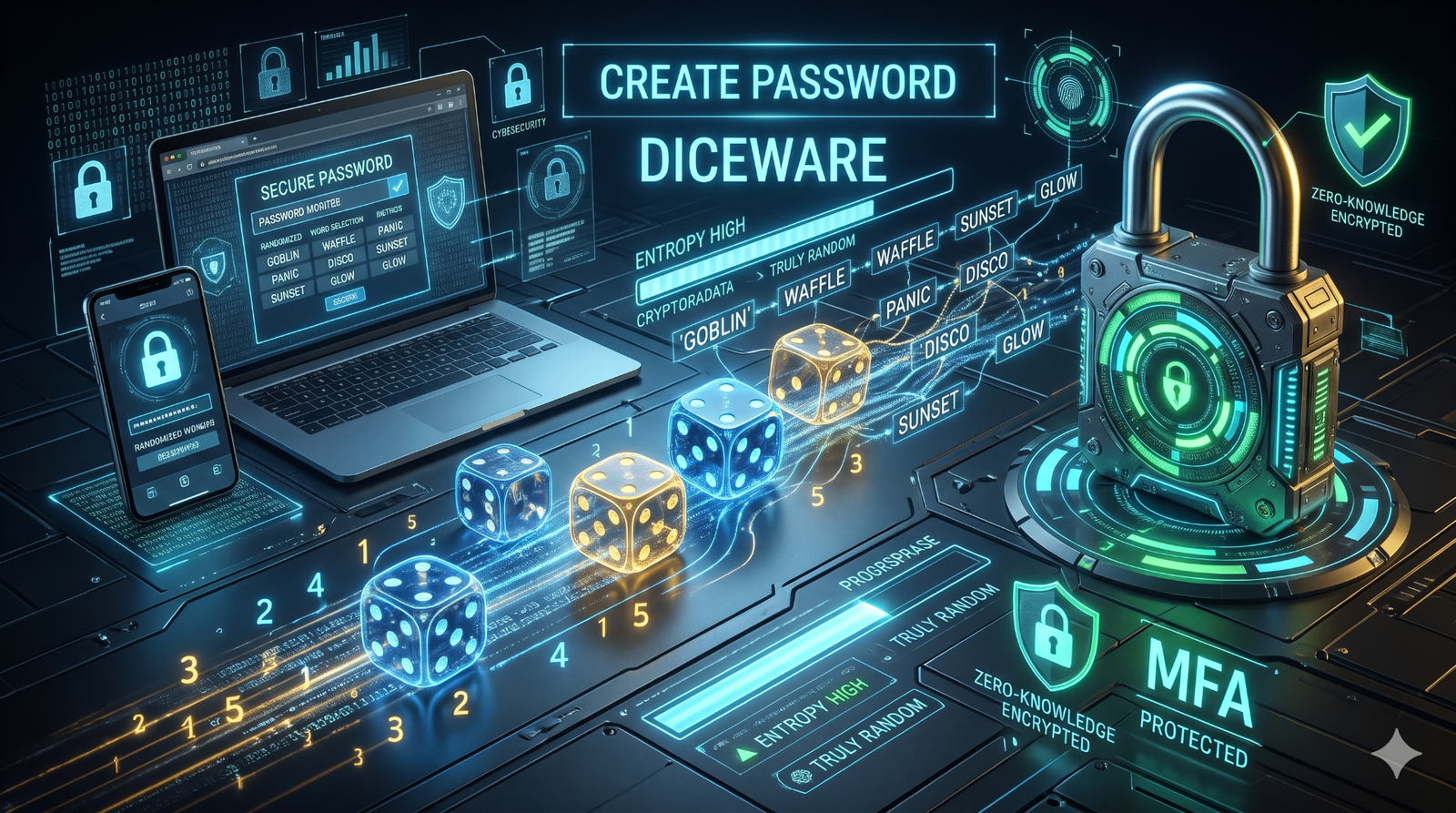
Five rolls of a six-sided die produce one word. Six words produce a credential that automated cracking tools have no reliable way to predict. That is the whole idea behind Diceware, and it is still one of the few password methods that holds up when the attacker has GPU clusters and a neural network trained on billions of leaked logins.
This guide walks through the full workflow: why ordinary complexity rules no longer stop automated attacks, how to build a Diceware passphrase step by step, how to confirm that the generator you use runs locally, how to store the result in a zero-knowledge vault, and how multi-factor authentication closes the remaining gap.
How Do You Create a Diceware Passphrase Step by Step?
Diceware converts physical randomness into words. Each roll contributes uncertainty that no software, database leak, or language model can reproduce, and the words themselves stay easy to read and type.
- Get a six-sided die and the official word list. Use the EFF Diceware word list, which pairs every word with a five-digit code. Print it or keep it open on a device you are not using for the passphrase.
- Roll the die five times. Write the digits in the order they land. The result is a sequence such as 4-2-6-1-3.
- Look up that five-digit code. Copy the word printed next to it exactly as written, including any unusual spelling.
- Repeat until you have six words. Six rolls of five digits each gives a six-word passphrase. Do not substitute a word you like better, and do not reorder the words.
- Join the words with a separator you can type. A hyphen or a space keeps the phrase readable. The separator is a convenience, not added security.
- Store the passphrase before you use it. Save it in your password manager, and for a master vault passphrase write it down and keep the paper in a physical fireproof safe.
Roll 2 → 1-5-6-4-2 → word from the list
Roll 3 → 6-3-1-5-5 → word from the list
Roll 4 → 2-2-4-6-1 → word from the list
Roll 5 → 5-1-3-2-4 → word from the list
Roll 6 → 3-6-5-1-2 → word from the list
Result: six unrelated words joined by hyphens
Every roll must be independent. Do not reroll because a word looks awkward, and do not swap one word for another. The strength of the method comes from accepting whatever the die produces, which is exactly the part humans find hardest.
If you have no dice, use the Diceware passphrase generator. It runs in your browser and draws randomness locally rather than asking a server to invent a phrase for you.
Why Do Standard Password Rules Fail Against AI?
Attackers no longer type guesses by hand. They use artificial intelligence and large graphics-card clusters to automate account breaches, and those systems are trained on the habits that traditional password policies created.
AI learns your substitutions, not just dictionary words
Modern neural networks analyze billions of leaked passwords to model human behavior. They know that people replace "a" with "@", that they capitalize the first letter, and that they append a year such as "2026!" to the end of a familiar word. Predicting those transformations is exactly what these models do well, so a password that satisfies a complexity checklist can still be one of the first guesses.
Credential stuffing runs around the clock
Automated credential stuffing never stops. Attackers buy bulk lists of stolen email and password pairs, load them into botnets, and test them against thousands of banking, email, and social media sites at the same time. When a password follows human logic, its variations are tried in milliseconds.
| Password | Length and complexity | 2020 cracking time | 2026 cracking time (AI) |
|---|---|---|---|
| Standard password | 8 characters; upper, lower, number, symbol | 8 hours | Instant |
| Standard password | 10 characters; upper, lower, number, symbol | 5 years | 3 weeks |
| Predictable password | 12 characters; letters only | 2 weeks | 1 hour |
| 6-word passphrase | Diceware, truly random | 4 trillion years | 800 billion years |
Cracking estimates compare conventional passwords with a six-word Diceware passphrase under 2020 hardware and 2026 AI-assisted hardware. Figures reflect relative difficulty, not a guarantee for any individual account.
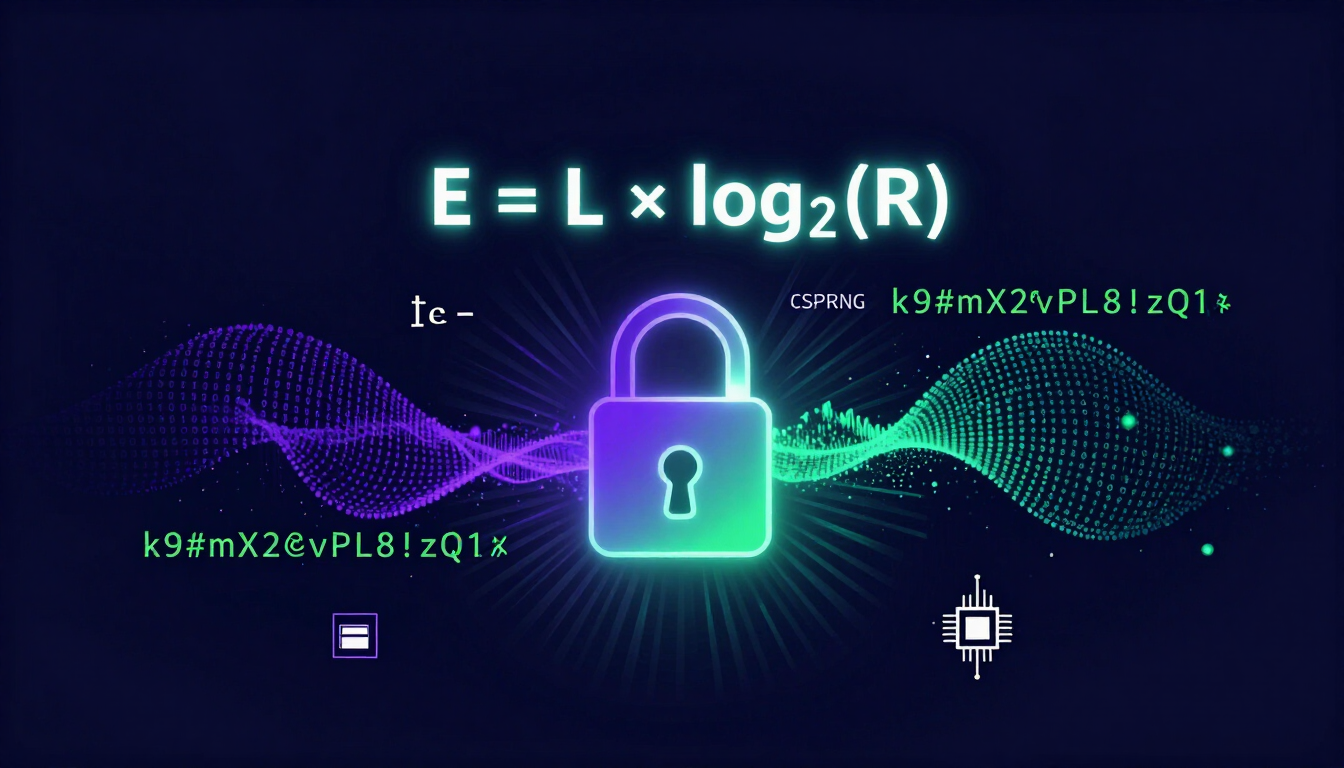
The pattern is consistent: faster hardware shortens the life of every short password, and a truly random six-word passphrase stays far outside reach. NIST, the National Institute of Standards and Technology, now advises prioritizing password length over arbitrary complexity requirements, because length creates the mathematical entropy that guessing cannot bypass.
What Makes a Diceware Passphrase Truly Random?
Randomness in a passphrase comes from the selection method, not from how strange the words look.
- The source is unpredictable. Physical dice, or a cryptographically secure random number generator (CSPRNG), decide the outcome. Neither can be influenced by what you remember or what feels familiar.
- The pool is large. The standard list contains 7,776 words, and every word has an equal probability of being chosen.
- The words are unrelated. Because chance links them, the sequence carries no story, no syntax, and no pattern for a model to extrapolate.
- The words are real. They are easy to read and type accurately, which matters when a phrase has to be entered on a machine without a password manager.
That combination is why passphrases and complex passwords differ in more than appearance. A short string of symbols has less room for uncertainty; six random words have a great deal.
Client-Side or Server-Side: Where Should You Create a Password?
Where the password is generated matters as much as how long it is. A generator should do its work on your device.
Use a client-side generator
- The password is created in your browser by local JavaScript.
- Your computer performs the math; the result never leaves your device.
- It works offline once the page has loaded.
Avoid server-side generators
- The website transmits your new password across the internet.
- Anyone intercepting that traffic gains the credential immediately.
- You cannot verify what the server keeps in its logs.
You cannot rely on your brain to produce randomness. Humans fall into predictable linguistic patterns even when they intend to be random. A machine handles entropy better, and a local one keeps the output private. The same reasoning applies when you create a password for a normal account: generate it locally, then let your password manager fill it in.
Can a Random Passphrase Still Be Easy to Remember?
Yes, because memory works on images rather than on letter combinations. The safest approach is to let the generator choose the words, then build a mental scene from whatever it produced. When you are choosing words for a master vault or a computer login, you can also filter the generator toward a category and let it assemble the phrase.
Funny passphrases
Absurd nouns and action verbs create a vivid, ridiculous image that is hard to forget.
- goblin-vacuum-waffle-sprint-panic-disco
- penguin-laser-taco-juggle-couch-orbit
- cactus-karate-blender-opera-toad-zoom
Cute passphrases
Soft adjectives and animals from the same wordlist produce a gentler image with the same randomness.
- sleepy-kitten-velvet-cloud-peach-warm
- bunny-meadow-snuggle-daisy-fluff-jump
- otter-puddle-breeze-pastel-yarn-nap
Aesthetic passphrases
Atmospheric, nature-based, or color-focused words give the phrase a visual setting you can recall later.
- neon-sunset-vapor-ocean-midnight-glow
- frost-canyon-ember-stellar-drift-pine
- sapphire-rain-monolith-horizon-dust-echo
Treat the phrases above as illustrations of format, not as passwords to adopt. Any phrase published on a public page can end up in an attacker's wordlist, so generate your own with the passphrase generator and check the result with the password strength checker.
Why Does Reusing One Password Break Everything?
Reuse turns every account you own into a single point of failure.
Picture a local food delivery app with weak database security. Attackers breach it and steal your email and password combination. Within minutes, bots test that exact pair on banking platforms, email providers, and crypto exchanges. If you used the same password for your email, the attacker now controls the account that can reset everything else.
- Email takeover. Attackers gain access to your primary inbox.
- Password resets. They trigger resets for every service linked to that address.
- Authentication bypass. They intercept the reset links and lock you out entirely.
The fix is isolation, not vigilance. Every login needs its own credential, so a breach at a forum or a delivery app cannot reach your bank. If you want to know whether a password you already use has appeared in a public leak, run it through the password breach checker, which checks exposure without sending the password itself.
Why Do You Need an Encrypted, Zero-Knowledge Password Manager?
Nobody memorizes 200 unique 16-character passwords. An encrypted password manager holds the volume and leaves you with one credential to remember: the master passphrase.
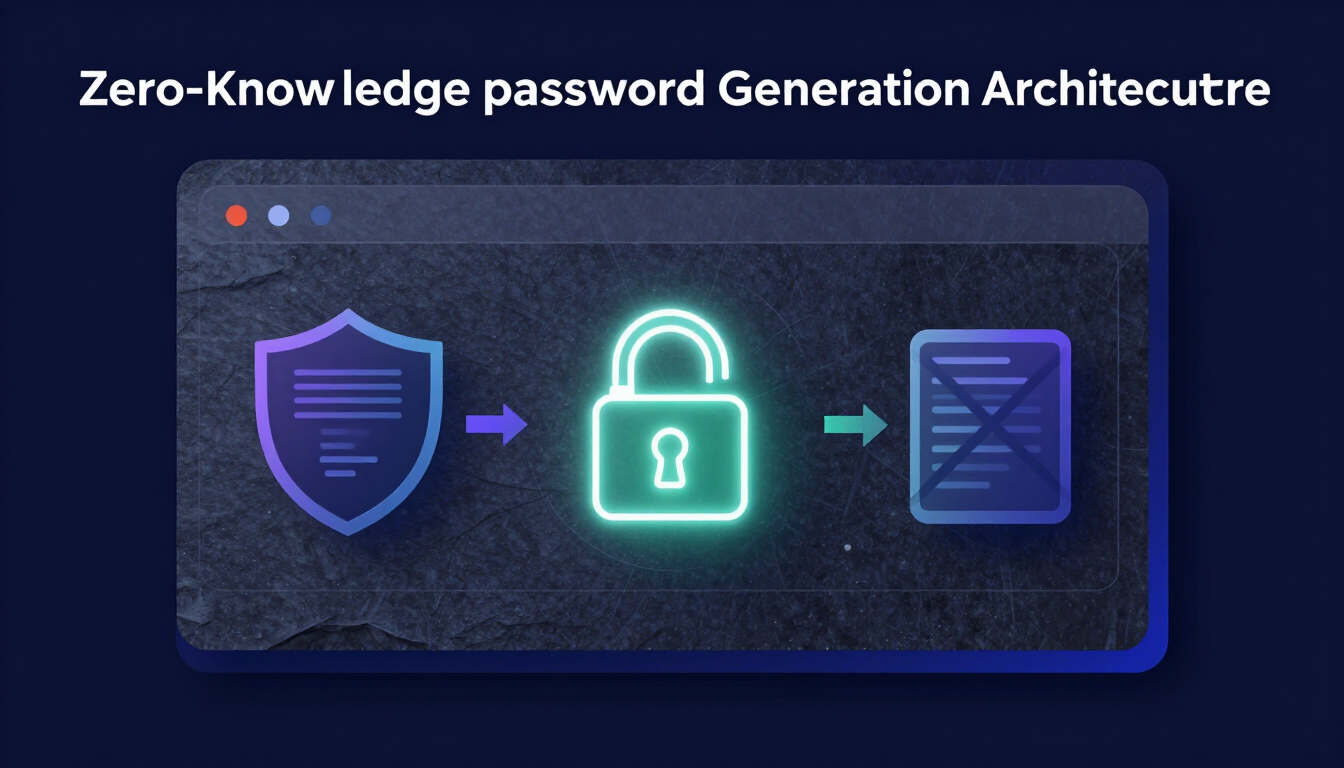
The critical feature is zero-knowledge architecture. Your vault encrypts and decrypts locally on your device, and the provider never holds your decryption key. Their servers store encrypted data they cannot read. If the provider is breached, the attackers get nothing usable without your master passphrase, because the data stays mathematically locked.
Because that master passphrase cannot be recovered by anyone, it deserves the full Diceware treatment and a physical backup copy. A forgotten master passphrase means a permanently lost vault, which is the trade-off for a provider that genuinely cannot read your data. You can read more on how zero-knowledge password generation works before you choose a product.
How Do You Verify a Password Manager Installer?
Security software is a common target for imitation. Attackers distribute fake, infected installers for well-known password managers, so verify the file before you install it.
A SHA-256 checksum is a 64-character fingerprint calculated from a file's contents. Compare the hash of the installer you downloaded with the hash published on the developer's official website. If all 64 characters match exactly, the file is identical to the published release and safe to install. If even one character differs, delete it and download again from the official source.
You can calculate the hash with the SHA-256 hash generator for text, or follow the command-line workflow in the SHA-256 checksum verification guide for the installer file itself.
Which MFA Method Should You Choose?
A Diceware passphrase secures the front door. Multi-factor authentication adds a deadbolt by requiring two kinds of evidence: something you know, such as the passphrase, and something you have, such as a physical device. Even a stolen password does not grant access without the second factor.
| Method | Security level | What you should know |
|---|---|---|
| Hardware security keys (FIDO2) | Best | Physical USB keys cryptographically verify the website, which makes them resistant to phishing. |
| Authenticator apps (TOTP) | Great | Codes rotate every 30 seconds and are generated locally on your phone without internet access. |
| SMS text messages | Poor | Text messages can be hijacked through SIM-swapping, where criminals persuade telecom staff to reroute your messages. Use SMS only when nothing else is offered. |
Start with a TOTP authenticator app for your email inbox, your banking portal, and your password manager vault, then move to a hardware key where the service supports one.
Which Mistakes Undo Good Passphrase Security?
- Inventing the phrase yourself. A meaningful sentence you composed is not random, however long it is.
- Editing the output. Swapping a word or fixing an awkward phrase removes the randomness the method depends on.
- Generating on a server. If the tool sends your passphrase across the network, the transmission itself is the risk.
- Reusing the result. One passphrase reused across services recreates the single point of failure Diceware is meant to remove.
- Skipping multi-factor authentication. A strong passphrase does not replace a second factor.
- Trusting the browser to store everything. Standard browser storage offers weaker protection than a standalone, zero-knowledge vault.
- Expecting a reset. No reputable provider can restore a lost master passphrase, so keep a written copy in a safe place.
- Forcing routine changes. Rotating a passphrase on a schedule tends to produce weaker variations; change it when a breach is suspected.
What Should You Check Before Saving the Passphrase?
- Every word came from the official EFF list, in the order the dice produced.
- The passphrase has six words, or more if the account allows it.
- It was generated or assembled on your own device, with no network transmission.
- The passphrase is stored in a zero-knowledge password manager.
- A physical copy of the master passphrase is in a fireproof safe.
- Each account has its own unique credential.
- Multi-factor authentication is active on email, banking, and the vault itself.
- If the site demands numbers and symbols, a random character was appended rather than a predictable word.
Final Takeaway
Creating a password that survives automated guessing is a process rather than a trick: roll the die, accept the words, keep the phrase local, store it in a vault that cannot read it, and add a second factor. None of those steps requires a subscription or a technical background, and each one removes a specific way that accounts are lost.
The six words matter because they are unpredictable, not because they are complicated. That is the difference modern attacks exploit, and it is the difference Diceware closes.
Resources & Tools
Authoritative references used in this guide:
- EFF — Deep Dive: EFF's New Wordlists for Random Passphrases
- NIST — Digital Identity Guidelines, SP 800-63B
- FIDO Alliance — FIDO2 and WebAuthn specifications
CreatePassword tools and guides mentioned above:
- Diceware passphrase generator — build a random multi-word phrase in your browser
- Client-side password generator — create a unique random password for a single account
- Password strength checker — see how much guessing a passphrase allows
- Password breach checker — check whether a password appears in known leaks
- SHA-256 hash generator — calculate a checksum for text locally
- Passphrase vs password — how length and complexity compare
- SHA-256 checksum verification guide — verify an installer before you run it
- All password and security tools — the full tool directory
Leave a comment
Comments are moderated before appearing. Please keep it respectful and on-topic. Your email is required for verification but is never displayed publicly or shared.