
What Are Some Funny Password Ideas?
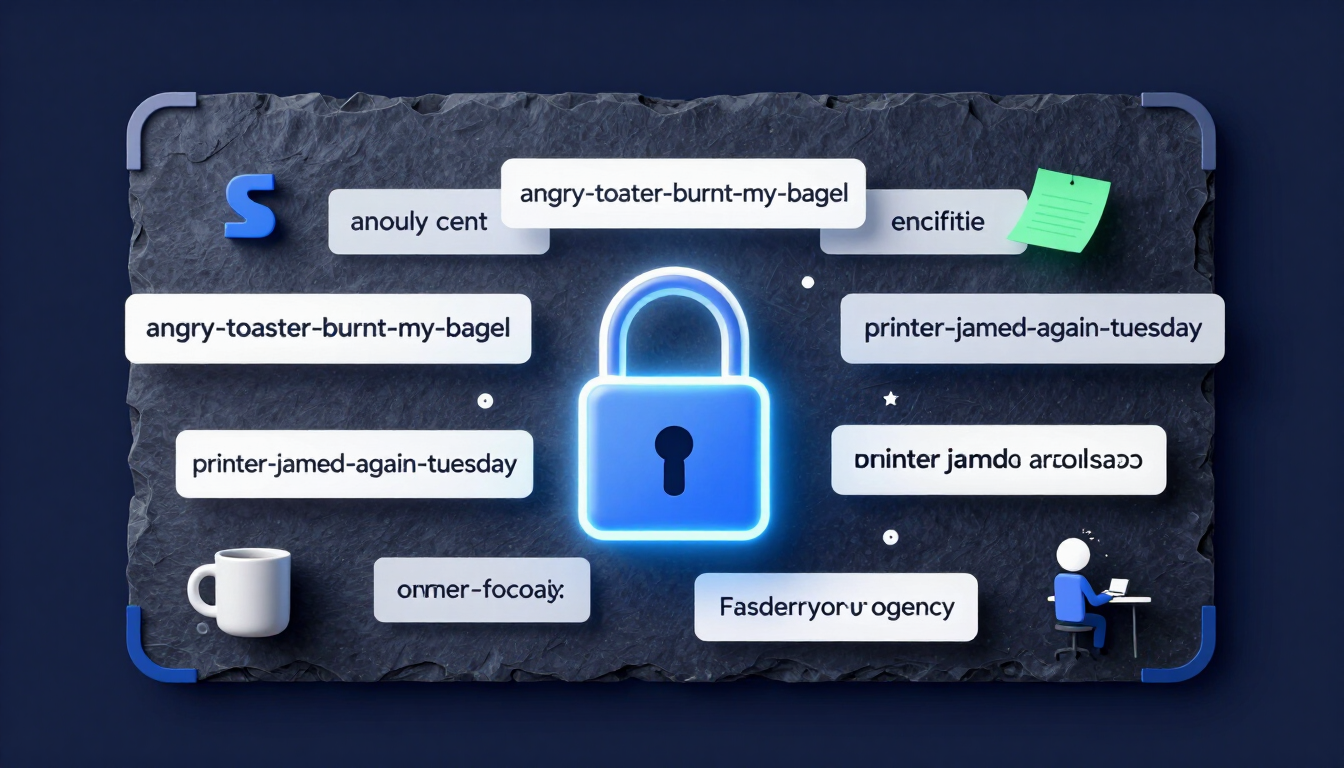
A funny password idea like angry-toaster-burnt-my-bagel is highly secure and incredibly easy to remember. To make funny passwords secure, use passphrases combining four or more random, amusing words separated by hyphens. This strategy creates unique password ideas that satisfy IT security requirements while giving you a daily laugh.
- Pick four or more words that paint an absurd mental picture.
- Separate them with hyphens to add built-in special characters.
- Make it ridiculous — the funnier the image, the easier it is to recall.
How to use these ideas safely
Do not use the exact examples shown. Generate your own password.
Try our Password Generator
Generate a Strong PasswordWhy "Password123" Is a Joke (But Not the Funny Kind)
Hackers crack short passwords in seconds. Adding a capital letter and a number to a terrible password does not make it secure. It just makes it a predictable target.
Security systems see millions of login attempts daily. Automated software guesses common passwords instantly. People use Password123, Admin123, and LetMeIn! because they lack better options.
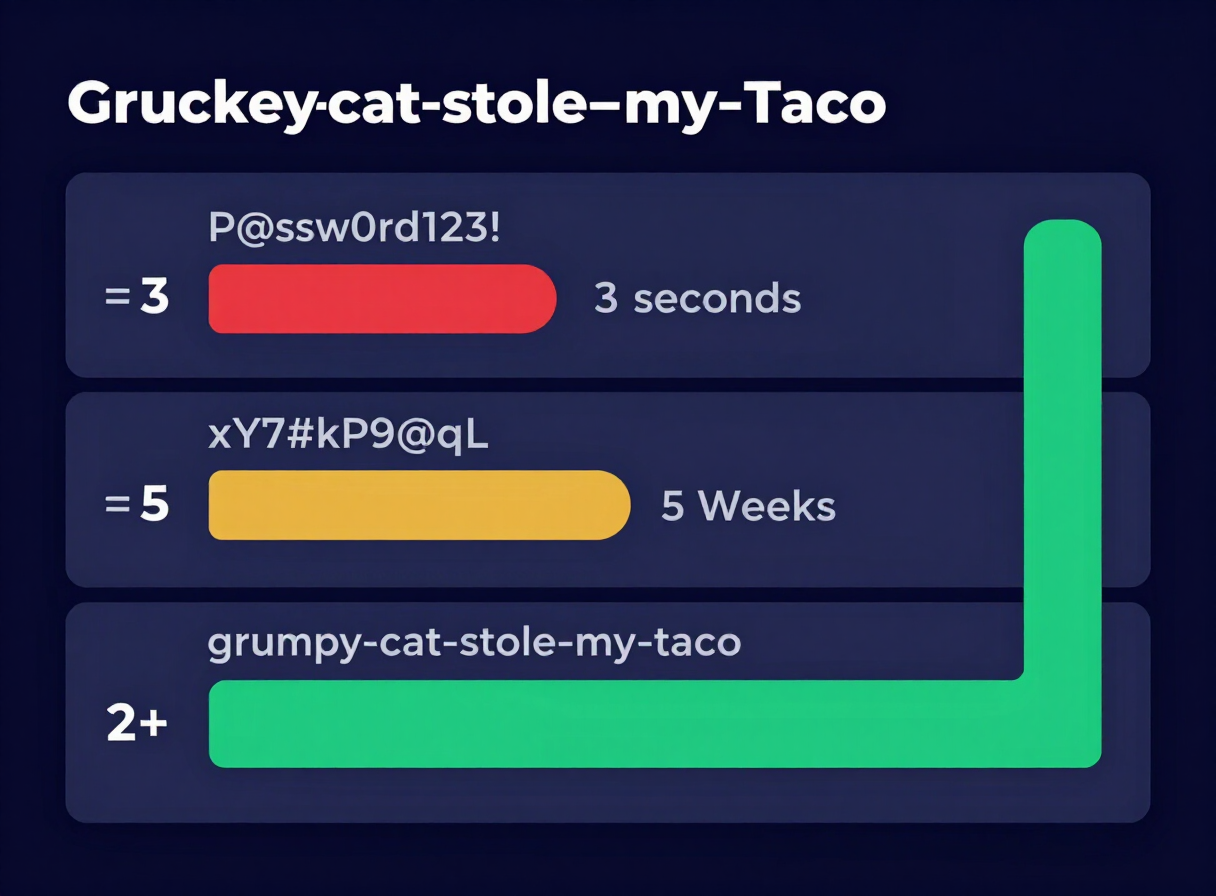
Look at the difference between traditional passwords and comedic passphrases:
| Password Type | Example | Time to Crack | Memory Friction |
|---|---|---|---|
| The Bad Joke | P@ssw0rd123! | 3 seconds | High (annoying to type) |
| The Keyboard Smash | xY7#kP9@qL | 5 weeks | Extreme (impossible to remember) |
| The Comedic Passphrase | grumpy-cat-stole-my-taco | 2+ million years | Zero (makes you smile) |
You need length, not just complexity. Length mathematically destroys hacking software.
The Concept of the "Comedic Passphrase"
A passphrase strings multiple words together. A comedic passphrase uses words that paint a funny, absurd, or relatable picture.
The National Institute of Standards and Technology (NIST) recommends length over complexity. Four disconnected words create immense mathematical variations. Adding hyphens creates built-in special characters.
Here is the formula for the perfect comedic passphrase:
- Pick a random emotion (e.g., confused).
- Pick a noun (e.g., pigeon).
- Pick an action (e.g., auditing).
- Pick a target (e.g., taxes).
- Combine with hyphens:
confused-pigeon-auditing-taxes
This method solves the password reset loop. You remember the phrase because the mental image is ridiculous.
Ready to build your own? Try our Passphrase Generator to spin up absurd, high-entropy phrases instantly.
50+ Funny Password Ideas
Stop staring at a blank password field. Steal these unique password ideas. Tweak them to fit your life.
Funny Password Ideas for Work
Office life provides endless material for passwords. These funny password ideas for work channel your daily mild frustrations into ironclad security.
- printer-jammed-again-tuesday
- reply-all-regret-is-real
- this-meeting-could-be-an-email
- who-stole-my-leftover-pizza
- internet-slower-than-a-snail
- coffee-machine-broke-send-help
- muted-on-zoom-talking-loudly
- out-of-office-do-not-contact
- spreadsheet-crashing-my-dreams
- boss-needs-another-status-update
- ignored-the-slack-message-twice
- another-password-reset-monday
Tech & Geek Humor
Technology fails us constantly. Use those failures to secure your accounts.
- unplug-it-plug-it-back-in
- error-404-motivation-not-found
- my-code-works-i-dont-know-why
- turn-it-off-and-on-again-please
- forgot-to-save-my-document-pain
- blue-screen-of-death-survivor
- typing-fast-to-look-busy
- ignoring-software-updates-daily
- cloud-is-just-someone-elses-computer
- wifi-disconnected-at-worst-time
- clicking-random-buttons-now
Food & Diet Humor
Food makes everything better, especially cybersecurity.
- hiding-donuts-from-my-kids
- taco-tuesday-needs-to-be-everyday
- angry-toaster-burnt-my-bagel
- diet-starts-tomorrow-maybe
- running-on-caffeine-and-spite
- extra-cheese-is-not-optional
- pineapple-belongs-on-pizza-always
- dropped-my-ice-cream-sadness
- drinking-water-reluctantly
- aggressive-snacking-at-midnight
- avocado-toast-bankrupted-me
Animal & Pet Absurdity
Pets do weird things. Weird things make strong passphrases.
- cat-staring-at-blank-wall
- dog-ate-my-tax-return
- suspicious-squirrel-watching-me
- goose-chased-me-to-my-car
- tired-panda-needs-more-bamboo
- grumpy-frog-on-a-lilypad
- raccoon-stealing-my-garbage
- laser-pointer-bamboozled-the-cat
- fluffy-dog-demands-more-treats
Cute & Aesthetic Vibes
If you prefer a softer, whimsical tone, these unique password ideas provide high security with a cozy aesthetic.
- grumpy-cloud-raining-glitter
- sleepy-moon-drinking-chamomile
- pastel-ghost-wearing-sneakers
- vintage-typewriter-spelling-magic
- cozy-blanket-fort-champion
- rainy-afternoon-lofi-beats
- tiny-succulent-refuses-to-die
- matcha-latte-aesthetic-vibes
- reading-books-in-the-sunshine
Why Your IT Department Actually Loves Passphrases
You might think your IT department wants you to use @bS0lut3N0ns3ns3!. They don't. Modern cybersecurity frameworks explicitly recommend passphrases. Here is why IT professionals prefer taco-tuesday-every-day over complex gibberish:
- Fewer Password Resets: People forget random characters. They remember funny phrases. IT spends less time resetting passwords.
- Higher Entropy: A 25-character phrase made of simple words has vastly more mathematical entropy than an 8-character complex password.
- No Sticky Notes: When systems force complex passwords, employees write them on Post-it notes attached to their monitors. This destroys physical security. Passphrases stay in your head.
For a deeper dive into workplace password rules, read our Complete Guide to Creating Strong Password.
The Math Behind the Security
Hackers use brute-force attacks. They guess every possible combination of characters.
An 8-character password using upper case, lower case, numbers, and symbols has roughly 7 quadrillion combinations. Modern graphics cards crack this in hours.
A 25-character lowercase passphrase (like suspicious-squirrel-watching-me) has so many combinations that the number exceeds the atoms in the universe. It is mathematically uncrackable with current technology.
Test Your Funny Password Idea Right Now
Do not just take our word for it. Test the strength of your new comedic passphrase.
Use our free tool to see exactly how many centuries a supercomputer would need to crack your funny password ideas.
Test Your Password with our Strength Checker.
Frequently Asked Questions
What are some funny password ideas for work?
Great work passphrases mock the daily grind. Try phrases like printer-jammed-again-today, reply-all-regret-monday, or this-meeting-could-be-an-email. They are easy to remember, highly secure, and give you a brief laugh when logging in.
Are funny passwords actually secure?
Yes, if you format them as passphrases. A funny phrase consisting of four or more random words separated by hyphens (e.g., angry-toaster-burnt-my-bagel) contains enough characters to defeat modern brute-force hacking attempts entirely.
Why does my company require special characters?
Many legacy IT systems still rely on outdated password policies. You can easily adapt a funny passphrase to meet these rules by capitalizing the first letter and adding a number at the end, like Angry-toaster-burnt-my-bagel-1!.
How long should a good passphrase be?
Aim for at least 15 to 20 characters. The easiest way to achieve this is by stringing together 4 to 5 standard English words. Length provides exponentially more security than arbitrary complexity.
Should I use spaces or hyphens in my passphrase?
Hyphens are generally better. Some older websites and applications do not accept blank spaces in password fields. Hyphens count as special characters and are universally accepted by almost all login systems.
Can I use the same funny password for everything?
No. Never reuse passwords, even strong ones. If a company's database gets breached, hackers will test your funny passphrase across your banking, email, and social media accounts. Use a unique phrase for every service.
What is the most common funny password people use?
Many people try to be funny by using incorrect or password. When the computer says "Your password is incorrect," they find it amusing. However, hackers know this joke. These are terrible, insecure passwords that will get you hacked instantly.
How do I remember all my unique password ideas?
Use a trusted password manager. You only need to remember one strong, funny Master Passphrase (e.g., giant-dinosaur-drinking-coffee). The password manager stores the rest of your unique login credentials securely.
What if I can't think of a funny phrase?
Use an automated passphrase generator. Set the generator to output words joined by hyphens. Keep clicking generate until it creates a combination of words that makes you laugh or paints a ridiculous mental picture.
Resources & Tools
Home Page
- Password Generator — https://createpassword.in/
Tutorials
- Security Documentation — https://createpassword.in/tutorials
Password Tools
- Password Generator — https://createpassword.in/create-password
- Password Generator — https://createpassword.in/tools/password-generator
- Password & Security Tools — https://createpassword.in/tools
- Passphrase Generator — https://createpassword.in/tools/passphrase-generator
Articles That Will Help You to Understand to Make Strong Passwords to Secure for Your Online Accounts
- The Ultimate Guide to Using a Password Generator Free — https://createpassword.in/blog/password-generator-free
- Passphrase vs Password — https://createpassword.in/blog/passphrase-vs-password
- Complete Guide to Creating Strong Password — https://createpassword.in/blog/complete-guide-strong-passwords-2026
- Passphrase vs Password: Which Is Better for Security — https://createpassword.in/blog/passphrase-vs-password-security
- 12 Character Password Generator: Free, Secure & Instant Tool — https://createpassword.in/blog/secure-12-character-password-generator


Leave a comment
Comments are moderated before appearing. Please keep it respectful and on-topic. Your email is required for verification but is never displayed publicly or shared.