
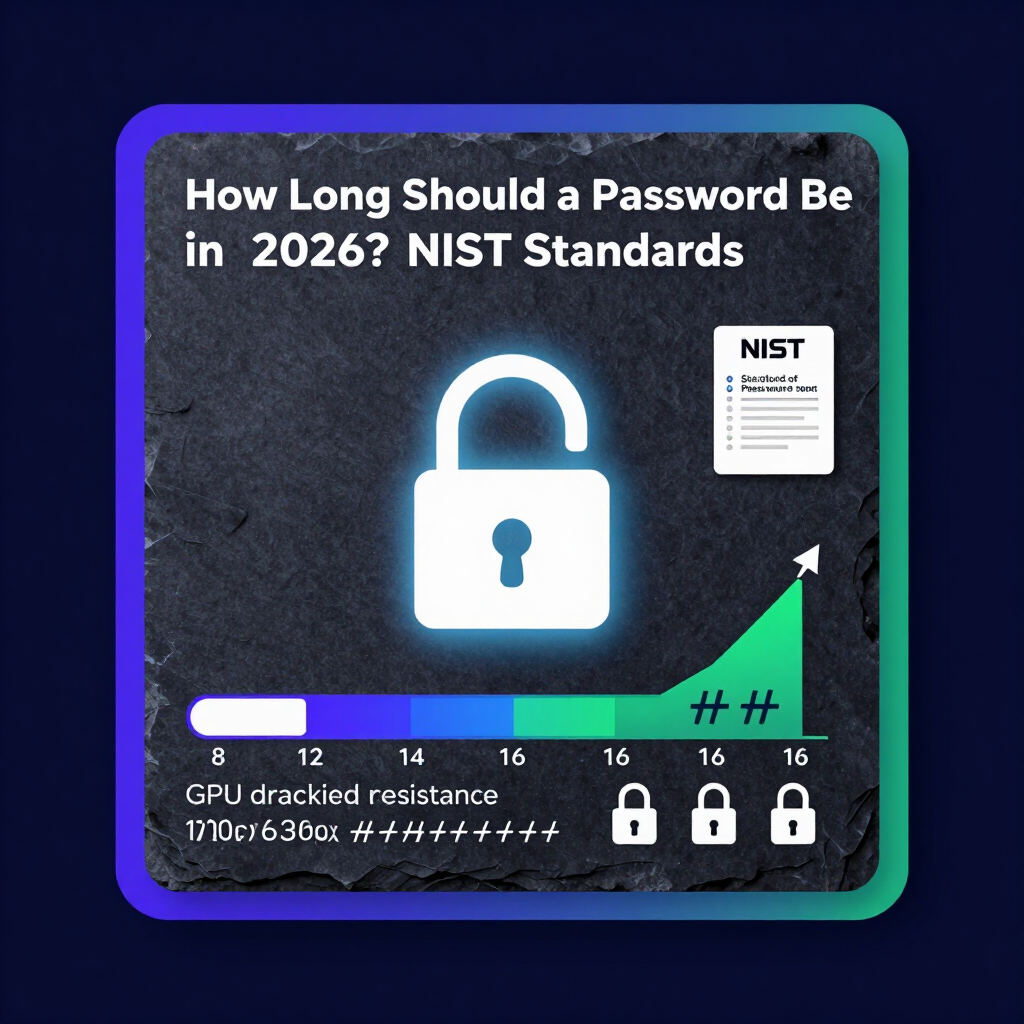
How Long Should a Password Be in 2026? (Quick Answer)
If you are still using 8-character passwords, your accounts are vulnerable to modern brute-force attacks. Here is what the 2026 NIST guidelines require instead.
How long should a password be in 2026?
- Minimum length: 15 to 16 characters for secure accounts.
- Length beats complexity: a long string of lowercase letters is harder to crack than a short string packed with symbols.
- Special characters are optional: a 16-character password provides enough entropy to defeat modern AI-driven brute-force attacks without symbols.
- Passphrases are preferred: string together three to four unrelated words for a memorable, mathematically strong credential.
The latest NIST guidelines emphasize password length over complexity. A 16-character password provides enough entropy to defeat modern AI-driven brute-force attacks, making special characters and numbers optional if the password is long enough.
The Death of the 8-Character Password
The 8-character password is dead. Ten years ago, an 8-character password with a capital letter, a number, and a symbol kept your accounts safe. Today, modern graphics processing units (GPUs) crack that same password in less than a second.
Hackers no longer guess passwords manually. They use automated tools running on vast cloud networks. These tools test billions of combinations per second. If you still use short passwords, your accounts are highly vulnerable.
To stay secure, we must look at the math behind encryption. The National Institute of Standards and Technology (NIST) sets the benchmark for digital security. Their updated framework shifts focus away from frustrating complexity rules. Instead, they highlight a single, mathematically superior metric: length.
What the 2026 NIST Guidelines Say About Length vs. Complexity
For decades, websites forced users to create passwords like P@ssw0rd123!. This approach failed. Humans are bad at remembering random symbols, so they reused the same complex passwords everywhere.
The 2026 NIST framework completely rewrites the rules.
1. Length Trumps Everything
NIST now prioritizes passphrases. A passphrase is a string of regular words. A 15-character minimum is the new baseline for secure enterprise systems. The math proves that a long string of lowercase letters is vastly harder to crack than a short string packed with symbols.
2. End the 90-Day Rotation
NIST advises against forcing users to change passwords every 90 days. Forced resets lead to predictable behaviors. Users just change Password1! to Password2!. You should only change your password if you suspect a breach.
3. Drop Mandatory Complexity Rules
Websites should stop requiring special characters. If your password is long enough, you do not need symbols. This makes passwords easier to type on mobile devices and easier to remember.
Understanding Password Entropy
Security experts measure password strength using a concept called entropy. Entropy represents the unpredictability of a password. We calculate entropy using this formula:
E = L × log2(R)
Here, L represents the password length, and R represents the pool of possible characters. While increasing the character pool (R) by adding symbols helps slightly, increasing the length (L) explodes the total number of combinations exponentially.
The Math Behind Cracking: 8 vs. 14 vs. 16 Characters
To understand how long should a password be in 2026, look at the brute-force timeline. A brute-force attack systematically checks every possible character combination until it finds the right one.
Here is how modern hardware processes different password lengths.
Time-to-Crack Data (2026 Hardware Estimates)
| Password Length | Character Types Used | Total Combinations | Time to Crack |
|---|---|---|---|
| 8 Characters | Uppercase, Lowercase, Numbers, Symbols | ~6.6 Quadrillion | Instant |
| 10 Characters | Uppercase, Lowercase, Numbers | ~839 Quadrillion | 5 Minutes |
| 12 Characters | Lowercase Only | ~95 Quadrillion | 3 Weeks |
| 14 Characters | Lowercase Only | ~64 Billion Billion | 400+ Years |
| 16 Characters | Uppercase, Lowercase, Numbers | ~3.3 Octillion | 34 Billion Years |
What is a Good 14 Character Password?
Many systems currently cap out or recommend 14 characters. So, what is a good 14 character password?
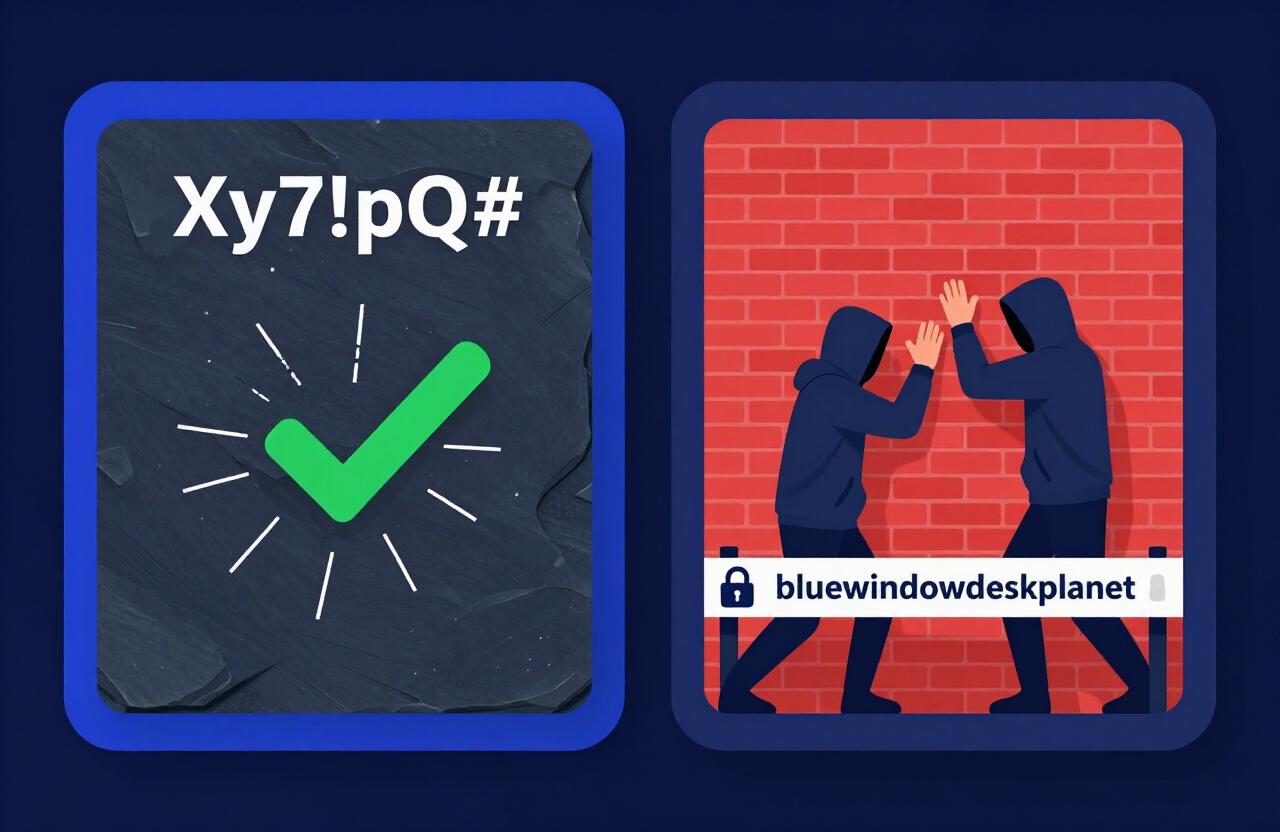
A good 14-character password prioritizes random words over random symbols.
- Bad Example:
Xy7!pQ#9vL@2mZ(Hard to remember, prone to typos). - Good Example:
bluewindowdesk(14 characters, lowercase, easy to visualize).
Even though the second example only uses lowercase letters, the length pushes the total possible combinations into the billions. A 14-character password serves as an excellent middle-ground for personal accounts where 16 characters might feel too long.
Try our custom password length tool on the Generator Homepage to build a credential of any length instantly.
Why Length is the Only Metric That Matters for Brute-Force Defense
Hackers crack passwords by throwing computing power at the problem. Every additional character you add multiplies the time it takes to crack the password.
If you use only lowercase letters (a 26-character pool):
- Adding one character makes the password 26 times harder to crack.
- Adding two characters makes it 676 times harder.
- Adding three characters makes it 17,576 times harder.
The Problem with Short, Complex Passwords
People think T#9q! is secure because it looks complicated. But it is only 5 characters long. A computer tests every 5-character combination in milliseconds. The computer does not care if the characters are symbols or letters; it just tests the sequence.
The 16-Character Sweet Spot
A 16-character password provides future-proof security. Even with the rapid advancement of quantum computing and AI-assisted cracking arrays, a 16-character string remains mathematically secure for centuries.
Building the Ultimate Password: 3 Logical Approaches
You need a long password, but you also need to remember it. Here are three highly readable, logical strategies to create a secure password in 2026.
1. The Passphrase Method (Best for Memory)
String together three to four unrelated words. Make sure they do not form a common idiom.
- Example:
coffeepaintrocket(17 characters) - Why it works: It is incredibly long but easy to picture in your head.
2. The Sentence Method (Best for Speed)
Use a short sentence, complete with spaces (if the website allows them).
- Example:
I like fast cars(16 characters) - Why it works: Muscle memory makes typing full sentences fast and accurate.
3. The Random Generation Method (Best for Absolute Security)
Use a password manager to generate a completely random string of 16 characters.
- Example:
p9R$v2Kt@x5Ym#8Q(16 characters) - Why it works: It maximizes both length and the character pool. You never have to remember it because your password manager does the work.
Call-to-Action: Upgrade Your Security Today
You know the math. You know the NIST standards. An 8-character password leaves your bank accounts, emails, and personal data wide open to attacks.
It is time to upgrade.
Protect your digital life with a single click. Use our free, client-side tool to build a future-proof password right now. Set your accounts up with the new 2026 standard. Try our 16 character password generator today.
Frequently Asked Questions (FAQ)
How long should a password be in 2026?
In 2026, you should aim for a minimum of 15 to 16 characters. This length provides enough mathematical entropy to withstand modern, GPU-based brute-force attacks.
What is a good 14 character password?
A good 14-character password consists of three to four unrelated words strung together, such as paperbrickshoe. This is called a passphrase. It is easy for humans to remember but mathematically impossible for current computers to guess quickly.
Is a 16-character password overkill?
No. Computing power doubles rapidly. What took a year to crack in 2016 takes seconds in 2026. A 16-character password future-proofs your accounts against upcoming advancements in AI and quantum decryption.
Do I still need special characters in 2026?
Not necessarily. According to updated NIST guidelines, length is far more important than complexity. A 16-character password using only lowercase letters is vastly more secure than an 8-character password packed with numbers and symbols.
How fast can a hacker crack an 8-character password?
An 8-character password, even one containing numbers and symbols, can be cracked instantly by modern hacking software. You should never use an 8-character password for any sensitive account.
What is the new NIST password standard?
The new NIST framework recommends length over complexity. They suggest allowing passwords up to 64 characters long, supporting spaces, eliminating mandatory special character rules, and ending the practice of forced 90-day password resets.
Are passphrases better than passwords?
Yes. Passphrases (strings of random words) are much longer than traditional passwords. This length makes them exponentially harder for computers to crack, while remaining much easier for human brains to remember.
Should I change my password every 90 days?
No. Security experts and NIST now advise against forced 90-day password resets. Frequent resets cause users to create weaker, highly predictable passwords (like changing Autumn25! to Winter25!). Only change your password if you suspect it was compromised.
How do I remember a 16-character password?
The easiest way is to use a password manager. The manager remembers your complex 16-character passwords for you. You only need to remember one long, memorable master passphrase (like purpleelephantdancing) to unlock the manager.
Resources & Tools
Home Page
- Password Generator — https://createpassword.in/
Tutorials
- Security Documentation — https://createpassword.in/tutorials
Password Tools
- Password Generator — https://createpassword.in/create-password
- Password Generator — https://createpassword.in/tools/password-generator
- Password & Security Tools — https://createpassword.in/tools
- Passphrase Generator — https://createpassword.in/tools/passphrase-generator
Articles That Will Help You to Understand to Make Strong Passwords to Secure for Your Online Accounts
- The Ultimate Guide to Using a Password Generator Free — https://createpassword.in/blog/password-generator-free
- Passphrase vs Password — https://createpassword.in/blog/passphrase-vs-password
- Complete Guide to Creating Strong Password — https://createpassword.in/blog/complete-guide-strong-passwords-2026
- Passphrase vs Password: Which Is Better for Security — https://createpassword.in/blog/passphrase-vs-password-security
- 12 Character Password Generator: Free, Secure & Instant Tool — https://createpassword.in/blog/secure-12-character-password-generator


Leave a comment
Comments are moderated before appearing. Please keep it respectful and on-topic. Your email is required for verification but is never displayed publicly or shared.