
The best password ideas for Apple ID use long passphrases combining at least 15 characters, like Blue!Cloud99!Secure. Apple requires a minimum of eight characters, one number, an uppercase letter, and a lowercase letter. However, using a 15-character passphrase guarantees maximum iCloud security against modern hacking tools.
How to use these ideas safely
Do not use the exact examples shown. Generate your own password.
Try our Password Generator
Generate a Strong PasswordThe State of Cybersecurity in 2026: Protecting Your Apple Ecosystem
Your Apple ID controls your entire digital life. It holds your personal photos, your iMessages, your physical location, and your credit cards via Apple Pay. Hackers target Apple IDs because the reward is massive.
Credential Stuffing Attacks
Hackers do not guess passwords one by one. They buy databases of millions of leaked emails and passwords from the dark web. They load these into software that tests every single combination against the iCloud login page.
If you use the same password for a fitness app and your Apple ID, a breach on the fitness app gives hackers total control of your iPhone.
AI Brute-Forcing
Cybercriminals use artificial intelligence to guess passwords at blinding speeds. AI algorithms know humans create weak passwords like Apple2026!.
AI easily breaks short passwords that meet minimum requirements. You defeat AI with length. A 16-character passphrase creates so many mathematical combinations that the most powerful AI would need centuries to crack it.
Test your current Apple ID password strength with our Password Strength Checker Tool.
Categorized Password Ideas for Apple ID
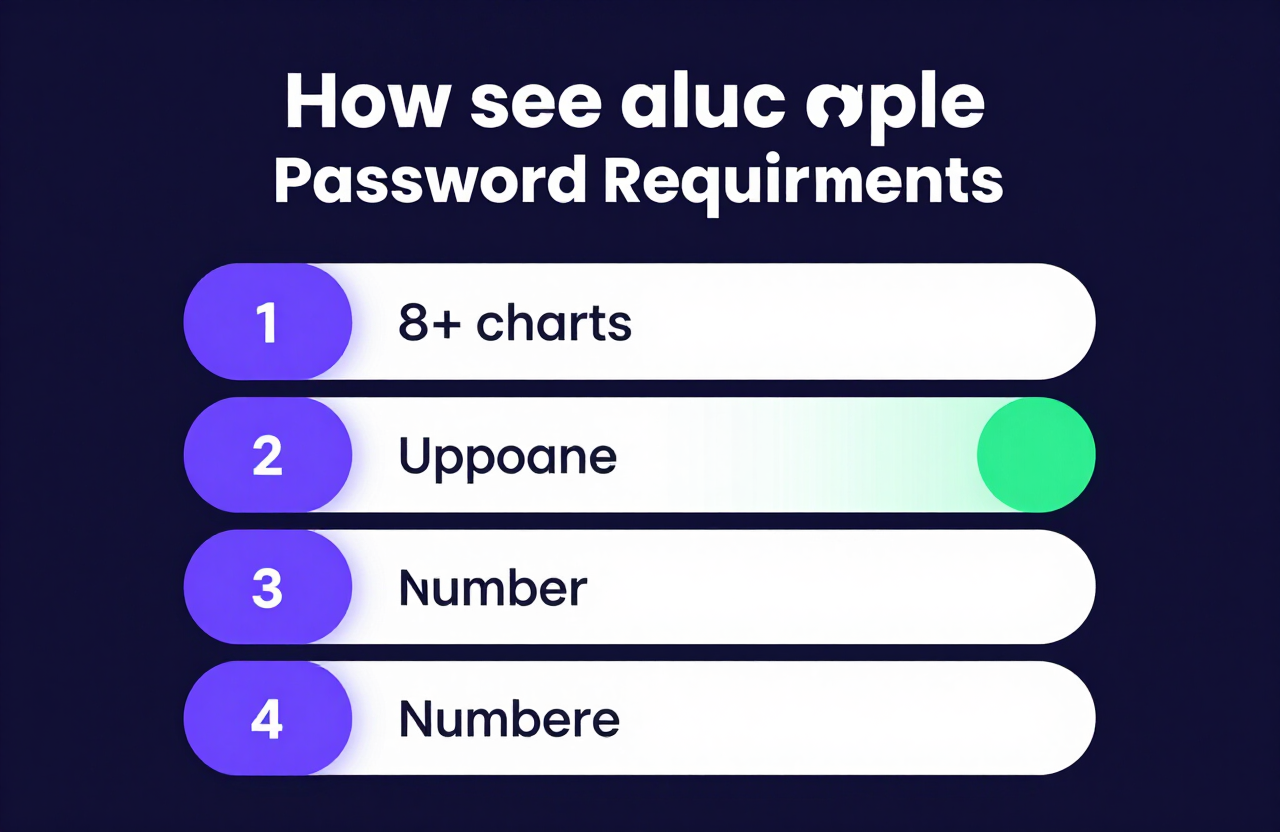
Apple enforces strict password requirements. Your password must contain at least 8 characters, a number, an uppercase letter, and a lowercase letter.
Here is a categorized list of password ideas for Apple ID. Do not copy these exactly. Use them to inspire your own secure, Apple-compliant passphrase.
Funny Password Ideas
Humorous passwords stick in your memory. Combine a funny phrase with numbers and symbols to meet Apple's requirements perfectly.
| Base Idea | Secure Variation | Why It Works |
|---|---|---|
| Siri Not Now | S1r1!Pl3ase!St0p99 | Meets all Apple rules, uses symbols effectively. |
| Lost Phone | Wher3!Is!My!Ph0ne77 | Natural phrasing, easy to type on an iPhone keyboard. |
| Battery Low | B@ttery!D1ed!Ag@in26 | Long, relatable, mixes cases and numbers seamlessly. |
| Too Many Texts | St0p!T3xting!M3!Now | Very long phrase, confuses hacking algorithms. |
Aesthetic & Cute Password Ideas
You can protect your iCloud with visually pleasing words. String your favorite aesthetic terms together to build a highly secure passphrase.
- Midnight Sky:
M1dnight!St@rs!Sh1ne - Coffee Order:
M@cha!L@tte!C0ld99 - Pink Clouds:
P@stel!Sk1es!Fl0at77 - Ocean Breeze:
S@lty!W@ves!Cr@sh22
Word-Based Passphrases (The NIST Standard)
The National Institute of Standards and Technology (NIST) sets global cybersecurity standards. They recommend using four completely unrelated words.
This method creates a massive password. It easily exceeds Apple's requirements while remaining easy for a human to memorize.
- Example 1:
Window!Mountain!Coffee99 - Example 2:
River#Guitar#Velvet77 - Example 3:
Yellow?Cactus?Jump2026 - Example 4:
PlanetWinterFast44
The Golden Rule: Never Reuse a Password
Reusing passwords destroys the security of your Apple ecosystem.
Your Apple ID allows a hacker to remotely erase your devices, access your private photos, and read your emails. You must never use your Apple ID password for any other website, game, or application.
Treat your Apple ID like the master key to your house. Give it a completely unique, highly complex passphrase that you only use for Apple.
How to Use a Client-Side Password Generator Safely
If you cannot think of a unique passphrase, use a computer to build one.
A client-side password generator creates unbreakable passwords safely inside your web browser.
- Device-Level Security: The password generates on your phone or laptop. It does not ping a remote server.
- Absolute Privacy: Because the process happens offline in your browser, no hacker can intercept the data.
- Custom Apple Rules: You can set the generator to include uppercase letters, lowercase letters, and numbers to guarantee Apple accepts it.
Generate an Apple-compliant password now with our Random Password Generator Tool.
Why You Absolutely Need an Encrypted Password Manager
Modern life requires dozens of passwords. You cannot memorize a unique 16-character string for every account.
A password manager solves this problem by acting as a secure digital vault.
Apple iCloud Keychain vs. Dedicated Managers
Apple provides a built-in password manager called iCloud Keychain. It works exceptionally well if you only use Apple devices. It auto-fills your passwords across your iPhone, iPad, and Mac.
However, if you also use a Windows PC or an Android device, you need a third-party password manager (like Bitwarden or 1Password). These apps sync your passwords securely across every operating system.
Use our client-side generator to build a massive password, save it in your manager, and let the software handle the memorization.
Find the best tool for your devices with our Password Manager Guide.
The Final Layer: Apple Two-Factor Authentication (2FA)
A strong password provides excellent defense. Two-Factor Authentication (2FA) makes your account nearly invincible.
Apple requires 2FA for all new Apple IDs. It ensures that even if a hacker steals your password, they cannot access your account without physical access to your trusted device.
How Apple 2FA Works
- You enter your Apple ID password on a new device.
- Apple sends a 6-digit verification code to your trusted iPhone, iPad, or Mac.
- You must enter that 6-digit code on the new device to log in.
Upgrade to Advanced Data Protection
In 2026, privacy is paramount. Turn on Apple's "Advanced Data Protection" in your iCloud settings. This enables end-to-end encryption for your iCloud backups, Photos, and Notes.
With this enabled, not even Apple can see your data. Only your trusted devices hold the decryption keys.
Frequently Asked Questions
What is a good password for Apple ID?
A good Apple ID password is a passphrase combining three to four random words, numbers, and symbols (e.g., Coffee!Mountain!Blue99). It must be at least 15 characters long to effectively stop AI brute-force hacking tools.
What are the exact Apple ID password requirements?
Apple strictly requires your password to have eight or more characters, contain at least one upper and one lowercase letter, and include at least one number. You cannot reuse a password you have used for your Apple ID in the past year.
Can someone unlock my stolen iPhone with my Apple ID password?
No. Unlocking a physical iPhone requires the device passcode or Face ID/Touch ID. However, if a thief knows your passcode, they can change your Apple ID password. Always use a complex alphanumeric passcode on your iPhone.
What is Advanced Data Protection for iCloud?
Advanced Data Protection provides end-to-end encryption for your most sensitive iCloud data, including device backups and photos. It ensures that only your trusted devices can decrypt the data, protecting it even if Apple's servers are breached.
How do I change my Apple ID password?
On your iPhone, go to Settings > [Your Name] > Sign-In & Security > Change Password. You will need to enter your current iPhone device passcode before creating the new Apple ID password.
Can I use Face ID instead of a password for Apple ID?
Yes, Apple strongly integrates biometrics. You can use Face ID or Touch ID to authenticate purchases and app downloads. However, you still need a strong underlying Apple ID password to secure the account itself and log in on new devices.
Are password generators safe to use for my Apple ID?
Yes, but only if you use a client-side password generator. Client-side tools generate the password locally on your device using JavaScript, meaning the password is never sent over the internet or stored on a server.
What happens if I forget my Apple ID password?
You can reset it using a trusted Apple device that you are already signed into. If you lose all your devices, you must use Apple's Account Recovery process, which requires verifying your identity and can take several days to complete.
Can Apple see my iCloud password?
No. Apple does not store your password in plain text. They store a cryptographic "hash" of your password. When you log in, the system compares the hashes. Apple employees cannot look up or see your actual password.
Try our Password Generator
Generate a Strong PasswordSources: NIST SP 800-63B Digital Identity Guidelines; OWASP Authentication Cheat Sheet.
Resources & Tools
Home Page
- Password Generator — https://createpassword.in/
Tutorials
- Security Documentation — https://createpassword.in/tutorials
Password Tools
- Password Generator — https://createpassword.in/create-password
- Password Generator — https://createpassword.in/tools/password-generator
- Password & Security Tools — https://createpassword.in/tools
- Passphrase Generator — https://createpassword.in/tools/passphrase-generator
Articles That Will Help You to Understand to Make Strong Passwords to Secure for Your Online Accounts
- The Ultimate Guide to Using a Password Generator Free — https://createpassword.in/blog/password-generator-free
- Passphrase vs Password — https://createpassword.in/blog/passphrase-vs-password
- Complete Guide to Creating Strong Password — https://createpassword.in/blog/complete-guide-strong-passwords-2026
- Passphrase vs Password: Which Is Better for Security — https://createpassword.in/blog/passphrase-vs-password-security
- 12 Character Password Generator — https://createpassword.in/blog/secure-12-character-password-generator


Leave a comment
Comments are moderated before appearing. Please keep it respectful and on-topic. Your email is required for verification but is never displayed publicly or shared.