
The best password ideas for Facebook use a passphrase made of four unrelated words, such as Coffee!Sunset!Blue!Window. A secure Facebook password must exceed 15 characters to defeat AI hacking tools. Never reuse your Facebook password on other sites, and always enable two-factor authentication to protect your private data and stop account takeovers.
- Use 15+ characters — extreme length is the only real defense against modern AI brute-forcing.
- Stack four unrelated words into a passphrase you can visualize but no one can guess.
- Separate words with numbers or symbols (! # ? *) to satisfy complexity naturally.
- Never reuse your Facebook password on any other website, game, or application.
- Never include your birth year, phone number, or family names — hackers test these first.
- Enable Two-Factor Authentication (2FA) with an authenticator app as your final barrier.
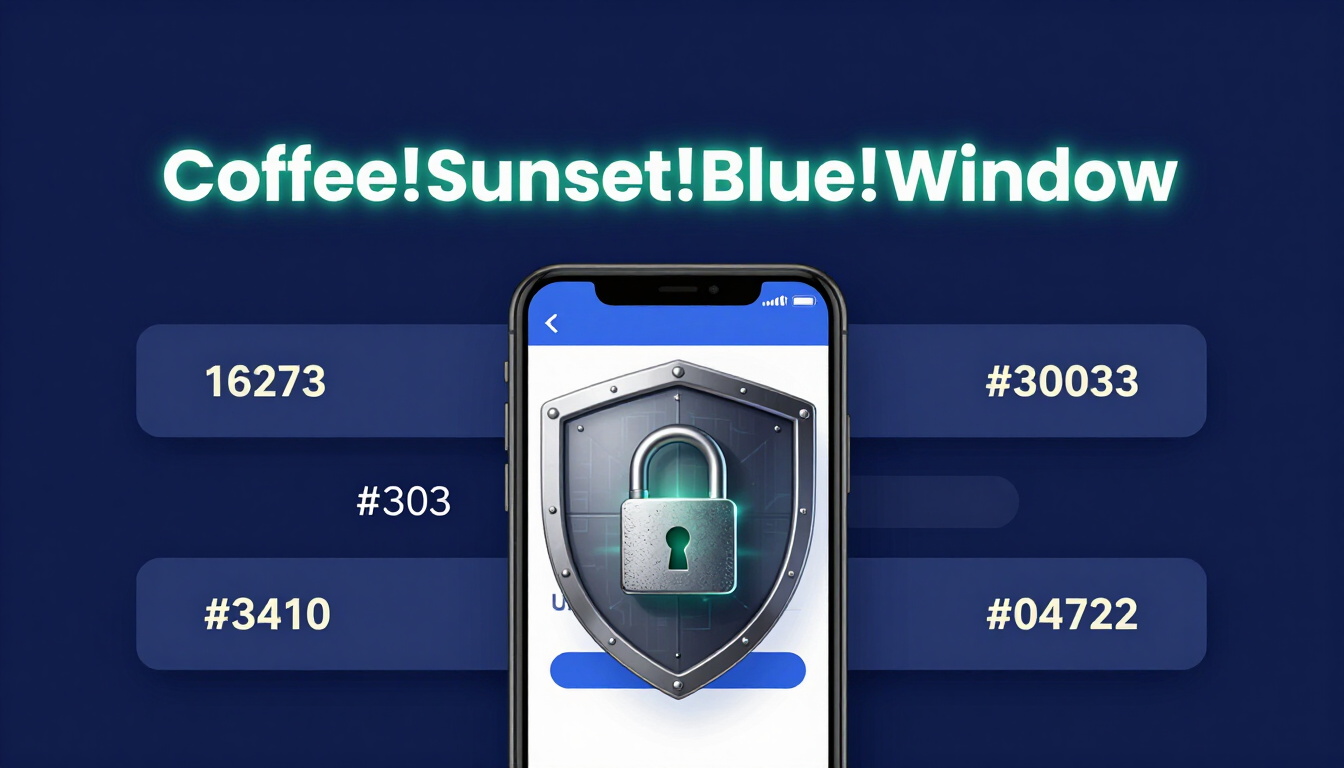
The State of Cybersecurity in 2026: Facebook Account Takeovers
Facebook holds decades of your personal history, private Messenger chats, and connected business pages. Hackers steal Facebook accounts to scam your friends out of money or run fraudulent ads using your saved credit cards.
The Credential Stuffing Epidemic
Hackers buy databases containing billions of leaked emails and passwords from the dark web. They load this data into automated software that constantly tries to log into Facebook.
If you use the same password for a recipe blog and your Facebook account, a breach on that small blog gives hackers instant access to your entire social network.
AI Brute-Forcing Against Social Logins
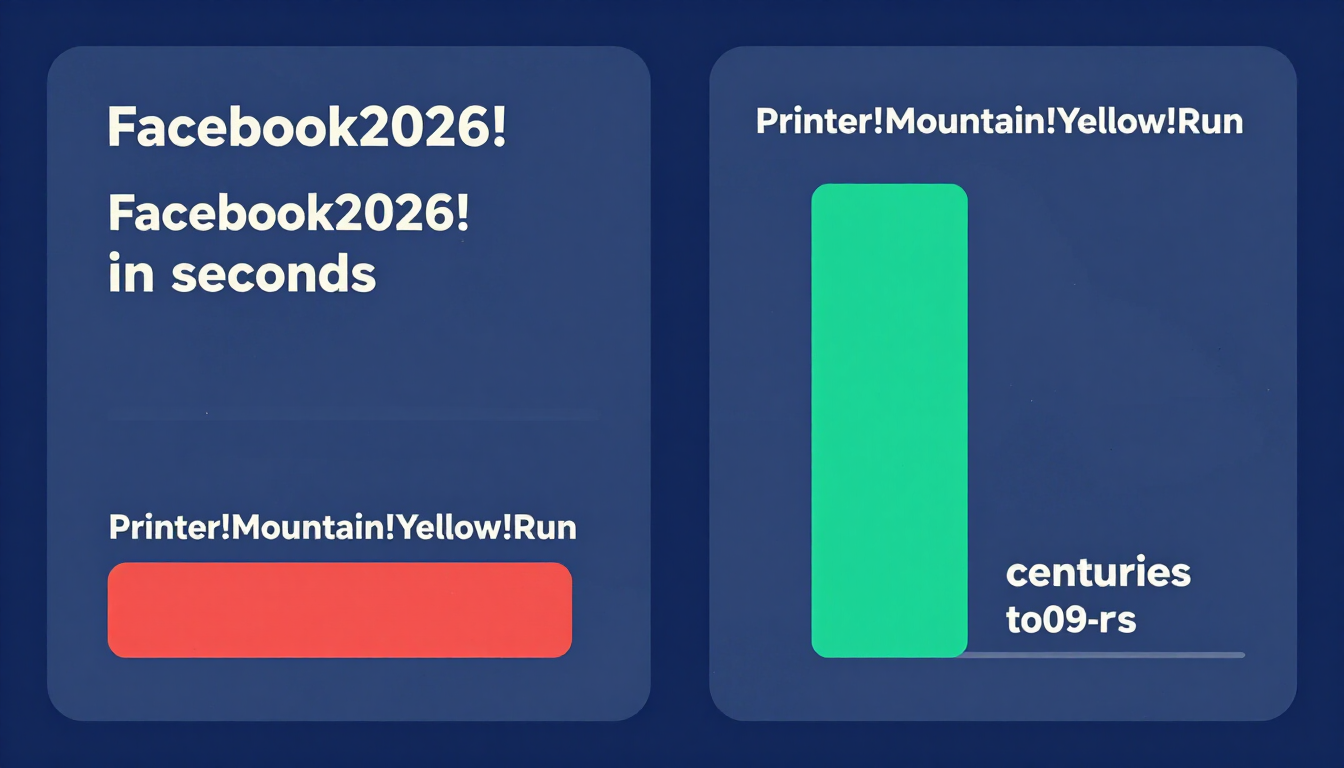
Artificial intelligence makes password cracking incredibly efficient. AI algorithms predict human behavior. They know people use their birth years, pets' names, or words like Facebook2026!.
AI easily breaks these predictable 8-character passwords in seconds. You defeat AI by using extreme length. A 16-character passphrase creates mathematical combinations so massive that even advanced AI tools cannot break them.
Test how fast an AI can guess your current password with our Password Strength Checker Tool.
Categorized Password Ideas for Facebook
A strong password for Facebook must be unique but easy for you to remember. A long passphrase solves this problem. Combine multiple words and separate them with numbers or symbols.
Here is a categorized list of password ideas for Facebook. Do not copy these exactly. Use these examples as structural inspiration to build your own secure login.
Nostalgic & Memory-Based Password Ideas
Facebook is about memories. Use a fond memory to build a passphrase that you will never forget, but a computer can never guess.
| Base Idea | Secure Variation | Why It Works |
|---|---|---|
| First Car | H0nda!C1vic!Blu3!99 | Combines random facts into a long, secure string. |
| Favorite Trip | P@ris!Tr1p!R@in2026 | Replaces vowels with symbols, naturally long. |
| Childhood Pet | Flffy!D0g!Rns!F@st | Removes some vowels entirely to confuse algorithms. |
| High School | B@nd!C@mp!Trpt77 | Memorable to you, impossible for a hacker to guess. |
Funny & Creative Facebook Passwords
Humor makes passwords stick in your brain without requiring you to write them down on a sticky note.
- Family Drama:
N0!M0re!Dr@ma!Plz - Endless Scrolling:
St0p!Scr0lling!N0w99 - Political Posts:
N0!P0litics!T0day!Thx - Poking Feature:
Wh0!P0kes!In!2026
Word-Based Passphrases (The NIST Security Standard)
The National Institute of Standards and Technology (NIST) sets global cybersecurity rules. They strongly recommend using a string of completely unrelated words.
This method creates a massive password that stops hackers instantly while remaining incredibly easy for a human brain to retain.
- Example 1:
Printer!Mountain!Yellow!Run - Example 2:
River#Guitar#Velvet#Jump - Example 3:
Cactus?Window?Coffee?Sky - Example 4:
PlanetWinterFast*Dog
The Golden Rule: Never Reuse a Password
Reusing passwords is the single biggest security failure on the internet.
Many websites allow you to “Log in with Facebook.” If a hacker compromises your Facebook password, they immediately gain access to Spotify, Airbnb, or any other app connected to your Facebook account.
Treat your Facebook login like the master key to a vault. Give it a highly unique password that you never type into any other website, game, or application.
How to Use a Client-Side Password Generator Safely
If you struggle to invent a unique passphrase, let a computer build one for you.
A client-side password generator creates unbreakable strings of text safely inside your web browser.
- Zero Server Data: The password generates locally on your device. It never travels across the internet.
- Absolute Privacy: Because the generation happens in your browser, no hacker can intercept the password.
- Perfect Complexity: You instantly generate a 20-character mix of letters, numbers, and symbols that guarantees account safety.
Generate an unbreakable Facebook password now with our Random Password Generator Tool.
Why You Absolutely Need an Encrypted Password Manager
Modern users juggle logins for Facebook, Instagram, email, banking, and streaming services. Memorizing a different 16-character passphrase for every single site is impossible.
An encrypted password manager is the permanent solution. It acts as a digital vault.
Use our client-side generator to create a massive password, save it directly into your encrypted password manager (like Bitwarden, 1Password, or Google Password Manager), and never risk losing your Facebook account again.
Find the best tool to manage your social logins with our Password Manager Guide.
The Final Layer: Setting Up Facebook Two-Factor Authentication (2FA)
A strong password is your first line of defense. Two-Factor Authentication (2FA) is your final barrier against hackers.
Even if a scammer tricks you into giving them your password, 2FA stops them from logging in. The system requires a temporary, secondary code that only you possess.
How to Turn on Facebook 2FA
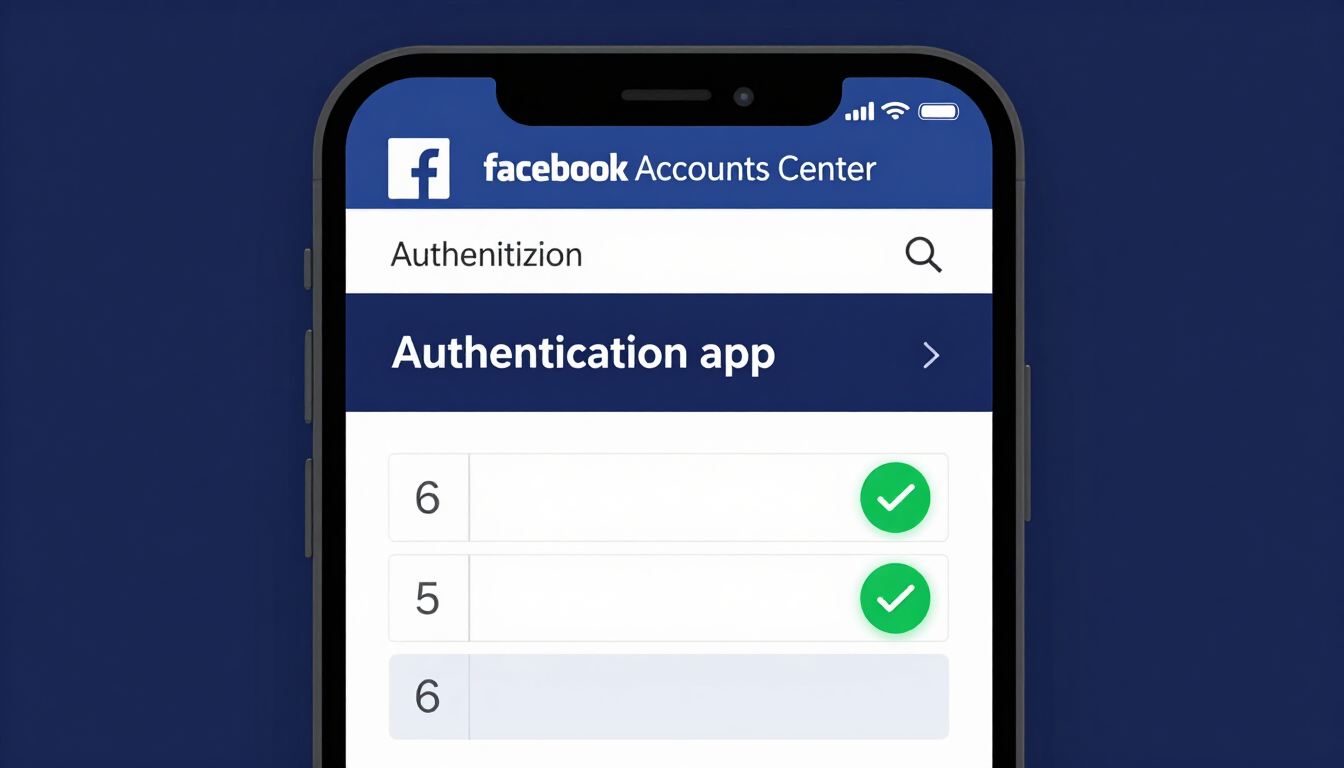
Facebook strongly recommends using a third-party Authenticator App (like Google Authenticator or Authy). SMS text messages are vulnerable to SIM-swapping attacks.
- Click your profile picture in the top right of Facebook and select Settings & Privacy, then click Settings.
- Click Accounts Center on the left side of the screen.
- Click Password and security, then click Two-factor authentication.
- Choose your Facebook account.
- Select Authentication app and follow the on-screen instructions to link your phone.
Once active, your authenticator app generates a new 6-digit code every 30 seconds. No hacker can log in without physically holding your phone.
Frequently Asked Questions
What makes a good password for Facebook?
A good Facebook password is a passphrase made of at least 15 characters, combining unrelated words, numbers, and symbols (e.g., Guitar!Mountain!Blue99). It avoids personal information and is completely unique to your Facebook account.
How do hackers guess my Facebook password?
Hackers rarely guess manually. They use credential stuffing (testing passwords you reused from other hacked websites) or AI brute-force tools that rapidly test billions of common dictionary words and predictable patterns.
Should I include my birth year in my Facebook password?
Never include your birth year, phone number, or the names of your family members. Because this information is often publicly visible on your Facebook profile, hackers program their software to guess these combinations first.
Why is my Facebook account asking for a 2FA code I didn't request?
If you receive a 2FA code request while you are not logging in, a hacker has successfully guessed your password. Change your password immediately. The 2FA system successfully blocked them, but your password is now compromised.
How do I recover a hacked Facebook account?
Go to Facebook.com/hacked. Follow the prompts to secure your account. You will need access to the email address or phone number originally associated with the account, or you may need to submit a photo of your ID to prove your identity.
Are Facebook quizzes safe?
Many viral Facebook quizzes (e.g., “What is your royal name?”) are designed by data miners or hackers to harvest answers to common security questions, such as your mother's maiden name or the street you grew up on. Avoid them.
What are Facebook Recovery Codes?
When you enable Two-Factor Authentication, Facebook provides a list of permanent recovery codes. You use these to log in if you lose your phone or accidentally delete your authenticator app. Write them down and keep them in a safe physical location.
How often should I change my Facebook password?
You only need to change it if you suspect a breach, if you notice unauthorized login attempts, or if you previously reused that password on another site. Modern security guidelines advise against routine password changes.
What should I do if a friend messages me a weird link on Facebook?
Do not click it. If a friend sends an unusual link or asks for money via Messenger, their account is likely hacked. Contact the friend outside of Facebook (via a phone call or text message) to verify, and report the message to Facebook.
The Bottom Line
Your Facebook account guards years of private memories, Messenger conversations, and connected business pages. A 15+ character passphrase of four unrelated words — separated by symbols and never reused anywhere — stops both credential stuffing and AI brute-forcing in their tracks. Pair it with an authenticator-app 2FA, and your account becomes practically untouchable. Build your unique passphrase now with our Random Password Generator Tool, then check its strength with the Password Strength Checker.
Try our Password Generator
Generate a Strong PasswordSources: NIST SP 800-63B Digital Identity Guidelines; OWASP Authentication Cheat Sheet.
Resources & Tools
Home Page
- Password Generator — https://createpassword.in/
Tutorials
- Security Documentation — https://createpassword.in/tutorials
Password Tools
- Password Generator — https://createpassword.in/create-password
- Password Generator — https://createpassword.in/tools/password-generator
- Password & Security Tools — https://createpassword.in/tools
- Passphrase Generator — https://createpassword.in/tools/passphrase-generator
Articles That Will Help You Understand How to Make Strong Passwords to Secure Your Online Accounts
- The Ultimate Guide to Using a Password Generator Free — https://createpassword.in/blog/password-generator-free
- Passphrase vs Password — https://createpassword.in/blog/passphrase-vs-password
- Complete Guide to Creating Strong Password — https://createpassword.in/blog/complete-guide-strong-passwords-2026
- Passphrase vs Password: Which Is Better for Security — https://createpassword.in/blog/passphrase-vs-password-security
- 12 Character Password Generator: Free, Secure & Instant Tool — https://createpassword.in/blog/secure-12-character-password-generator


Leave a comment
Comments are moderated before appearing. Please keep it respectful and on-topic. Your email is required for verification but is never displayed publicly or shared.