
The best password ideas for a laptop use a 15-character passphrase made of unrelated words, like Desk!Coffee!Blue!Run. This stops thieves from guessing your login if your laptop is stolen. Combine a strong alphanumeric password with full disk encryption (BitLocker or FileVault) to make your hard drive completely unreadable to hackers.
- Use a 15-character passphrase of unrelated words — e.g.,
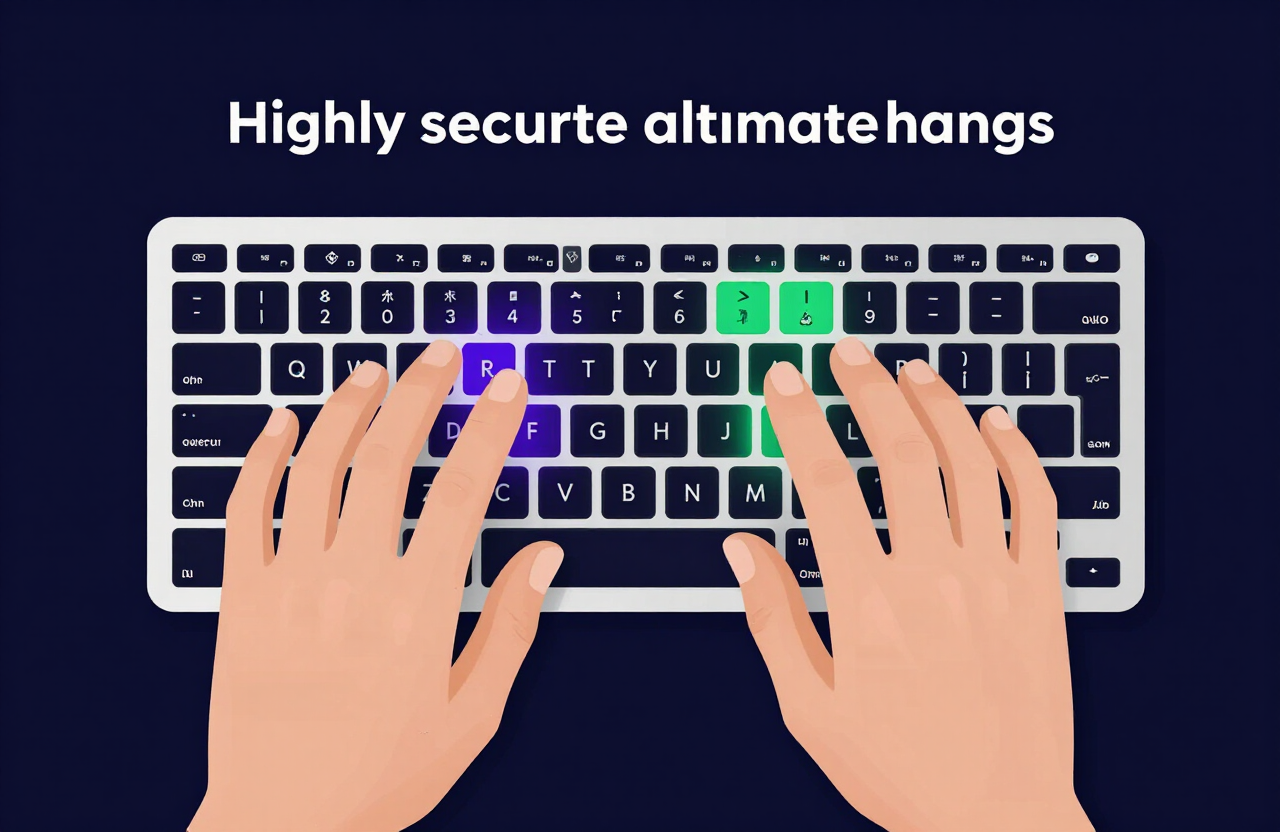
Desk!Coffee!Blue!Run— to defeat local brute-force guessing. - Make it fast to type on a physical keyboard — alternate hands on QWERTY so login stays quick.
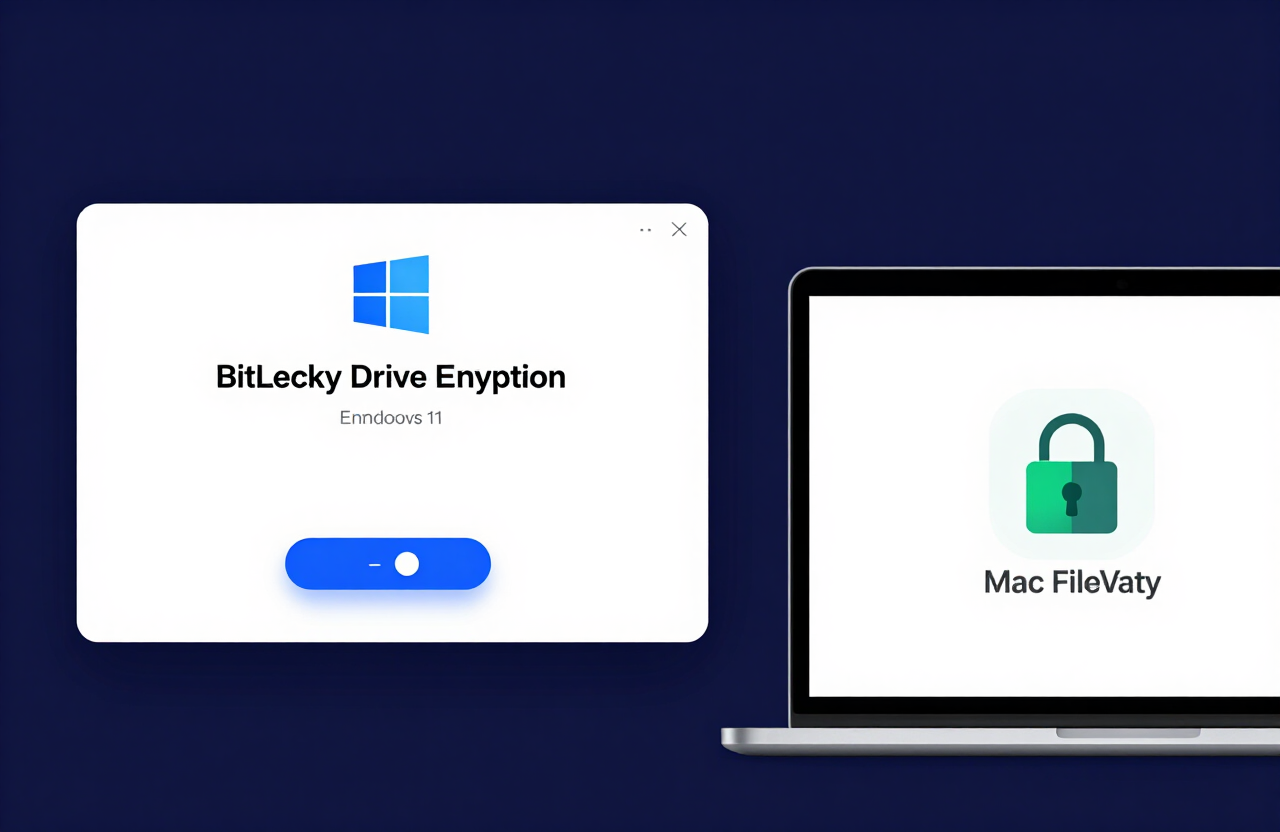
- Pair the password with full disk encryption — BitLocker (Windows) or FileVault (Mac) — to block USB boot-drive bypasses.
- Never reuse your laptop login for email, banking, or social media accounts.
- Add biometrics (Windows Hello or Mac Touch ID) backed by a strong passphrase for daily convenience.
How to use these ideas safely
Do not use the exact examples shown. Generate your own password.
Try our Password Generator
Generate a Strong PasswordThe State of Cybersecurity in 2026: The Physical Threat
Unlike online accounts, laptops face immediate physical threats. If you leave your laptop unattended in a coffee shop, an airport, or a library for two minutes, a thief can steal the physical hardware.
The Local Brute-Force Attack
If you use a weak password like Admin123 or Password2026!, a thief does not need complex software. They simply guess it based on common human patterns.
Once they bypass your lock screen, they gain access to your local files, your tax documents, and your web browser. Because most people stay logged into their email and bank accounts on their laptops, breaking the local laptop password hands the thief your entire digital life.
The USB Boot Drive Bypass
Advanced thieves do not even bother guessing your password. They plug a malicious USB drive into your stolen laptop and boot it into a different operating system (like Linux). From there, they can read every file on your hard drive without ever touching your Windows or Mac lock screen.
A strong password prevents them from logging into your profile, but you must pair it with encryption to stop the USB attack.
Test how fast an attacker can guess your laptop login with our Password Strength Checker Tool.
Categorized Password Ideas for Laptop
A laptop password must be typed every time you open the lid. It needs to be highly secure but very fast to type on a physical keyboard. Passphrases are the optimal solution.
Here is a categorized list of password ideas for laptops. Do not copy these exactly. Use them to construct your own secure device login.
Fast-Typing Keyboard Passphrases
Use words that alternate between your left and right hands on a standard QWERTY keyboard. This makes typing a 15-character password incredibly fast.
| Base Idea | Secure Variation | Why It Works |
|---|---|---|
| Hand Alternation | T0wn!M@ke!D0wn77 | Letters alternate hands naturally, speeding up login. |
| Home Row Focus | @sk!D@d!H@lf!Gl@ss | Uses keys resting directly under your fingers. |
| Vowel Replacements | B0ard!M33ting!N0w | Replaces vowels with numbers, easy to memorize. |
| Workspace Objects | M0nitor!M0use!K3y | Relatable to the device, uses symbols effectively. |
Professional Work Laptop Passwords
If you use a corporate laptop, your IT department likely requires specific character complexities (capital letters, numbers, symbols).
- Project Focus:
L@unch!The!C0de!99 - Morning Routine:
C0ffee!3mails!D0ne - Office Commute:
Tr@in!R1de!W0rk77 - Career Goals:
Pr0mote!M3!N0w!26
Word-Based Passphrases (The NIST Standard)
The National Institute of Standards and Technology (NIST) sets the global standard for passwords. They advise against short codes packed with symbols. Instead, they recommend long strings of basic, unrelated words.
This creates a massive cryptographic key that defeats password-cracking software instantly.
- Example 1:
Printer!Velvet!Mountain!Run - Example 2:
River#Keyboard#Cactus#Jump - Example 3:
Window?Yellow?Guitar?Sky - Example 4:
PlanetWinterFast*Desk
The Golden Rule: Never Reuse a Password
Reusing passwords is a critical vulnerability.
You must never use your laptop login password as the password for your personal email, your banking app, or your social media.
If a hacker steals your password from a breached online forum, they might figure out where you work or live. If they gain physical access to your laptop, they will try that breached password first. Keep your laptop's physical defense completely independent from your web accounts.
How to Use a Client-Side Password Generator Safely
Sometimes, configuring a laptop's BIOS (the lowest-level hardware system) requires a highly complex, random string of characters that you write down and store in a physical safe.
A client-side password generator builds these secure strings safely.
- Local Device Generation: The password generates locally in your browser. It does not ping an external server.
- Absolute Privacy: Hackers cannot intercept the password over public Wi-Fi because it never travels over the network.
- Maximum Entropy: You can generate a truly random 20-character string (e.g.,
xH9$mP2@qL5#vN8*bC1!) to lock down administrative hardware settings.
Generate a highly secure BIOS password with our Random Password Generator Tool.
Why You Absolutely Need an Encrypted Password Manager
Your laptop password only locks the "front door" of the machine. Inside the machine, your web browser stores dozens of online accounts.
A password manager protects the accounts inside the laptop. It acts as an encrypted digital vault.
Protecting Saved Logins from Malware
If you accidentally download malware on your laptop, the virus will attempt to steal the passwords saved directly in your Google Chrome or Safari browser.
A dedicated password manager (like Bitwarden or 1Password) encrypts your data behind a master password. Even if malware infects your laptop, it cannot read the passwords locked inside the manager. Use our client-side generator to build strong web passwords, store them in the vault, and keep them invisible to local viruses.
Find the best encrypted vault for Mac and PC with our Password Manager Guide.
The Final Layer: Biometrics and Full Disk Encryption
A strong password is a great start. But you must enable two specific hardware features to make your laptop truly secure in 2026.
1. Enable Full Disk Encryption
Encryption scrambles the data on your hard drive. If a thief steals your laptop and pulls the hard drive out to read it on another computer, they will only see gibberish. They must have your laptop password to decrypt the data.
- Windows Users: Search for BitLocker in your settings and turn it on.
- Mac Users: Go to System Settings > Privacy & Security and turn on FileVault.
2. Set Up Biometric Logins
Typing a 15-character password in public exposes you to shoulder-surfers. Use biometrics for daily convenience, backed up by a massive passphrase.
- Windows Hello: Use facial recognition or fingerprint scanning to log in instantly. Windows Hello requires you to set a local PIN as a backup. Make that PIN a complex alphanumeric string.
- Mac Touch ID: Use your fingerprint to unlock the device. The system will only ask for your massive passphrase when you restart the machine.
Frequently Asked Questions
What makes a good password for a laptop?
A good laptop password is a 15-character passphrase made of unrelated words (e.g., Guitar!Mountain!Coffee99). It must be easy to type on a physical keyboard but long enough to defeat automated brute-force attacks if the device is stolen.
Is a Windows Hello PIN secure?
Yes. A Windows Hello PIN is tied directly to a hardware security chip (the TPM) inside your specific laptop. It cannot be used to log in remotely over the internet. For maximum security, check the box to "Include letters and symbols" when creating your PIN to make it alphanumeric.
What happens if I forget my Mac laptop password?
If you use FileVault encryption, you can reset your Mac password using your Apple ID or by typing in the physical FileVault Recovery Key you were given when you set it up. If you lose both, your data is permanently gone.
Can a thief bypass my Windows login screen?
Yes, if your hard drive is not encrypted. A thief can plug in a USB drive loaded with a separate operating system, boot the laptop from the USB, and bypass Windows entirely to read your files. You must turn on BitLocker to prevent this.
Should I require a password when my laptop wakes from sleep?
Absolutely. Always set your laptop to require a password immediately upon waking from sleep or the screensaver. If you step away from your desk at a coffee shop or office, your data remains protected.
What is a BIOS or UEFI password?
A BIOS/UEFI password stops anyone from changing the fundamental hardware settings of your computer or booting it from an unauthorized USB drive. It is a highly advanced security feature used by IT professionals to lock down corporate hardware.
Are 4-digit PINs safe for laptops?
No. 4-digit PINs offer only 10,000 combinations. If a thief steals your laptop, they can easily guess a 4-digit PIN, especially if they look at smudge marks on your touchscreen or guess common patterns like your birth year.
Does a laptop password protect my browser history?
Only while the laptop is locked. Once you log in, your browser history is visible to anyone who sits at the keyboard. If you share a laptop with family members, create separate User Accounts for each person to keep histories and files private.
Should I write my laptop password on a sticky note?
Never write your password on a sticky note attached to the laptop or hidden under the keyboard. If you must write down a highly complex passphrase, store the paper in a secure physical location, like a locked filing cabinet or a home safe.
The Bottom Line
A weak laptop login hands a thief your entire digital life the moment your hardware is stolen. Build a 15-character passphrase like Desk!Coffee!Blue!Run, pair it with full disk encryption (BitLocker or FileVault), and add biometrics for safe public use. Generate your unique login now with our Random Password Generator Tool, then verify its strength with the Password Strength Checker.
Resources & Tools
Home Page
- Password Generator — https://createpassword.in/
Tutorials
- Security Documentation — https://createpassword.in/tutorials
Password Tools
- Password Generator — https://createpassword.in/create-password
- Password Generator — https://createpassword.in/tools/password-generator
- Password & Security Tools — https://createpassword.in/tools
- Passphrase Generator — https://createpassword.in/tools/passphrase-generator
Articles That Will Help You to Understand to Make Strong Passwords to Secure for Your Online Accounts
- The Ultimate Guide to Using a Password Generator Free — https://createpassword.in/blog/password-generator-free
- Passphrase vs Password — https://createpassword.in/blog/passphrase-vs-password
- Complete Guide to Creating Strong Password — https://createpassword.in/blog/complete-guide-strong-passwords-2026
- Passphrase vs Password: Which Is Better for Security — https://createpassword.in/blog/passphrase-vs-password-security
- 12 Character Password Generator: Free, Secure & Instant Tool — https://createpassword.in/blog/secure-12-character-password-generator


Leave a comment
Comments are moderated before appearing. Please keep it respectful and on-topic. Your email is required for verification but is never displayed publicly or shared.