
Key Takeaways
The most secure bcrypt password generator is one that processes hashes entirely client-side in your web browser (using libraries like bcryptjs). Your plaintext password should never be transmitted to a remote server. For modern security in 2026, always generate hashes with an adaptive "cost factor" of at least 10 to 12, which defends against brute-force attacks by intentionally slowing down the hashing computation.
Client-Side Processing → No Network Requests → Cost Factor 10–12 → Secure Bcrypt Hash
Introduction: The Critical Need for Secure Password Hashing
In modern web development, handling user authentication properly is a non-negotiable responsibility. Unfortunately, data breaches are still a daily occurrence in the tech world. When databases are exposed, the way passwords are stored determines whether a breach is a minor incident or a catastrophic company-ending event.
Over the years, we have seen massive companies suffer because they stored passwords in plain text or used outdated hashing algorithms. You cannot afford to make those same mistakes today. To protect your users, you need a robust, computationally expensive hashing mechanism. This is exactly where a reliable bcrypt password generator comes into play.
Developers often take shortcuts during testing and prototyping. They use random, unverified online tools to generate bcrypt password hashes, inadvertently exposing their test credentials to third-party servers. Finding a genuinely secure bcrypt online generator is critical for both testing and understanding how modern cryptographic storage works.
This guide will break down everything you need to know. We will explore how bcrypt works, why the "cost factor" matters, and how you can safely encode and verify passwords online without compromising your data. For hands-on walkthroughs of every security tool, explore our Security Documentation & Tutorials.
What is a Bcrypt Password Generator?
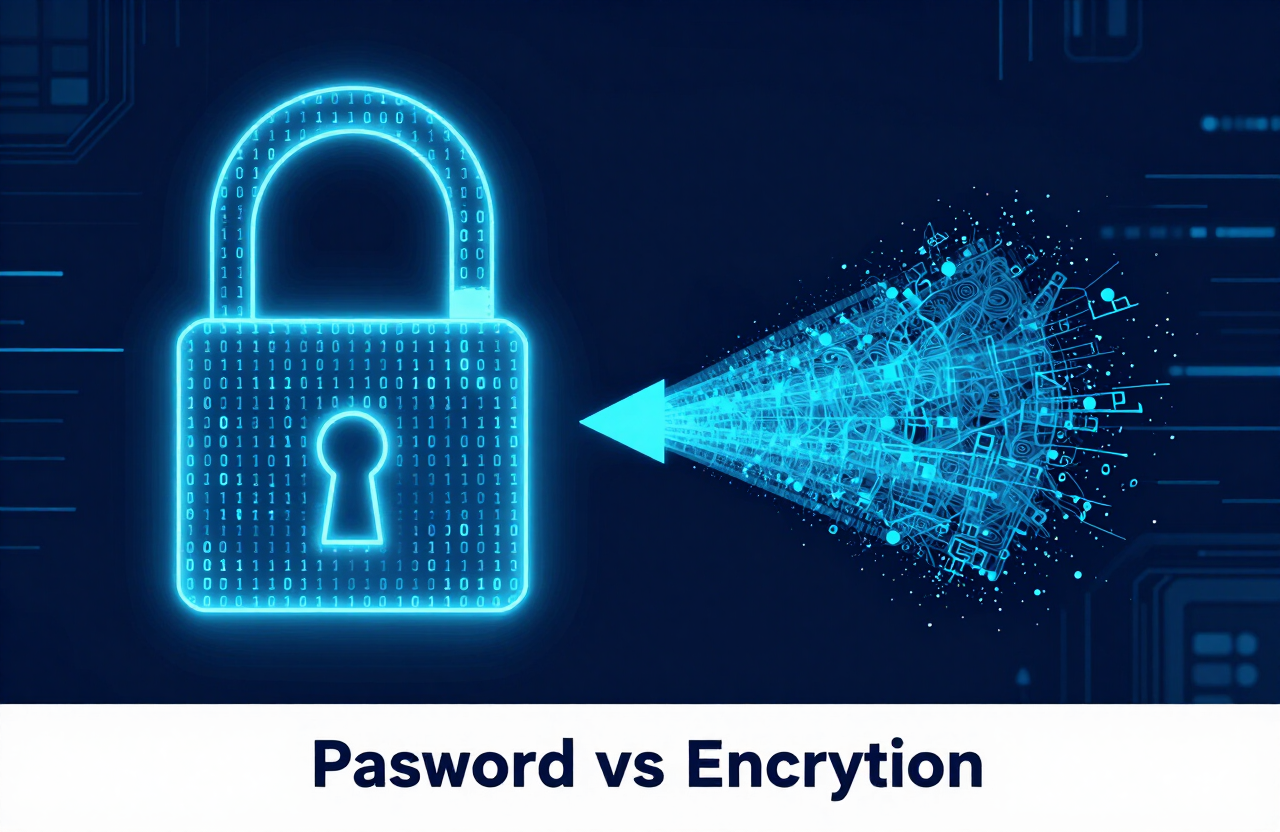
A bcrypt password generator is a tool that takes a standard plaintext password and transforms it into a highly secure, irreversible string of characters known as a hash. Unlike simple encryption, which can be decrypted if you have the key, hashing is a one-way street. Once you bcrypt encrypt (technically, hash) a password, it cannot be decoded back to its original form.
This algorithm was originally based on the Blowfish cipher. It was specifically designed to be "computationally expensive" and intentionally slow. This slowness is a feature, not a bug. By requiring a specific amount of processing power to generate a single hash, bcrypt makes it financially and practically impossible for hackers to brute-force millions of passwords per second.
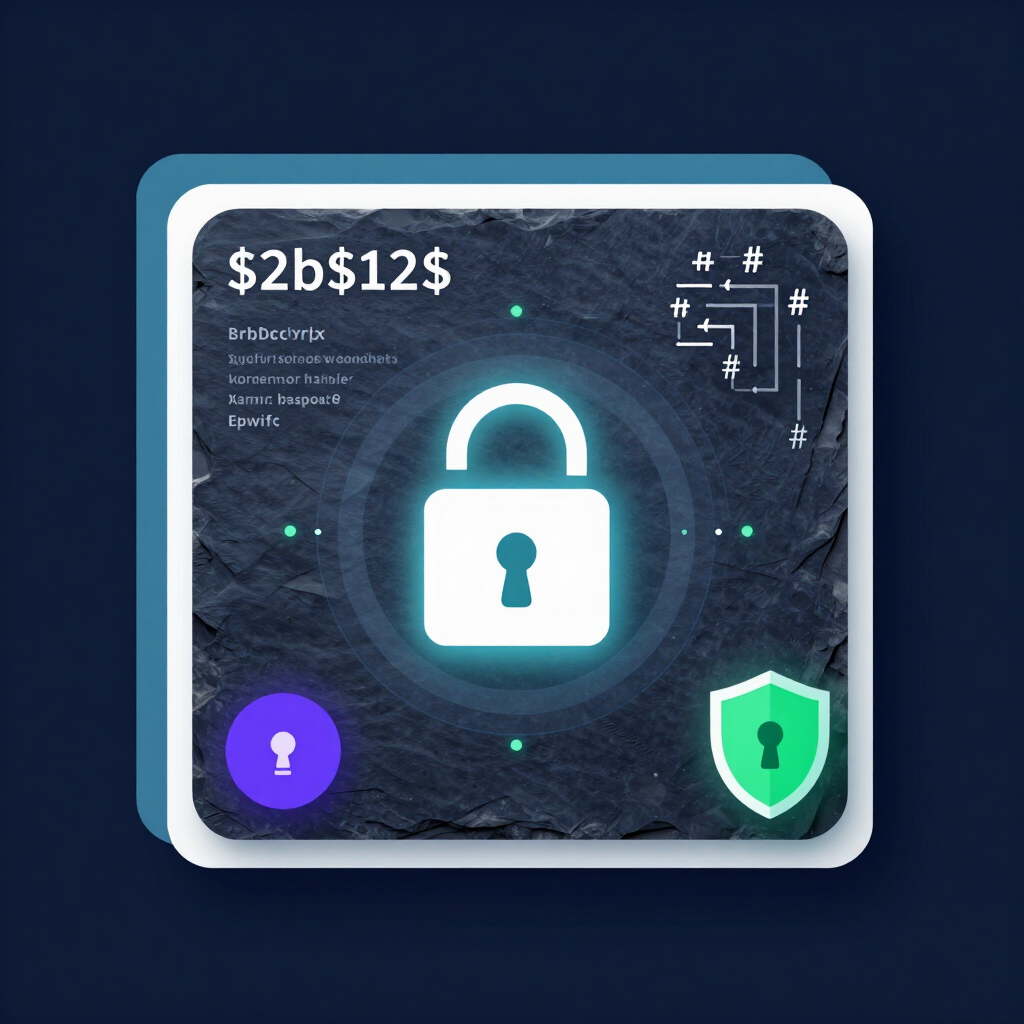
When you use a bcrypt hash generator, the system does two very important things behind the scenes. First, it generates a random "salt" to attach to your password. Second, it applies an adaptive cost factor to dictate how many times the hashing cycle runs. The final output is a 60-character string that contains the algorithm version, the cost factor, the salt, and the final hash itself.
How the Bcrypt Algorithm Works Under the Hood
To truly appreciate a bcrypt generator, you have to understand the mechanics of the algorithm. Bcrypt utilizes a modified key setup phase from the Blowfish cipher. It requires an extensive amount of memory and CPU cycles compared to older algorithms.
Here is what happens when you hit "Generate":
- The tool creates a cryptographically secure, random 16-byte salt.
- It combines your plaintext password with this salt.
- It runs the Blowfish key-expansion process in a loop.
- The number of loops is determined by the "Cost Factor" (calculated as 2^n iterations).
- The result is a standardized 60-character string (e.g.,
$2b$12$someRandomSalt...).
Because the salt is randomly generated every single time, hashing the same password twice will produce two entirely different hashes. This completely neutralizes "Rainbow Table" attacks, where hackers use pre-computed tables of hashes to crack passwords.
Bcrypt vs. Older Hashing Algorithms
Why do we specifically look for a bcrypt encoder instead of using older tools? In the early days of the web, developers used algorithms like MD5 or SHA-1. Those algorithms were designed for speed and checksum validation, not for password security.
Modern graphics cards (GPUs) can guess billions of MD5 hashes per second. If your database leaks with MD5 hashes, hackers will crack the vast majority of them in minutes. By contrast, bcrypt is designed to be highly resistant to GPU acceleration.
Here is a quick look at how bcrypt compares to legacy systems:
| Feature / Algorithm | MD5 / SHA-1 | SHA-256 | Bcrypt |
|---|---|---|---|
| Primary Design Goal | Speed & Data Integrity | Fast Cryptographic Hashing | Password Security (Slow) |
| Built-in Salting? | No | No | Yes (Automatic) |
| Adjustable Cost Factor? | No | No | Yes |
| GPU Brute-Force Resistance | Extremely Low | Low | High |
Using an online bcrypt tool ensures you are interacting with an algorithm that is actually built for modern threat models.
Why a Secure Bcrypt Generator Matters in 2026
The cybersecurity landscape is constantly evolving. Hardware gets faster, cloud computing gets cheaper, and attackers get more sophisticated. In 2026, the cost of renting a supercomputer or a massive GPU cluster to crack passwords is lower than ever.
The Problem with Plaintext Passwords
It goes without saying that storing passwords in plaintext is a catastrophic failure. If a bad actor gains read-access to a database, they instantly compromise every user account. Worse, because users frequently reuse passwords across multiple websites, a plaintext leak on your small application could allow hackers to breach your users' bank accounts and email inboxes.
When you use a bcrypt password encoder, you shift the burden. Even if a hacker steals the database, they just get a list of useless, chaotic text strings. They still have to crack them, and bcrypt makes that process agonizingly slow.
Beating Brute-Force and Rainbow Table Attacks
Hackers primarily use two methods to crack hashed passwords.
- Brute-Force / Dictionary Attacks: Guessing every word in the dictionary or every possible character combination until the resulting hash matches the stolen hash.
- Rainbow Tables: Using a massive, pre-calculated database of common passwords and their corresponding hashes.
A standard bcrypt encode password process defeats both. Because bcrypt is intentionally slow, a brute-force attack that would take seconds against MD5 will take centuries against bcrypt. Furthermore, because bcrypt automatically salts every single password with a unique value, rainbow tables become completely useless. The hacker would have to generate a brand new rainbow table for every individual user's salt, which is practically impossible.
How to Safely Generate Bcrypt Passwords Online (Step-by-Step Guide)
If you are a developer setting up a new database, auditing an old system, or simply learning about cryptography, you might need to generate a hash quickly. But you cannot just Google "bcrypt generator" and paste your actual production passwords into the first text box you see.
Based on our extensive practitioner experience, many online tools are secretly logging the passwords users enter. To protect yourself, you must follow a strict process when using an online tool.
Step 1: Choose a Client-Side Generator
The absolute golden rule of using an online bcrypt tool is that it must operate entirely on the client side. This means the actual mathematical hashing happens inside your browser's JavaScript engine (usually via a library like bcryptjs).
Step 2: Determine Your Cost Factor (Rounds)
The "Cost Factor" or "Rounds" determines how many times the hashing algorithm loops. Mathematically, it operates on a base-2 scale (2^n). A cost factor of 10 means 2^10 (1,024) iterations. A cost of 12 means 2^12 (4,096) iterations.
In our testing, a cost factor of 10 takes about 50-100 milliseconds on a modern CPU, which is the bare minimum today. However, for 2026 standards, OWASP generally recommends a cost factor between 10 and 12 for standard web applications. If you are building a highly sensitive application (like banking or healthcare), you might push this to 13 or 14.
Step 3: Input Your Plaintext String
Once you have verified the tool is safe, enter your plaintext string. If you are generating a hash for a real production user (for instance, manually resetting an admin password directly in a SQL database), make sure you use a strong, highly entropic password. You can create one instantly with our password generator or the free password generator tool.
Bcrypt handles passwords up to 72 bytes in length. This is more than enough for extremely strong, multi-word passphrases.
Step 4: Generate and Verify Your Hash
Click the button to generate bcrypt password. You will instantly see an output that looks something like this: $2a$12$W2G.9h9jM3f2T.9...
You can break this string down into components:
- 2a or 2b: The bcrypt algorithm version.
- 12$: The cost factor you selected.
- Next 22 characters: The randomly generated base64-encoded salt.
- Remaining characters: The actual computed hash.
Always copy this final output directly into your database. Most good online tools also include a "Verify" tab, where you can paste the final hash and the plaintext password to confirm they match. This ensures the bcrypt password generator functioned correctly before you lock yourself out of your system.
Evaluating Online Bcrypt Generators: Security Checklist
How do you know if an online tool is actually safe? Before you use any tool to generate bcrypt password hashes, run it through this quick checklist:
- No Network Activity: Open Developer Tools (F12) > Network Tab. When you click "Generate," there should be zero network requests sent out.
- Open Source Libraries: The tool should mention what library it uses under the hood (e.g., bcrypt.js or WebCrypto APIs).
- Cost Factor Flexibility: It should allow you to manually adjust the rounds between 4 and 15. A tool locked at a low cost factor is outdated.
- HTTPS Only: Never type a password into a site that doesn't have a valid SSL certificate.
- Clear Privacy Policy: The page should explicitly state that it does not store, log, or track your inputs.
Here is a comparison of what a secure vs. insecure generator looks like:
| Feature | Secure Online Generator | Insecure / Sketchy Generator |
|---|---|---|
| Processing Location | Client-side (Browser JS) | Server-side (PHP/Node backend) |
| Network Requests | None on generation | POSTs data to /api/hash |
| Cost Factor Control | User can choose (e.g., 10, 12, 14) | Hidden or locked at a low number |
| Offline Capability | Works if you disconnect internet | Fails without an internet connection |
Key Strategies & Best Practices for Password Hashing
Finding a great bcrypt hash generator is only part of the battle. You also need to understand how to apply these concepts in your actual application codebase. Based on what we frequently see in practice, developers often implement bcrypt correctly but fail on the surrounding infrastructure.
Selecting the Right Cost Factor
Choosing the right cost factor is a balancing act between security and user experience. If you set the cost factor to 15, it might take your server 3 full seconds to verify a password.
While 3 seconds sounds incredibly secure, it creates a terrible user experience. Furthermore, it opens your application up to Denial of Service (DoS) attacks. An attacker could spam your login endpoint with thousands of fake requests, maxing out your server's CPU as it tries to compute massive bcrypt hashes.
Salting and Peppering Basics
Bcrypt handles salting automatically. You never need to generate your own salt and prepend it to the password before feeding it into a standard bcrypt generator. The algorithm generates a cryptographically secure 16-byte salt for you, and it embeds it right into the final string.
However, some advanced architectures implement a "Pepper." A pepper is a secret cryptographic key stored on your server (often in environment variables), separate from the database. You combine the password with the pepper before hashing it with bcrypt. If a hacker steals your database but doesn't compromise your application server, they won't have the pepper, making it exponentially harder to crack the hashes.
Enforcing Password Length and Complexity
No matter how good your bcrypt encoder is, it cannot save a terrible password. If a user's password is "password123", a hacker will crack it almost instantly, regardless of your cost factor.
Always enforce strong password policies on your front end:
- Require a minimum of 12 characters.
- Encourage the use of passphrases (e.g., "Correct-Horse-Battery-Staple").
- Check passwords against compromised databases (like HaveIBeenPwned) during registration.
- Never artificially restrict special characters.
For a deeper dive into building strong credentials, read our complete guide to creating strong passwords and our guide to using a password generator free of charge.
Common Mistakes & Pitfalls to Avoid
Even senior engineers make mistakes when dealing with cryptography. Over the years, we have audited countless codebases and found similar, recurring flaws in how developers handle password hashing. Here are the biggest pitfalls and how to avoid them.
Mistake 1: Using Server-Side Online Generators
We touched on this earlier, but it bears repeating. There are dozens of top-ranking SEO sites that offer a "Free Bcrypt Hash Generator." Sadly, many of them are simply PHP scripts running on a cheap shared server.
When you paste a test password into these tools, it sends your plaintext string over the internet. Even if they claim not to log the data, the server's access logs or reverse proxy might accidentally capture the request payload. Always use a tool that utilizes client-side JavaScript.
Mistake 2: Pre-Hashing with SHA-256 (Password Shucking)
Bcrypt has a known limitation: it truncates passwords at 72 bytes. Any character after the 72nd byte is simply ignored by the algorithm. To get around this, some developers attempt to "pre-hash" the password. They run the long password through SHA-256 (which outputs a uniform length), and then feed that output into bcrypt.
If you absolutely must bypass the 72-byte limit, the secure method is to use a standardized construction like HMAC with a random key, encoding the output to avoid null bytes, before passing it to bcrypt. Better yet, if you routinely expect passwords over 72 bytes, you should be considering a different algorithm entirely.
Mistake 3: Storing Cost Factors Manually
Some developers think they need to parse the 60-character bcrypt string, extract the salt and cost factor, and store them in separate database columns. This is entirely unnecessary.
Bcrypt was brilliantly designed to be self-contained. The final 60-character string contains all the instructions the algorithm needs to verify the hash later. Just store the whole string in a single VARCHAR(60) or VARCHAR(255) column in your database.
Advanced Tips & Expert Recommendations
If you have mastered the basics of generating and verifying hashes online, it is time to look at how this fits into a production environment.
Implementing Bcrypt in Code
While an online bcrypt generator is great for testing and manual database administration, your actual application needs to handle hashing natively. Almost every major programming language has a robust, well-maintained bcrypt library.
- Node.js: Use the bcrypt (C++ binding) or bcryptjs (pure JavaScript) packages.
- Python: Use the bcrypt library or integrate it via Django's built-in authentication system.
- PHP: PHP has native support built right into the core language. Use the
password_hash()function and specifyPASSWORD_BCRYPT. - Java: Implement
BCryptPasswordEncoderthrough the Spring Security framework.
When you write the code, never hardcode the cost factor as a magic number. Store your cost factor in your environment variables (BCRYPT_ROUNDS=12). This allows you to easily increase the cost factor globally in the future without redeploying your codebase.
Upgrading Hashes Seamlessly
What happens when hardware improves in a few years, and you need to increase your cost factor from 12 to 14? You cannot un-hash your users' passwords to re-hash them.
The industry standard approach is "seamless upgrading on login."
- When a user logs in, verify their password against the existing hash in the database.
- If the password is correct, check the cost factor embedded in their hash string.
- If their hash uses the old cost factor (e.g., 10), take the plaintext password they just provided, generate a new hash with the new cost factor (14), and update the database row immediately.
- Over time, active users will naturally upgrade their own security during normal logins.
When to Upgrade to Argon2
Bcrypt has been the gold standard for over two decades. However, the cryptographic community never stops innovating. In 2015, the algorithm Argon2 won the Password Hashing Competition.
Argon2 improves upon bcrypt by adding memory-hardness. While bcrypt requires CPU time, Argon2 requires both CPU time and a massive amount of RAM. This makes it incredibly difficult for attackers to build specialized ASIC chips to crack Argon2 hashes, because embedding high-speed RAM into custom chips is extremely expensive.
While bcrypt remains highly secure and perfectly acceptable for modern web apps, OWASP currently recommends Argon2id as the absolute top-tier choice for new high-security applications. If your framework supports it natively, it is worth exploring. However, bcrypt's widespread compatibility across older systems guarantees it will remain relevant for years to come.
Tools, Resources, & Checklists
To help you secure your authentication systems, here is a quick checklist of resources and practices to review:
- Test Safely: Bookmark a verified, client-side-only bcrypt password generator for your daily administrative tasks.
- Review OWASP Guidelines: Regularly check the OWASP Password Storage Cheat Sheet to stay updated on recommended cost factors.
- Database Column Sizes: Ensure your password database column can hold at least 60 characters (
VARCHAR(255)is standard practice to allow room for future algorithm upgrades). - Implement Rate Limiting: Protect your login endpoints with strict rate limiting to prevent DoS attacks that exploit your server's CPU.
- Enforce HTTPS: Never transmit plaintext passwords from the frontend client to your backend server over unencrypted HTTP.
By utilizing these strategies, you shift from merely using an online bcrypt tool to engineering a deeply secure authentication architecture. For more security walkthroughs, browse our Security Documentation & Tutorials.
Frequently Asked Questions (FAQs)
1. Is it safe to use an online bcrypt password generator?
It is safe only if the generator performs all calculations entirely on the client side using JavaScript. You can verify this by checking that no network requests are sent when you click the generate button. If the tool sends your password to a backend server, it is highly insecure and should be avoided.
2. What cost factor (rounds) should I use in 2026?
For most standard web applications, a cost factor of 10 to 12 is widely recommended as a good balance between security and server performance. For high-security applications like healthcare or finance, consider a cost factor of 13 or 14, provided your servers can handle the increased CPU load.
3. Can a bcrypt hash be decrypted back to the original password?
No. Bcrypt is a one-way hashing function, not an encryption cipher. Once a password is hashed, it is mathematically impossible to reverse the process to reveal the plaintext. You can only verify a password by taking a new input, hashing it with the same parameters, and checking if the resulting strings match exactly.
4. Why does the exact same password create a different hash every time?
Bcrypt automatically generates a random, cryptographically secure 16-byte salt for every hash. This salt is mixed with the password before the algorithm runs. Because the salt is unique every single time, the resulting hash will always look completely different, which perfectly protects against rainbow table attacks.
5. How do I verify a user's password if the hash keeps changing?
The randomly generated salt, along with the cost factor, is embedded directly inside the final 60-character string. When a user attempts to log in, your backend library reads the hash from the database, extracts the salt from the string, applies it to the plaintext password the user just typed, and runs the algorithm. If the new result matches the database string, the password is correct.
6. What is the maximum password length for bcrypt?
The standard implementation of bcrypt restricts passwords to a maximum length of 72 bytes. Any characters beyond the 72nd byte are typically ignored by the algorithm. While 72 bytes is more than enough for highly secure passphrases, developers must be cautious not to improperly "pre-hash" long inputs without using safe constructs like HMAC.
7. Which is better for password hashing: SHA-256 or Bcrypt?
Bcrypt is vastly superior for password hashing. SHA-256 is designed to be extremely fast and efficient, which is great for validating file integrity but terrible for passwords, as hackers can compute millions of SHA-256 hashes per second on a GPU. Bcrypt is intentionally slow and computationally expensive, making brute-force attacks economically unfeasible.
8. Do I need to manually generate a salt for bcrypt?
No, you do not need to manually generate, append, or store a salt separately when using a standard bcrypt encode password function. The algorithm automatically handles salt generation and embedding for you, making implementation incredibly simple and secure.
9. Should I upgrade from Bcrypt to Argon2?
If you are building a brand new application from scratch, OWASP currently recommends Argon2id as the preferred choice because it is both CPU-intensive and memory-intensive. However, bcrypt remains highly secure, industry-tested, and widely compatible. If you are already using bcrypt with a sufficiently high cost factor, there is no immediate, urgent need to migrate.
Conclusion & Final Action Plan
By utilizing these strategies, you shift from merely using an online bcrypt tool to engineering a deeply secure authentication architecture.
1. Choose Client-Side Only: Never use a bcrypt generator that sends your plaintext to a server.
2. Set the Right Cost Factor: Aim for 10–12 for standard apps, 13–14 for high-security systems.
3. Use Strong Passwords: Generate high-entropy credentials with our password generator or free password tool.
4. Store the Full Hash: Keep the entire 60-character string in a single
VARCHAR(255) column.5. Plan for Upgrades: Implement seamless hash upgrading on login and monitor OWASP guidance.
For more strategies, read our complete guide to creating strong passwords and our guide to using a password generator free of charge, and explore more walkthroughs in our Security Documentation & Tutorials.
Author Profile (E-E-A-T)
Venkateswara Rao
I built CreatePassword.in to offer free, browser-based password tools and practical security guides. Learn more on the tutorials hub.
External Security References
- OWASP Password Storage Guidelines
- OWASP Password Storage Cheat Sheet
- HaveIBeenPwned Password Database
- Spring Security Framework Documentation
Related Resources:
- Password Generator — createpassword.in
- Security Documentation & Tutorials
- Password Generator Tool
- Password Generator
- Password & Security Tools
- Passphrase Generator
- The Ultimate Guide to Using a Password Generator Free
- Complete Guide to Creating Strong Passwords in 2026
- Passphrase vs Password
- Passphrase vs Password: Which Is Better for Security
Leave a comment
Comments are moderated before appearing. Please keep it respectful and on-topic. Your email is required for verification but is never displayed publicly or shared.