
By Venkateswara Rao | Updated July 2026 | 10 min read
Every time you create an account and type in a new password, something important happens behind the scenes. Contrary to what many people assume, well-designed websites do not store your actual password. Instead, they store something called a hashed password. But what is a hashed password, exactly? Why does it matter for your online security? And how can this invisible process protect you even when a company suffers a massive data breach? In this beginner-friendly guide, we'll demystify password hashing from the ground up. You'll learn how hashing works, why it's so important, what "salting" means, which algorithms keep you safe, and how to protect yourself when websites don't follow best practices.
What Is a Hashed Password? (Quick Answer)
A hashed password is the scrambled, fixed-length output produced when your original password is run through a mathematical function called a hash function. This process transforms a password like MyDog2026! into an unreadable string such as:
The critical point: hashing is a one-way process. It's easy to turn a password into a hash, but practically impossible to reverse the hash back into the original password. This means that even if hackers steal a website's database, they can't simply read your password — they only see the meaningless hash.
Hashing vs. Encryption: What's the Difference?
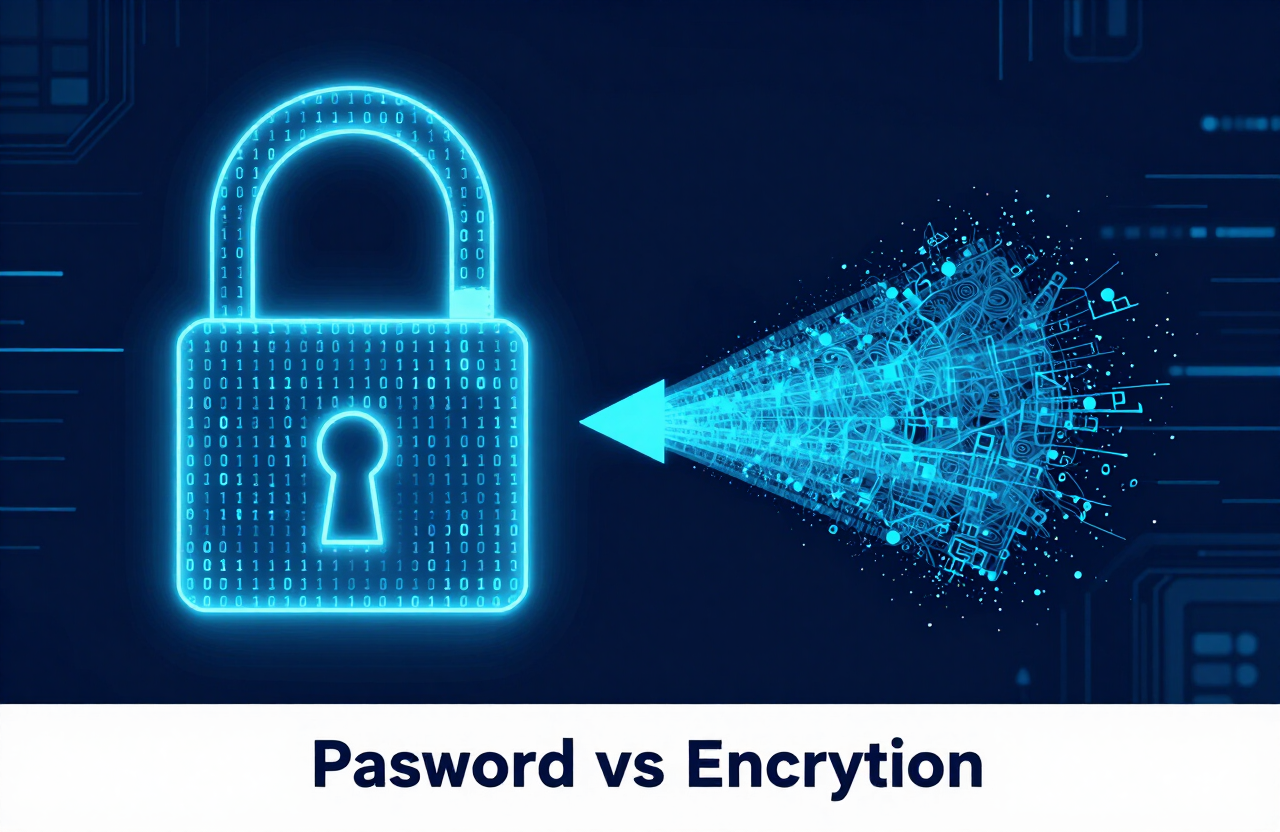
People often confuse hashing with encryption, but they serve very different purposes.
| Feature | Hashing | Encryption |
|---|---|---|
| Direction | One-way (irreversible) | Two-way (reversible) |
| Purpose | Verify data integrity | Protect and later recover data |
| Uses a key? | No | Yes |
| Output | Fixed-length hash | Variable-length ciphertext |
| Common use | Storing passwords | Securing messages, files |
Encryption is like locking a document in a safe — with the right key, you can unlock it and read the original. Hashing is more like putting food through a blender — once it's blended, there's no way to reconstruct the original ingredients. This is exactly why hashing is ideal for passwords. A website never needs to recover your original password — it only needs to verify that you typed the right one.
How Does Password Hashing Work?
Let's walk through the process step by step to understand what happens when you create and use an account.
Step 1: You Create a Password
When you sign up for a website and enter a password like SunnyBeach42, the site doesn't save it directly.
Step 2: The Password Is Hashed
The website runs your password through a hash function. This produces a unique, fixed-length hash — for example:
Hash: e807f1fcf82d132f9bb018ca6738a19f
Step 3: Only the Hash Is Stored
The website stores only the hash in its database — not your actual password. Your real password is never saved anywhere.
Step 4: You Log In Later
When you return and enter your password, the website hashes what you typed again and compares the new hash to the stored one.
- Match? You're granted access.
- No match? Access denied.
Because the same input always produces the same hash, the website can verify you without ever knowing your real password.
Why Are Hashed Passwords So Important?
Hashing is one of the most fundamental defenses in cybersecurity. Here's why it matters so much:
1. Protection During Data Breaches
Data breaches are inevitable. When a company's database gets stolen, hashed passwords mean attackers can't immediately read everyone's credentials. Instead of a list of usable passwords, they get a list of scrambled hashes.
2. Privacy From Insiders
Even the website's own employees and administrators can't see your actual password. This protects you from rogue insiders and reduces the company's liability.
3. Compliance and Trust
Storing hashed (not plaintext) passwords is a baseline requirement for security standards and regulations. Companies that store passwords in plaintext are considered dangerously negligent.
The Problem With Basic Hashing: Rainbow Tables
Hashing alone isn't foolproof. Because a specific password always produces the same hash, attackers created a clever workaround: rainbow tables. A rainbow table is a massive precomputed list of common passwords and their corresponding hashes. If an attacker steals a database of hashes, they can simply look up each hash in their rainbow table to find matching passwords. For example, if millions of people use the password 123456, its hash will always be the same — and it will appear in every rainbow table. This is where salting comes to the rescue.
What Is Password Salting?
Salting is the practice of adding a unique, random string of characters to each password before it's hashed. Here's how it changes things:
Password: 123456 → Hash: e10adc3949ba59abbe56e057f20f883e
With salt:
Password: 123456 + "x9$Qz" → Hash: a7f3c8b12e6d4590fka83b2c1d9e0f47
Because every user gets a different random salt, even two people with the identical password 123456 will have completely different hashes stored in the database. This makes rainbow tables useless — attackers would need to build a separate table for every single salt.
Why Salting Matters
- Defeats rainbow tables entirely
- Ensures unique hashes even for identical passwords
- Slows down attackers who must crack each password individually
Reputable websites always salt their passwords. It's a non-negotiable best practice in modern security.
Common Password Hashing Algorithms
Not all hash functions are created equal. Some older algorithms are now considered insecure, while modern ones are specifically designed to resist attacks.
Insecure / Outdated Algorithms
- MD5 — Fast but cryptographically broken; should never be used for passwords.
- SHA-1 — Deprecated due to known vulnerabilities.
Secure, Modern Algorithms
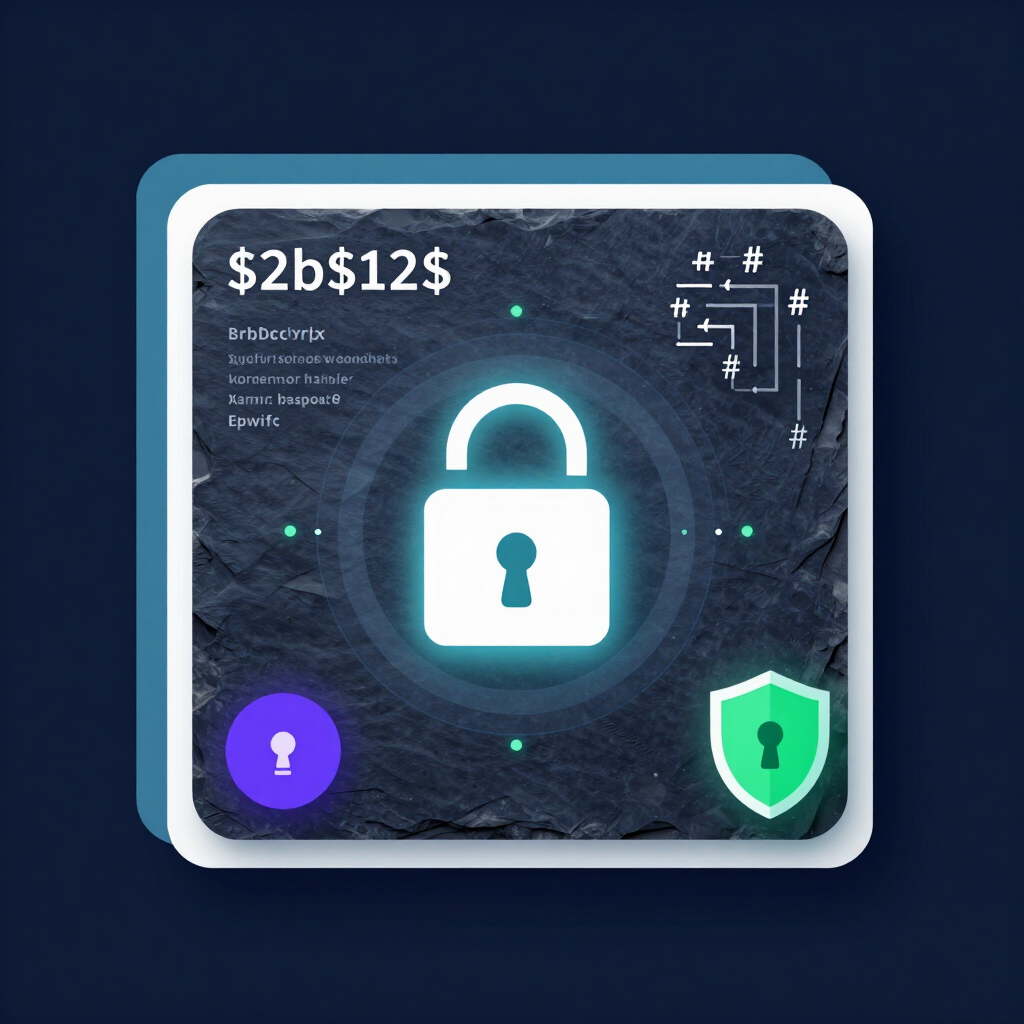
- bcrypt — Deliberately slow and includes built-in salting; widely trusted.
- scrypt — Memory-intensive, making large-scale attacks costly.
- Argon2 — The winner of the Password Hashing Competition and considered the current gold standard.
- PBKDF2 — Recommended by NIST and widely used in enterprise systems.
The key feature of these modern algorithms is that they're intentionally slow. While a fast hash like MD5 lets attackers test billions of guesses per second, a slow algorithm like bcrypt or Argon2 drastically limits how many guesses an attacker can make — buying you critical protection. According to NIST guidelines (SP 800-63B), password verifiers should use approved key derivation functions and always apply salting, reinforcing why these modern algorithms are the standard.
Can a Hashed Password Be Cracked?
Yes — but it's difficult, and the difficulty depends heavily on two factors: the strength of your password and the hashing method used. Even with proper hashing and salting, weak passwords can still be cracked through brute-force and dictionary attacks, where an attacker systematically hashes millions of password guesses to find a match. This is where you have direct control. A short, common password like password123 can be cracked quickly regardless of hashing. But a long, random password or passphrase creates so many possibilities that even the fastest attack would take billions of years. To generate a password that's virtually impossible to crack, use our free password generator tool, and learn more in our guide on how to create a strong password.
How to Protect Yourself (Even If a Website Doesn't)
You can't control how a website stores your password — but you can control the choices that keep you safe regardless:
1. Use Long, Unique Passwords
The longer and more random your password, the harder it is to crack even if a database is breached. Consider using a passphrase for critical accounts.
2. Never Reuse Passwords
If one site is breached and your password is cracked, attackers will try it everywhere else. Unique passwords contain the damage to a single account.
3. Use a Password Manager
Tools like Google Password Manager generate and store long, random passwords for every account. Google Password Manager also includes a Password Checkup feature that alerts you if any of your saved passwords have appeared in a known data breach — so you can change them immediately.
4. Enable Two-Factor Authentication (2FA)
Even if your hashed password is somehow cracked, 2FA adds a second barrier that stops attackers from accessing your account.
5. Monitor for Breaches
Stay informed about breaches involving services you use, and change affected passwords promptly.
Key Takeaways
So, what is a hashed password? It's your password transformed into an irreversible, scrambled string that websites store instead of your actual password. Combined with salting and modern algorithms like bcrypt or Argon2, hashing forms a powerful defense that protects your credentials even when databases are stolen. But hashing isn't magic — its effectiveness depends heavily on the strength of your password. By using long, unique passwords, enabling two-factor authentication, and relying on a password manager, you add layers of protection that keep you safe no matter how a website handles its security behind the scenes. Ready to create an uncrackable password? Generate one instantly with our free password generator.
Leave a comment
Comments are moderated before appearing. Please keep it respectful and on-topic. Your email is required for verification but is never displayed publicly or shared.