
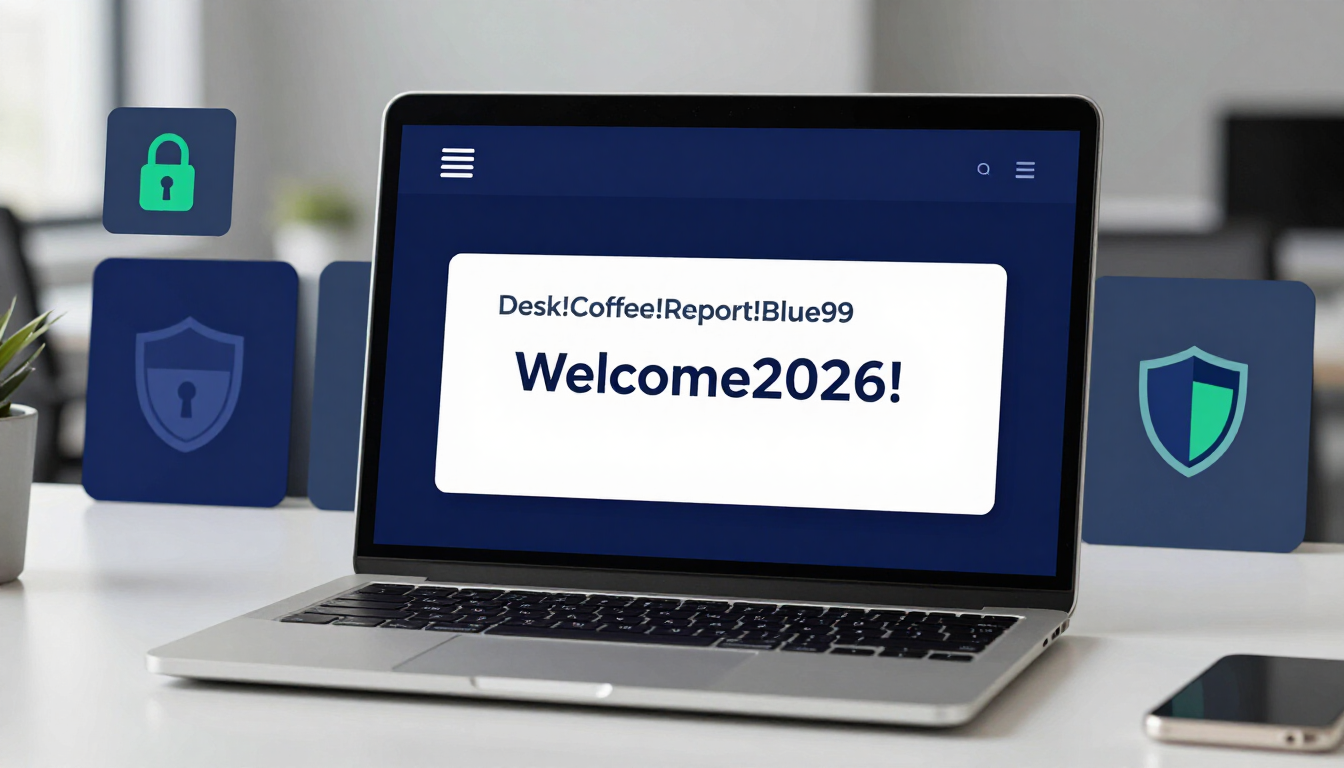
The best work password ideas use four unrelated words to form a long, memorable passphrase, such as Desk!Coffee!Report!Blue99. Strong workplace passwords must be at least 15 characters long. This length easily passes strict IT requirements, guarantees your account security, and prevents hackers from breaching corporate networks.
- Use 15+ characters — length is the only real weapon against modern AI brute-forcing.
- Stack four unrelated words into a passphrase instead of a single predictable word plus a number.
- Separate words with symbols (! # ? *) to satisfy IT complexity rules naturally.
- Keep it professional — never use offensive words, slang, or personal secrets in a workplace login.
- Never reuse a password across personal and corporate accounts.
- Enable Multi-Factor Authentication (MFA) as a mandatory second layer of defense.
The State of Workplace Cybersecurity in 2026
Corporate networks hold massive amounts of sensitive data. Hackers target employees directly because compromising one staff member often unlocks the entire company database.
Corporate Credential Stuffing
Many employees make the critical error of using their personal passwords for work accounts. Hackers buy lists of passwords stolen from random websites (like forums or streaming services).
They run automated software that tests these stolen credentials against corporate portals like Microsoft 365 or Slack. If you reuse a password, the hacker walks right through the front door of your company's network.
AI Brute-Forcing Against IT Policies
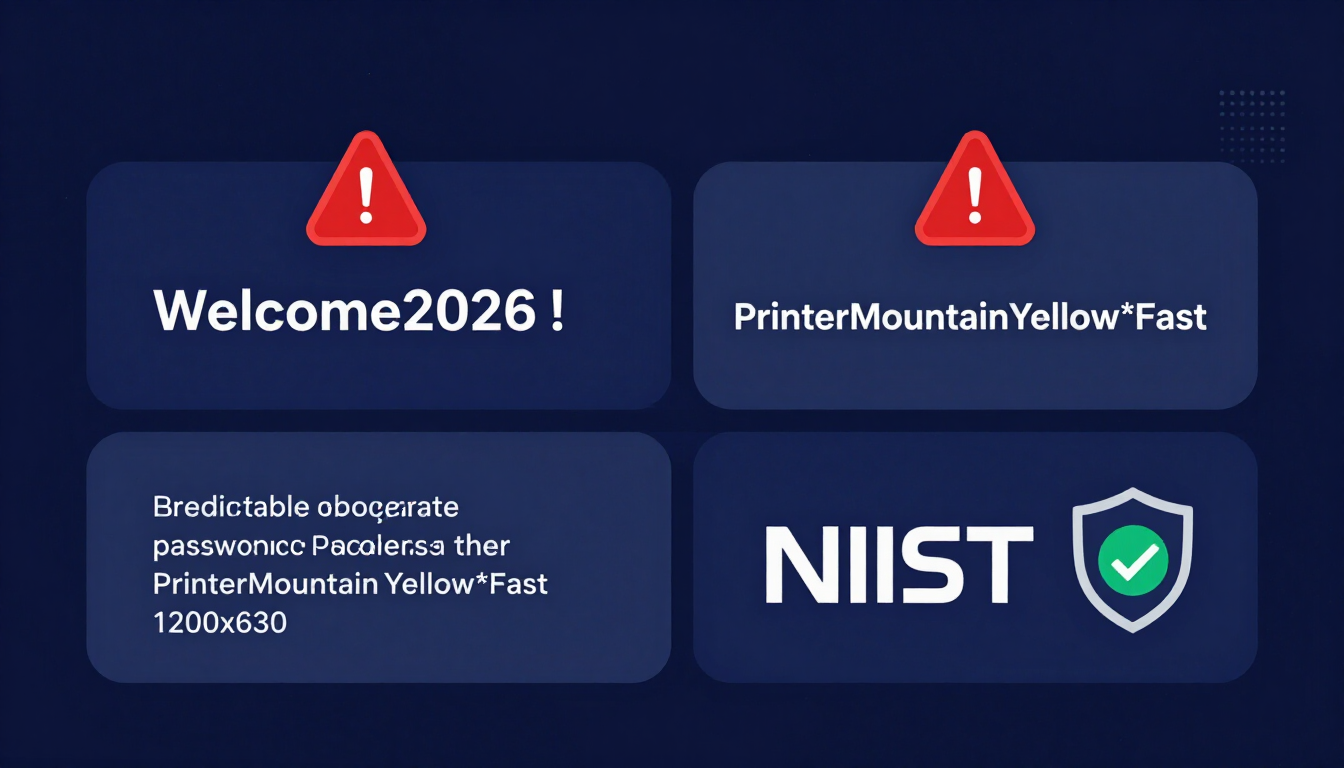
Traditional IT policies often require a capital letter, a number, and a symbol. Employees react predictably by creating passwords like Company2026!.
Artificial intelligence cracking tools know this exact pattern. An AI can guess these formulaic passwords in less than a second. You must break the pattern to defeat the AI. Length is your only real weapon. A 16-character passphrase outsmarts the fastest AI available today.
See how fast your current work login can be cracked with our Password Strength Checker Tool.
Categorized Work Password Ideas
A secure work password must be highly professional. Never use offensive words, slang, or personal secrets in a workplace login. IT administrators can sometimes see or audit these passwords during security reviews.
Here is a categorized list of work password ideas. Do not copy these exactly. Use them as a blueprint to create your own secure passphrase.
The "Office Environment" Passphrase
Look around your workspace. String together objects you see, then separate them with symbols.
| Base Idea | Secure Variation | Why It Works |
|---|---|---|
| Desk Items | C0ffee!St@pler!M0use99 | Uses common objects but scrambles the spelling. |
| Commute | Tr@in!W1ndow!R@in!Coat | Very long, easy to visualize on your way to work. |
| Meeting Room | B0ard!Wh1te!M@rker!77 | Highly professional, passes all IT complexity rules. |
| Breakroom | Fr1dge!Sn@ck!W@ter!Cup | Memorable, uses natural capitalization and symbols. |
Professional Goal-Oriented Passwords
Use your career goals or daily tasks as inspiration. This creates a positive mental reinforcement every time you log in.
- Sales Target:
S3ll!M0re!Pr0ducts!26 - Promotion:
M@nager!R0le!N3xt!Yr - Productivity:
F1nish!The!R3ports!N0w - Inbox Zero:
Cl3ar!My!Em@ils!F@st
The NIST Standard for the Workplace
The National Institute of Standards and Technology (NIST) sets the security baseline for corporate America. They recommend abandoning complex, hard-to-remember codes. Instead, they suggest using a string of four completely unrelated words.
This creates a massive password that is mathematically impossible to crack but very easy for a human brain to retain.
- Example 1:
PrinterMountainYellow*Fast - Example 2:
Client#Window#Velvet#Run - Example 3:
Project?Guitar?Cactus?Blue - Example 4:
Budget!Planet!Winter!Jump
The Golden Rule: Never Reuse a Password
Reusing passwords is the most dangerous habit in the corporate world.
You must strictly separate your personal life from your work life. Never use your Netflix, banking, or social media passwords for your company email.
If your favorite shopping website suffers a data breach, hackers will steal that password. If you reused it at work, the hackers now have access to your company's internal servers, client data, and financial records. Treat your work login as a completely isolated credential.
How to Use a Client-Side Password Generator Safely
Many IT departments require you to generate completely random character strings for specific secure systems.
A client-side password generator is the safest way to accomplish this in a corporate environment.
- Offline Generation: The password is created by your browser's memory, not a remote server.
- No Data Leakage: Because the data never travels over the internet, hackers cannot intercept it.
- Policy Compliance: You can easily adjust the generator settings to match your IT department's exact character requirements (e.g., exactly 20 characters, requiring specific symbols).
Generate an IT-compliant password with our Random Password Generator Tool.
Why You Absolutely Need an Encrypted Password Manager
Modern employees juggle logins for email, project management software, HR portals, and dozens of third-party tools. Memorizing them all is impossible.
A corporate password manager acts as a highly encrypted digital vault.
Securing the Enterprise
Password managers require one incredibly strong master passphrase. Once unlocked, the software automatically fills in your unique passwords for every work application.
Many companies issue enterprise password managers (like 1Password or Bitwarden) to their staff. Use our client-side generator to build maximum-security passwords, save them in your vault, and never worry about forgetting a login again.
Read our comprehensive guide on securing digital vaults with the Password Manager Guide.
The Final Layer: Setting Up Multi-Factor Authentication (MFA)
A strong password is no longer enough to protect a corporate network. Multi-Factor Authentication (MFA) is mandatory in 2026.
MFA requires a secondary piece of evidence to verify your identity. If a hacker steals your work password, they still cannot access the network without your physical second factor.
Workplace MFA Options
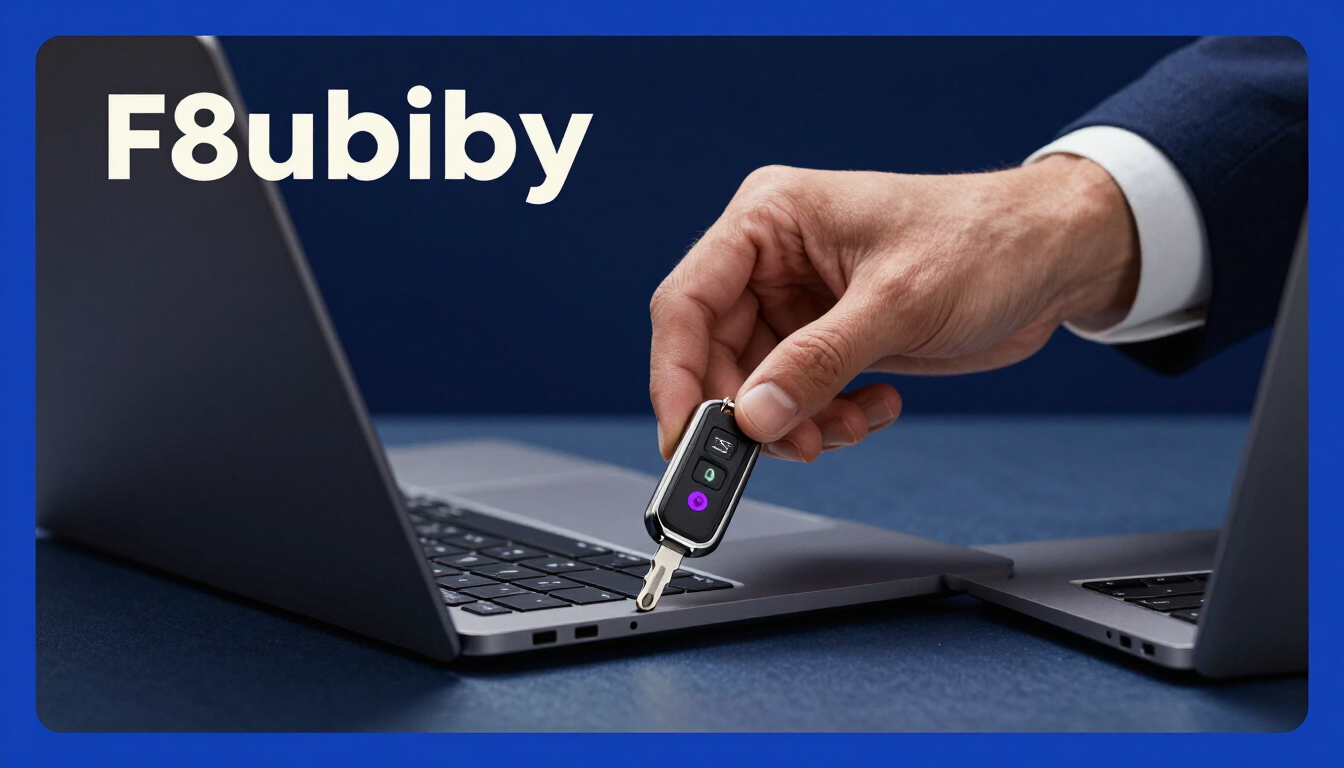
- Hardware Security Keys (YubiKey): A physical USB key you tap to log in. This provides the highest level of enterprise security and prevents all phishing attacks.
- Authenticator Apps: Apps on your corporate phone (like Microsoft Authenticator) that generate a time-sensitive 6-digit code.
- Push Notifications: A prompt sent to your phone asking you to "Approve" a login attempt.
Frequently Asked Questions
What are good password ideas for work?
Good work passwords are passphrases made of at least 15 characters. Combine four random words related to your office environment (e.g., "Stapler!Window!Coffee!Blue"). This ensures the password is secure, professional, and easy to type.
Why does my IT department make me change my password every 90 days?
Many IT departments still follow outdated security models. Forcing 90-day resets actually harms security because employees start creating predictable passwords (like changing "Fall2026!" to "Winter2026!"). NIST updated its guidelines to recommend against forced resets unless a breach occurs.
Can my employer see the passwords I create?
In most cases, IT cannot see your actual password; they only see an encrypted "hash" of it. However, if you type your password into an unencrypted internal tool or chat, they might see it. Always keep your work passwords professional.
Should I save my work passwords in my personal browser?
No. Never save work passwords in a personal Google Chrome or Safari profile. If your personal device is compromised, corporate data is at risk. Always use a dedicated, IT-approved enterprise password manager.
What is the best way to remember a complex work password?
Use the visualization method. If your passphrase is "Blue!Printer!Jump!Mountain", imagine a blue printer jumping over a mountain. The human brain remembers bizarre images much better than random strings of characters.
Can I use the same password for all internal company tools?
No. If you use the same password for your HR portal and your email, a breach in one system compromises the other. Use a password manager to generate and store unique passwords for every single application you use at work.
What happens if I forget my work password?
Do not panic. Contact your IT helpdesk immediately. They have protocols to securely verify your identity and issue a temporary reset link. Never ask a coworker to share their password with you while you are locked out.
Are PIN codes secure for work laptops?
Yes, if paired with a strong backend password. Technologies like Windows Hello use a local PIN (or biometrics) to unlock the specific device, which is highly secure as the PIN never leaves your physical laptop.
How do I know if my work password has been leaked?
Many modern enterprise password managers include "Dark Web Monitoring." They will automatically alert you if your corporate email or password appears in a known data breach. You can also check trusted security sites like HaveIBeenPwned.
Resources & Tools
Home Page
- Password Generator — https://createpassword.in/
Tutorials
- Security Documentation — https://createpassword.in/tutorials
Password Tools
- Password Generator — https://createpassword.in/create-password
- Password Generator — https://createpassword.in/tools/password-generator
- Password & Security Tools — https://createpassword.in/tools
- Passphrase Generator — https://createpassword.in/tools/passphrase-generator
Articles That Will Help You to Understand to Make Strong Passwords to Secure for Your Online Accounts
- The Ultimate Guide to Using a Password Generator Free — https://createpassword.in/blog/password-generator-free
- Passphrase vs Password — https://createpassword.in/blog/passphrase-vs-password
- Complete Guide to Creating Strong Password — https://createpassword.in/blog/complete-guide-strong-passwords-2026
- Passphrase vs Password: Which Is Better for Security — https://createpassword.in/blog/passphrase-vs-password-security
- 12 Character Password Generator: Free, Secure & Instant Tool — https://createpassword.in/blog/secure-12-character-password-generator


Leave a comment
Comments are moderated before appearing. Please keep it respectful and on-topic. Your email is required for verification but is never displayed publicly or shared.